

Analyst Intelligence ✓
Write SQL with AI in Google BigQuery
Verdict
A quick read before you dig into the full page.
- Best if
- Write SQL with AI in Google BigQuery
- Skip if
- No-code may limit customization
- Pick this when
- SQL Writing in BigQuery
Considering Grapha AI instead? Compare side by side
Overview
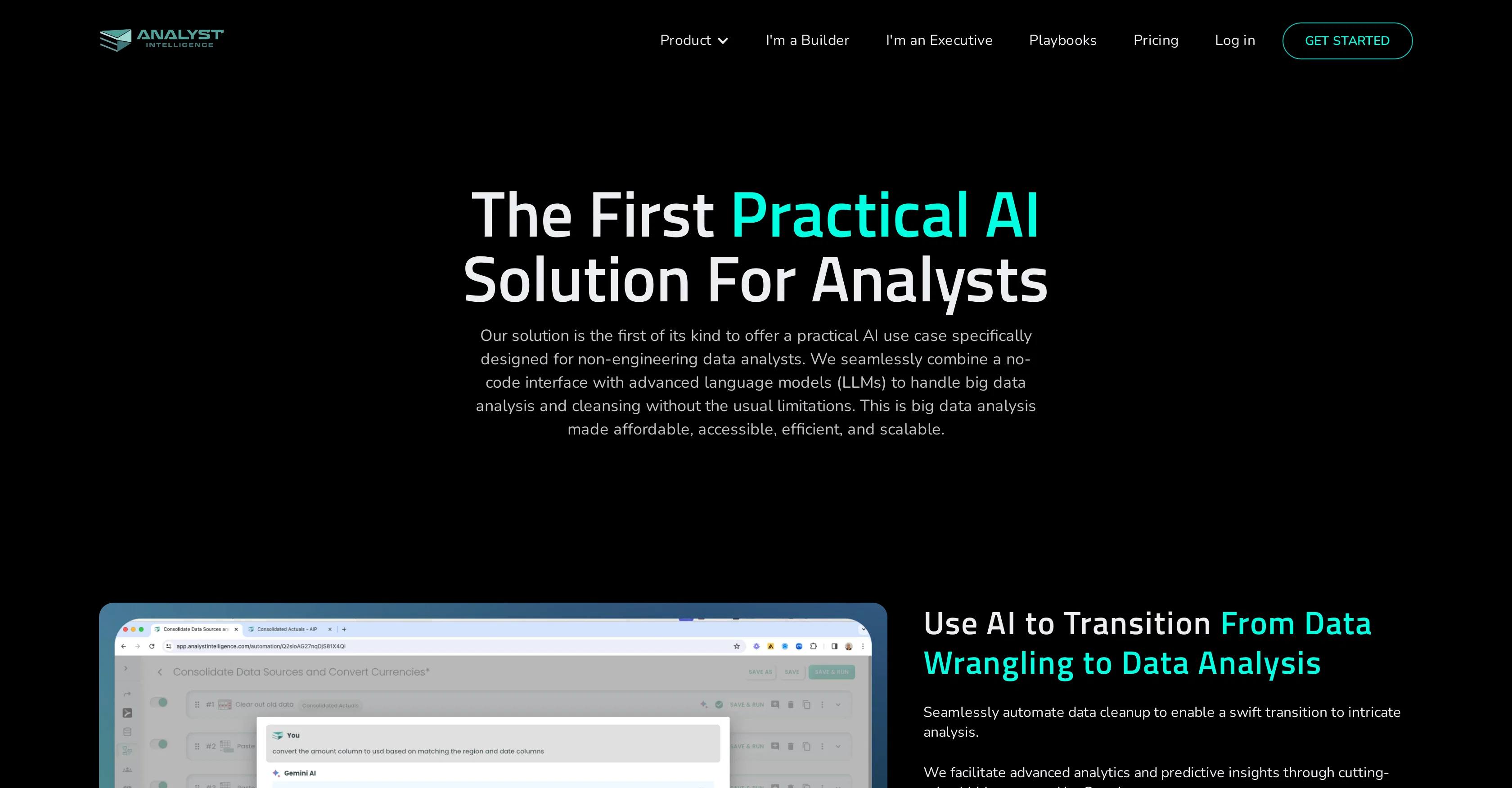
This AI tool is designed to effortlessly facilitate the writing of SQL directly within Google BigQuery. It's innovative and seems primely suited for individuals without engineering backgrounds.
The tool presents a unique approach to SQL analysis by combining a no-code user interface with advanced language models, making big data analysis and cleansing accessible, efficient, and scalable.
The tool automates data cleanup processes, allowing for a swift transition to complex analysis. This platform not only offers advanced analytics and predictive insights powered by the latest language models but also perfectly adapts to continuous business changes, striking a balance between accuracy and efficiency.
The AI capabilities have been designed to handle tasks such as data consolidation, currency conversion, KPI calculations, cohort analysis, pipeline analysis, win-rate analysis, revenue waterfall, variance analysis and time-series prediction among others.
As part of the Analyst Intelligence Platform, this tool is specifically designed to make financial analysis easy, making it a suitable solution for data analysts.
Access & connections
Where you can use Analyst Intelligence, and what it plugs into.
Platforms
Integrations
Capabilities
What this tool accepts, produces, and is strongest at.
Input
- Tabular
- Text
Output
- Code
- Tabular
Supported features
- Data Analysis
- SQL
Pros & cons
Pros
- SQL Writing in BigQuery
- No-Code Interface
- Advanced analytics
- Predictive insights
- Perfectly adapts to business changes
- Accuracy and Efficiency
- Automated Data Cleaning
- Data consolidation
Show 38 more
- Currency conversion
- KPI calculations
- Cohort analysis
- Pipeline analysis
- Win-rate analysis
- Revenue waterfall
- Variance analysis
- Time-series prediction
- Suitable for data analysts
- Automates cleanup processes
- Swift transition to analysis
- Facilitates financial analysis
- Works with Google Sheets
- Excel plugin
- Reporting capabilities
- Business Intelligence App
- Scenario Analysis Feature
- Headcount forecasting capability
- Power Query Alternative
- Advanced Language Models
- Automation of complex tasks
- Makes big data accessible
- BigQuery integration
- Supports non-engineers
- Analyst Intelligence Platform
- Efficient data wrangling
- Top-tier analytical expertise
- Automated Analytical Code Writing
- Affordable Big Data Analysis
- Streamlined Excel workflows
- Workflow Automations App
- Scalable Data Analysis
- Custom Demos
- Free Trial Available
- Excel Consolidation Feature
- Opex Variance Analysis
- Pipeline Stage Conversion Rate
- Win-Loss Analysis Feature
Cons
- Only for Google BigQuery
- No-code may limit customization
- Language models' limitations
- Only financial analysis focus
- Potentially complex for non-analysts
- Depends on business changes
- No multi-database support
- No clear security measures
Show 1 more
- Advanced analytics may confuse
Compare alternatives
Similar tools in the catalog — with a clear reason to open each one.

Grapha AI ✓
PaidUncover hidden trends and patterns in your data effortlessly.
from $150
Full comparison
DataSquirrel ✓
FreemiumData cleaning & visualization for insights gained.
Why look Higher community rating
Full comparison
Breadcrumb ✓
FreemiumAutomate data work and reporting with AI Agents. No data|coding skills required.
Why look Better fit for coding
Full comparison
Anomaly AI ✓
FreemiumAI data analysis workspace for business datasets and reports.
Free + from $25/mo
Full comparison

ChartPixel ✓
FreemiumAI-assisted graphs and insights in 30 seconds!
Why look Offers a public API
Full comparisonReleases 1
FAQ 12
What are the main features of Analyst Intelligence?
How does Analyst Intelligence assist in writing SQL in Google BigQuery?
How can non-engineers use Analyst Intelligence?
What tasks can be automated with Analyst Intelligence?
What role does advanced language models play in Analyst Intelligence?
What is the process for data cleansing in Analyst Intelligence?
What value does the no-code interface of Analyst Intelligence introduce?
How accommodative is Analyst Intelligence to changing business needs?
What kind of advanced analytics does Analyst Intelligence offer?
How suitable is Analyst Intelligence for financial analysis?
How does Analyst Intelligence handle data consolidation?
What are the capabilities of Analyst Intelligence in currency conversion?
Related tools
Recommended

PostPerfect ✓
FreemiumAutomated social media posts.

Hyperis ✓
FreemiumOrganized task prioritization.

LearningStudioAI ✓
Free TrialAI-powered authoring tool for effortless online course creation.

VenturusAI ✓
FreemiumBusiness idea analysis and reporting.

MagicSlides.app AI PPT Maker ✓
FreemiumCreate Stunning PPTs in Seconds with the AI PPT Maker

GPTExcel ✓
FreemiumGenerate spreadsheet formulas with AI