
Verdict
A quick read before you dig into the full page.
- Best if
- Think it, say it, saved
- Skip if
- Data importing limited
- Pick this when
- One-tap recording
Considering VoiceLine instead? Compare side by side
Overview
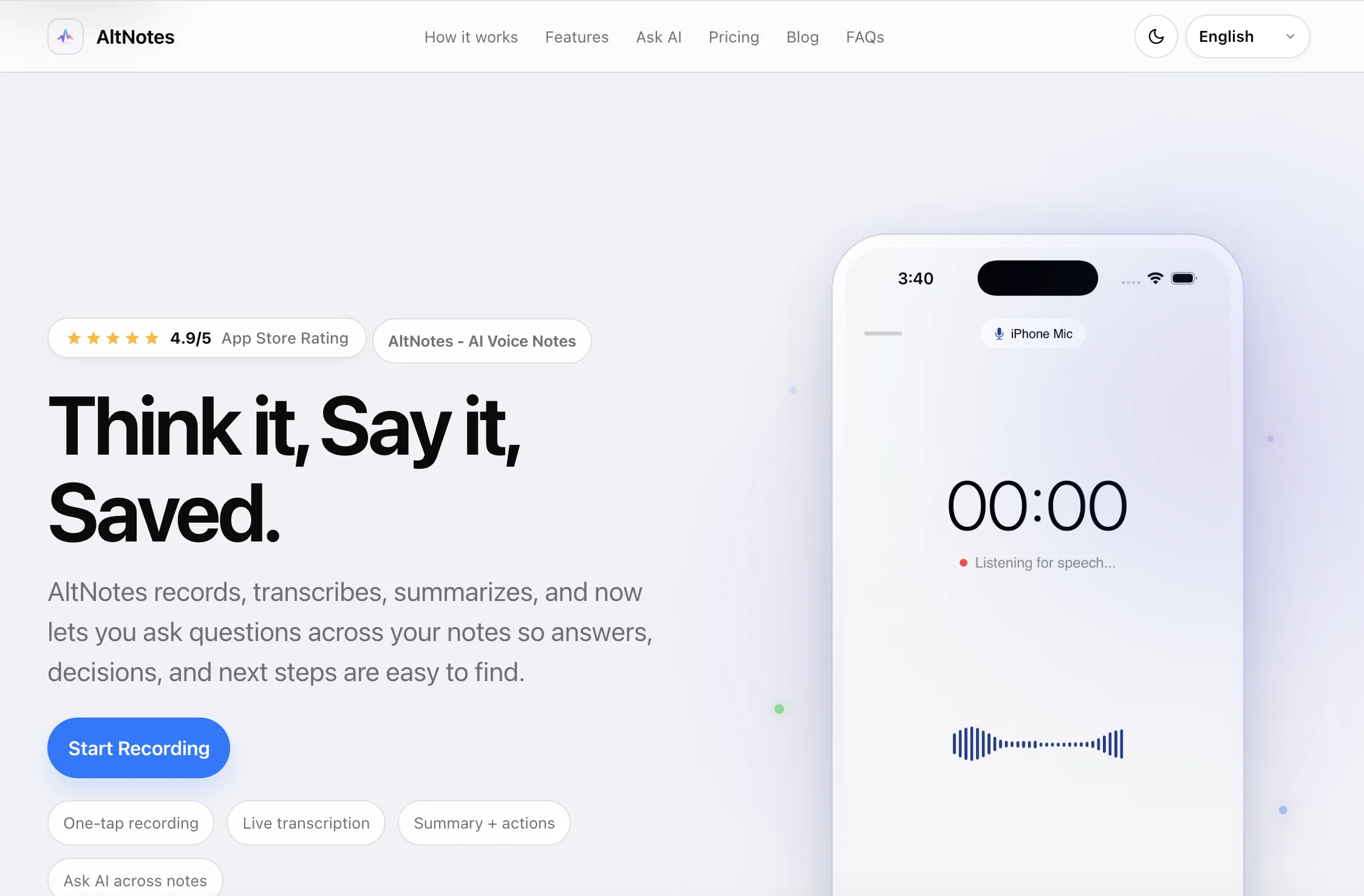
AltNotes is a voice-note tool for iPhones and iPads, designed to record, transcribe and summarize audio data. With one-tap recording feature, it allows for easy and quick capturing of notes or conversations.
Audio data is then transcribed in real-time, with the additional support for multiple languages. The distinctive feature of AltNotes lies in its ability to synthesize key points out of an audio recording, extracting crucial decisions, follow-ups and tags to distill meaningful summaries for users.
Post-recording, AltNotes also provides action triggers to facilitate easy scheduling of reminders or emailing the recaps. What sets AltNotes apart is its 'Ask AI' feature, where users can turn their previous recordings into an interactive database.
Users can pose natural questions to retrieve specific data from their recordings. The app not only provides answers but also indicates exact timestamps.
AltNotes also values user privacy by offering end-to-end encryption and allows existing audio to be imported into the tool to be transcribed. Additionally, the tool auto-generates tags and suggests tasks based on the content of your notes.
Overall, AltNotes is a comprehensive voice note tool for capture, understand, and follow-up on audio data.
Access & connections
Where you can use AltNotes.
Platforms
Capabilities
What this tool accepts, produces, and is strongest at.
Input
- Audio
Output
- Text
Supported features
- Transcription
Pros & cons
Pros
- One-tap recording
- Multiple language support
- Real-time transcription
- Audio summarization
- Auto-generated tags
- Task suggestions
- End-to-end encryption
- Audio import ability
Show 32 more
- Timestamp referencing
- Action triggers
- Scheduling reminders
- Emailing recaps
- Interactive database
- Private data protection
- Works on iPhones
- Works on iPads
- Automatic executive summaries
- Key decision extraction
- Follow-up reminders
- Smart tags
- Instant action triggers
- Semantic search
- Neural Engine search
- Lossless audio recording
- 99.4% transcription accuracy
- 99.8% search match
- In-app reminders
- Copy & Share feature
- Optimized for one-hand operation
- Screen lock prevention during recording
- On-device data storage
- Zero cloud storage
- Passcode protected links
- Task reminders and repeats
- Auto-summarized meeting notes
- Automatic speech recognition
- Speaker detection
- Sub-second latency transcription
- In-app reminder scheduling
- Email dispatch for recaps
Cons
- iOS only
- No android version
- No desktop support
- Real-time limitations
- Potential transcription inaccuracies
- Might miss context
- Privacy concerns
- Data importing limited
Show 2 more
- Natural-language-questions limitations
- Encryption end-to-end but storage?
Compare alternatives
Similar tools in the catalog — with a clear reason to open each one.

Slax Note ✓
FreemiumYour AI-powered voice notes. Turn voice into text in seconds.
Free + from $4.99/mo
Full comparison
Unote: AI Voice Notes ✓
FreemiumTransform voice into organized thoughts with AI.
Free + from $8.99/mo
Full comparison

VoiceTaking ✓
PaidLog thoughts with voice and AI analysis.
Why look Higher community rating
Full comparisonReleases 1
FAQ 12
What is AltNotes?
How does AltNotes work?
What devices are compatible with AltNotes?
How does AltNotes transcribe audio data?
In what languages does AltNotes offer support?
How does the 'Ask AI' feature in AltNotes work?
How does AltNotes synthesize key points from recorded audio?
What are the privacy features of AltNotes?
How does AltNotes generate tags and suggest tasks?
Does AltNotes provide action triggers?
Can I import existing audio into AltNotes?
How does AltNotes handle email recaps?
Related tools
Recommended

Voicenotes ✓
FreemiumA place to dump your thoughts.

SpeakNotes ✓
FreemiumConverts voice notes to summarized text efficiently.
Audionotes ✓
FreemiumVoice notes transcribed and summarized automatically.

Notis ✓
Free TrialThe first WhatsApp assistant that runs on your ChatGPT and Claude subscriptions
Clipto ✓
Free TrialAI transcription, summaries and video search across all your media

Nonverbia ✓
FreemiumSales Assistant and Coach that reads transcript, body language and Paralinguistics