

Slax Note ✓
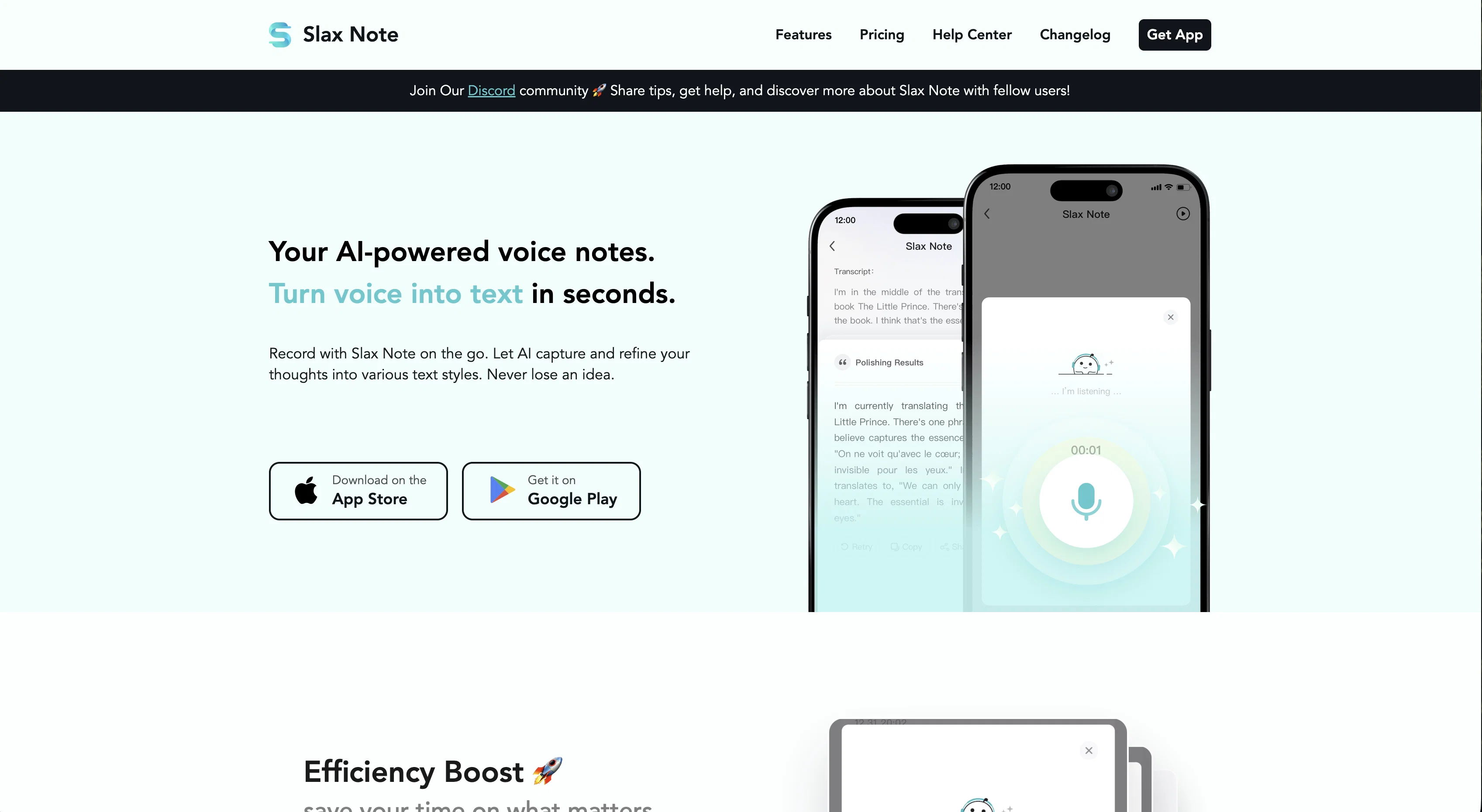
Your AI-powered voice notes. Turn voice into text in seconds.
Free + from $4.99/mo
Verdict
A quick read before you dig into the full page.
- Best if
- Your AI-powered voice notes. Turn voice into text in seconds
- Skip if
- 30 minutes recording limit
- Pick this when
- Swift voice-to-text conversion
Considering VoiceLine instead? Compare side by side
Overview
Advantages/Features:
- Capture your idea with AI transcription.
- AI automatically optimizes text and punctuation.
- Copy and share notes anywhere with ease.
- Built-in ready-made styles for various scenarios.
- Customize prompt to suit personalized needs.
- Designed for multiple scenarios: personal voice memos, content creation, schedule organization, meeting minutes, learning notes.
Access & connections
Where you can use Slax Note.
Platforms
Capabilities
What this tool accepts, produces, and is strongest at.
Input
- Audio
Output
- Text
- Image
Pros & cons
Pros
- Swift voice-to-text conversion
- Variety of text styles
- Remarkable transcription accuracy
- Auto punctuation addition
- Intelligent 'Ghostwriting' functionality
- Customizable prompts
- Versatile use-cases
- Instant verbal ideas transcript
Show 30 more
- Notes sharing as text/image
- Offline voice recording available
- Auto text optimization
- Ready-made styles for scenarios
- Versatile in schedule organizing
- Fleeting thoughts capturing
- No typing content creation
- Easily integrates with workflows
- One-click recording option
- High transcription accuracy
- Personalized prompts for needs
- Generates polished text
- Supports major languages
- Auto-refines speech drafts
- Clear, logical output
- Removes filler words
- Handles disfluencies in speech
- Optimizes shared notes everywhere
- Automatic content refinement
- Refines spoken content
- Helps consistent thought recording
- 30 minutes recording limit
- Editable converted text
- Supports different text styles
- Local audio file storage
- Secure user privacy
- Easy note exporting
- Improved communication management
- Early-bird pricing option
- Clear audio input support
Cons
- Requires internet for conversion
- No audio file uploads
- 30 minutes recording limit
- Limited languages supported
- Local storage of recordings
Compare alternatives
Similar tools in the catalog — with a clear reason to open each one.


Unote: AI Voice Notes ✓
FreemiumTransform voice into organized thoughts with AI.
Free + from $8.99/mo
Full comparison

VoiceTaking ✓
PaidLog thoughts with voice and AI analysis.
Why look Higher community rating
Full comparison
Releases 1
Imported reviews 12
This AI productivity tool has truly revolutionized how I manage my tasks, making it effortless to stay organized and focused throughout the day!
This AI productivity tool truly streamlines my tasks and helps me stay focused throughout the day - a real game-changer for boosting efficiency!
Translation is very bad
A must - have for writers. It lets you jot down ideas anywhere, anytime. Just record them when inspiration strikes. Later, pick what you need for writing, like a portable idea bank.
Its speech - to - text is really accurate. Fast - talking or a bit of noise? No problem. It rarely makes mistakes. So impressive!
My go - to during meetings. When I can't use a laptop, it records and transcribes meeting points perfectly. Ensures I don't miss anything. Easy to review later.
Like this App.Super helpful for language learners. Records lectures, and AI helps with understanding. Plus, it supports multiple languages, which is amazing!
The AI polishing in Slax Note is a real lifesaver. It quickly polishes rough voice - to - text notes. No more long - hours of editing. Saves so much time and effort.
Slax Note rocks! It's great for recording casual talks. No more worries about forgetting chat content as it catches every word clearly. So convenient!
Slax Note is extremely user - friendly. Even the elderly can use it. One - click recording is so simple. The whole process, from recording to sharing, is a breeze.
A fantastic AI assistant tool that has tremendously boosted my work efficiency. Its speech - to - text is really accurate. Fast - talking or a bit of noise? No problem. It rarely makes mistakes. So impressive!
a productive AI tool that really help much to my content creation
FAQ 12
How accurate is Slax Note in converting speech to text?
Does Slax Note work offline?
Can I share my notes from Slax Note to other platforms?
What is the 'Ghostwriting' feature in Slax Note?
Can I customize prompts in Slax Note?
How does Slax Note add punctuation to match the speaker's tone?
In what scenarios can I use the Slax Note?
Can I use Slax Note to generate written content from verbal ideas?
Does the Slax Note require an internet connection for text conversion?
How can Slax Note help me during a meeting?
Can I use Slax Note to organize my schedule?
Are the notes I take with Slax Note shareable as images?
Related tools
Recommended

TheLibrarian.io ✓
Free TrialYour WhatsApp AI assistant for instant productivity.

Notis ✓
Free TrialThe first WhatsApp assistant that runs on your ChatGPT and Claude subscriptions

Collate ✓
FreeUnlimited free and private summaries and chat with PDF

Storytell.ai ✓
FreemiumTurn your data chaos into meaningful insights

Syft ✓
FreeAI-powered news tracking for any topic worldwide

biela.dev ✓
Free TrialIf you can imagine it, Biela can code it!