

AlephAI.app ✓
Edit and generate stunning videos with AI.
Trial; then from $7.92/mo
Verdict
A quick read before you dig into the full page.
- Best if
- Edit and generate stunning videos with AI
- Skip if
- No watermark removal
- Pick this when
- Simplifies video editing
Considering freebeat AI instead? Compare side by side
Overview
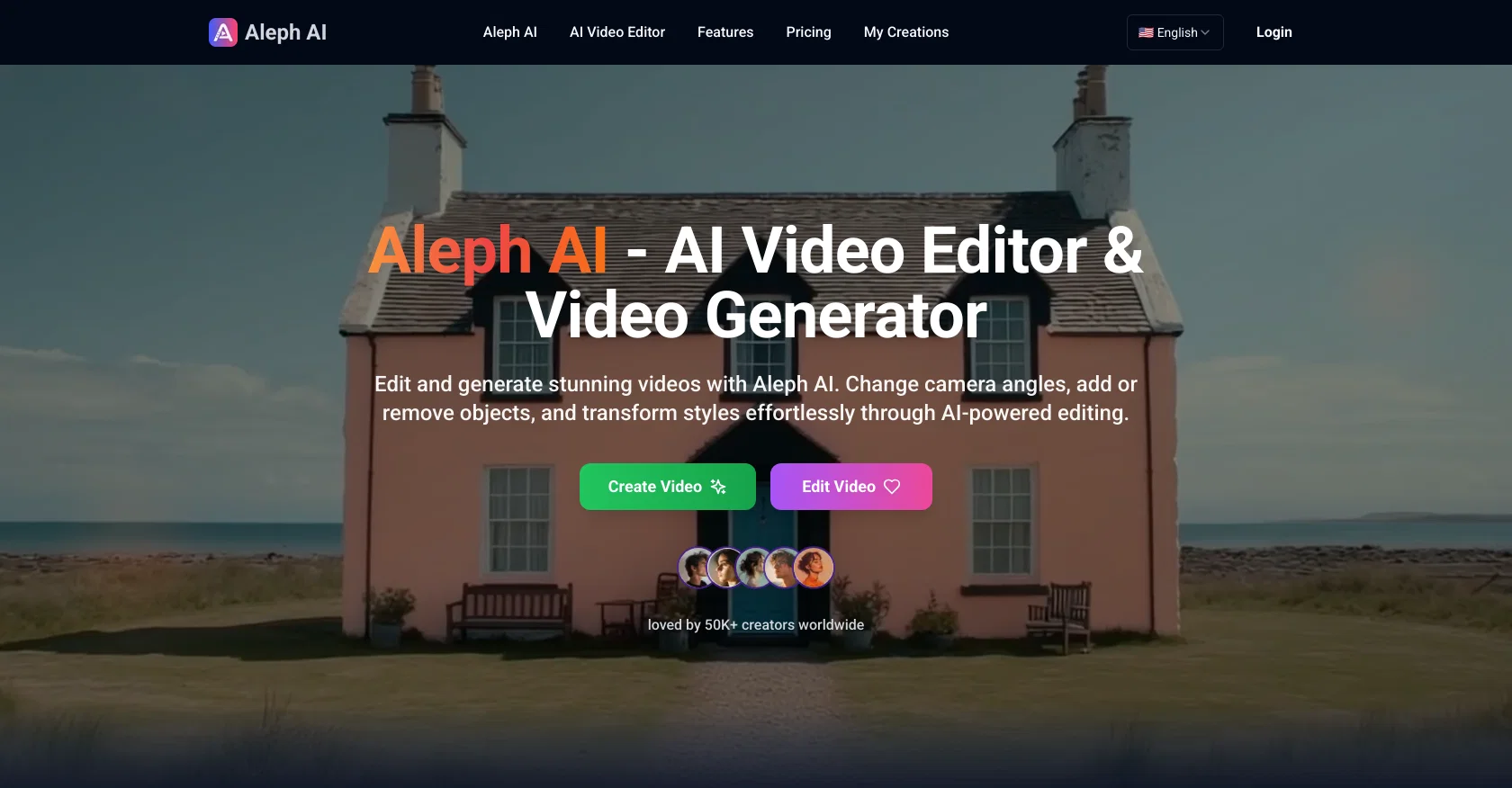
Aleph AI is a free AI-powered video editor and video generator. It allows for a wide array of modifications and transformations to video content through simple text prompts, eliminating the need for traditional extensive technical knowledge and time-consuming manual work.
Users can swiftly add or remove objects, change camera angles, significantly transform video styles, and alter environments. The tool excels in handling multiple editing tasks concurrently and provides features such as dynamic camera control, intelligent object manipulation, advanced style transfer, real-time environment changes, and precision visual control.
The AI video editing engine incorporates state-of-the-art artificial intelligence to create smooth transitions and maintain visual consistency, as well as understand space and lighting to ensure added elements look natural and realistic.
The editor is optimized for popular formats and delivers high-quality video output across all formats. All videos created are cleared for commercial use.
Access & connections
Where you can use AlephAI.app.
Platforms
Capabilities
What this tool accepts, produces, and is strongest at.
Input
- Text
- Video
Output
- Video
Highlights
- SOTA
Pros & cons
Pros
- Simplifies video editing
- Text prompt controls
- Dynamic camera control
- Intelligent object manipulation
- Real-time environment changes
- Precision visual control
- Smooth transitions
- Visual consistency
Show 39 more
- Understands space and lighting
- Works with popular formats
- High-quality video output
- Cleared for commercial use
- Simultaneous multi-task editing
- Advanced style transfer
- Supports video generation
- Eliminates technical knowledge need
- User-friendly design
- Instant processing
- Transforms video styles
- Automated video generation
- Lighting and shadow adjustment
- Alters video environments
- Adds or removes objects
- Change camera angles
- Maintains natural flow
- Creates visually coherent edits
- Easy object addition and removal
- Handles multiple editing tasks
- Effortless style transformation
- Realistic output generation
- Supports JPG, PNG, WEBP
- Generates new camera angles
- Effortless environment edits
- Change backgrounds instantly
- Fine-tune video elements
- Commercial-use permissions
- Processes videos quickly
- No extra fees
- Supports MP4, AVI, MOV, WMV
- Files deleted after processing
- Safe and secure processing
- Multiple edits on same footage
- Audience of 50K creators
- Transforms through natural language
- No complex software needed
- Enterprise-grade encryption
- Fast and efficient optimization
Cons
- Only supports short videos
- Requires text prompts
- No manual editing
- Limited video formats
- Specific language required
- No language processing
- No audio editing
- No watermark removal
Show 2 more
- No offline usage
- Single user support
Compare alternatives
Similar tools in the catalog — with a clear reason to open each one.

freebeat AI ✓
FreemiumTurn Music & Ideas into Viral Videos In One Click
Why look Typically cheaper
Full comparison
MagicLight ✓
FreemiumTransform text into captivating videos instantly.
Free + from $8.4/mo
Full comparison



Seedance ✓
FreemiumMulti-shot video generation from text and image.
Why look Stronger for image work
Full comparisonReleases 1
FAQ 12
What is Aleph AI?
How does Aleph AI work with simple text prompts?
Can Aleph AI remove objects from a video?
How does Aleph AI change camera angles?
What's the process to alter video styles with Aleph AI?
Can Aleph AI modify the environment of my video?
Is Aleph AI capable of handling multiple editing tasks concurrently?
What is dynamic camera control in Aleph AI?
How does intelligent object manipulation work in Aleph AI?
What does advanced style transfer mean in Aleph AI?
Does Aleph AI provide real-time environment changes?
What is meant by precision visual control feature in Aleph AI?
Related tools
Recommended

DeepSeek ✓
FreeUnravel the mystery of AGI with curiosity

Automateed ✓
Free TrialCreate eBooks effortlessly with Automateed, the AI-powered writing tool.

Recall ✓
FreemiumSummarize Anything, Forget Nothing!

Suno ✓
FreemiumMake music at the speed of your ideas.

IllumiChat ✓
FreemiumFrom Ticket Backlog to Instant Answers Powered by AI

Perplexity ✓
FreemiumAI-powered answers to any question, instantly.