

Alai ✓
Create high quality presentations with AI
Trial; then from $16/mo
Verdict
A quick read before you dig into the full page.
- Best if
- You are entrepreneurs and need: Founders creating pitch decks
- Skip if
- Limited customizability
- Pick this when
- Responsive canvas
Considering MagicSlides.app AI PPT Maker instead? Compare side by side
Overview






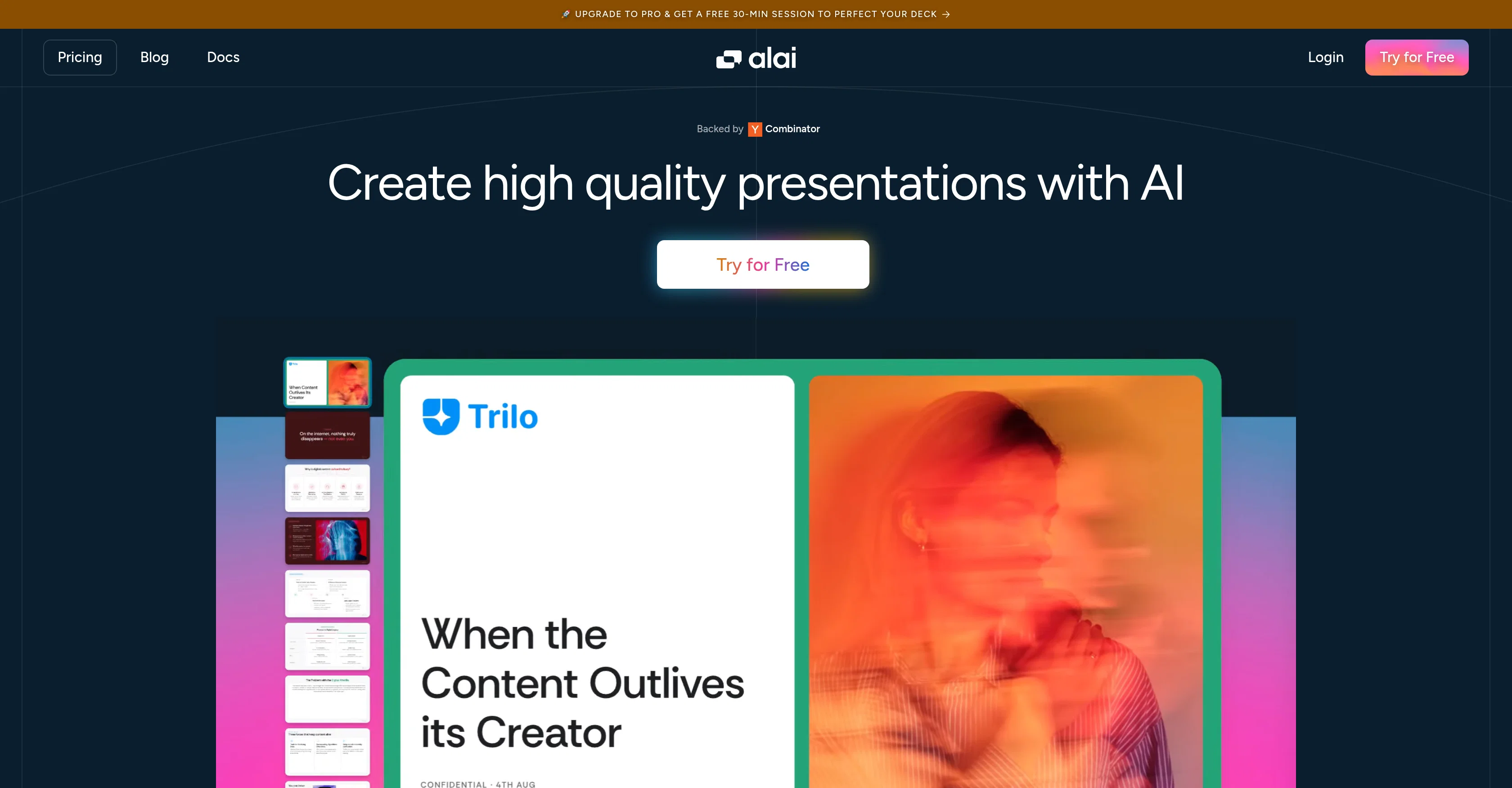
Alai focuses on quality and control. The user starts with 4 AI generated options for every slide. Each slide sits on a responsive canvas that adjusts automatically as you add or move content, so you never have to fix alignment or spacing.
Slides are built with a library of rich visual elements that fit real presentation needs like comparisons, funnels, and timelines. You can customize their look with presets or precise controls. Every AI action in Alai understands your entire deck. You can rewrite, split or merge slides, change layout or try different visualizations for your content.
Alai lets you import existing documents and presentations, restyle them, and export the final output in PDF or PowerPoint formats. Developers can also use Alai’s API to generate presentations programmatically.
- 4 Ai Generated Options Per Slide
- High Quality Design
- Customizable Branding
Best for
Short scenarios where Alai tends to shine.
-
Founders creating pitch decks
Best for Entrepreneurs
-
Marketers creating campaigns
Best for Founders
-
Consultants creating proposals
Best for CEOs
-
Professionals creating decks for collaboration, clients etc.
Best for Marketing Professionals
Example outputs 1
Sample generations and before/after results for Alai.
Access & connections
Where you can use Alai.
Platforms
Capabilities
What this tool accepts, produces, and is strongest at.
Input
- Image
- Text
- Video
Output
- Image
Highlights
- Agents
- API
Supported features
- Agents
- API
Pros & cons
Pros
- Responsive canvas
- Automatic alignment and spacing
- Library of visual elements
- Built-in presets
- Option to re-visualize
- Supports importing documents
- Supports exporting in PDF, PowerPoint
- API for developers
Show 13 more
- Real-time customer service
- Consistent deck maintenance
- Early stage conceptualization
- Exceptional design quality
- Optimized Information Synthesis
- User-friendly interface
- Regarded highly by users
- Free trial availability
- Backed by Combinator
- Upgrade to Pro incentives
- Integration with Pangea.ai
- Quick deck creation
- Pixel-perfect layouts
Cons
- Limited visual elements presets
- May require manual refinements
- Unclear data visualization capabilities
- Only exports in PDF, PowerPoint
- Limited slide layout options
- No offline version available
- Limited customizability
Compare alternatives
Similar tools in the catalog — with a clear reason to open each one.

MagicSlides.app AI PPT Maker ✓
FreemiumCreate Stunning PPTs in Seconds with the AI PPT Maker
Why look Typically cheaper
Full comparison
NextDocs.io ✓
FreemiumThe AI-native editor for docs, slides, and more
Free + from $20/mo
Full comparison
Gamma ✓
FreemiumAI-powered content creation, minus the hassle.
Why look Typically cheaper
Full comparison
AI Slide Generator ✓
Free TrialCreate stunning presentations from any text in seconds
Why look Typically cheaper
Full comparison

People also view
Tools that often show up alongside Alai in collections and comparisons.
NextDocs.io ✓
FreemiumThe AI-native editor for docs, slides, and more

Younet ✓
Free TrialAI Agent Orchestration and Automation. Build your agentic business.

Snow chat ✓
Free TrialYour personal AI workspace

Typeface ✓
Free TrialPersonalized AI storytelling for enterprise content creation

Publer AI ✓
FreemiumAI-powered social media content creation and management

PostPerfect ✓
FreemiumAutomated social media posts.

Ocoya ✓
Free TrialYour AI-powered hub for seamless social media scheduling and content creation.

Flamel ✓
FreemiumTurn each franchise into a local marketing engine.
Releases 1
FAQ 12
How does Alai automate the creation of presentation slides?
Can Alai maintain consistency across my presentation deck?
What are the specific ways in which Alai's AI system interprets and synthesizes user information?
How user-friendly is Alai's interface?
Can Alai be used by both individuals and organizations?
Does Alai offer custom design tools for presentations?
Can Alai help with early conceptualization of presentations?
Is Alai suitable for corporate use?
Does Alai offer any plans or packages for frequent users?
What kind of aesthetics can I achieve with Alai?
How does Alai enhance the coherence of my presentations?
Does Alai provide any free trials for first-time users?
Related tools
Recommended

Notis ✓
Free TrialThe first WhatsApp assistant that runs on your ChatGPT and Claude subscriptions

remio: Your Personal ChatGPT ✓
FreemiumGet Tailored Answer with Your Personal ChatGPT
Younet ✓
Free TrialAI Agent Orchestration and Automation. Build your agentic business.

Stratup.ai ✓
FreemiumInnovative idea generation for businesses.

ChatGPT ✓
FreemiumAsk anything, create anything, and move from idea to action.

Mindsmith ✓
FreemiumPlatform for building and sharing eLearning content