

Aider Chat ✓
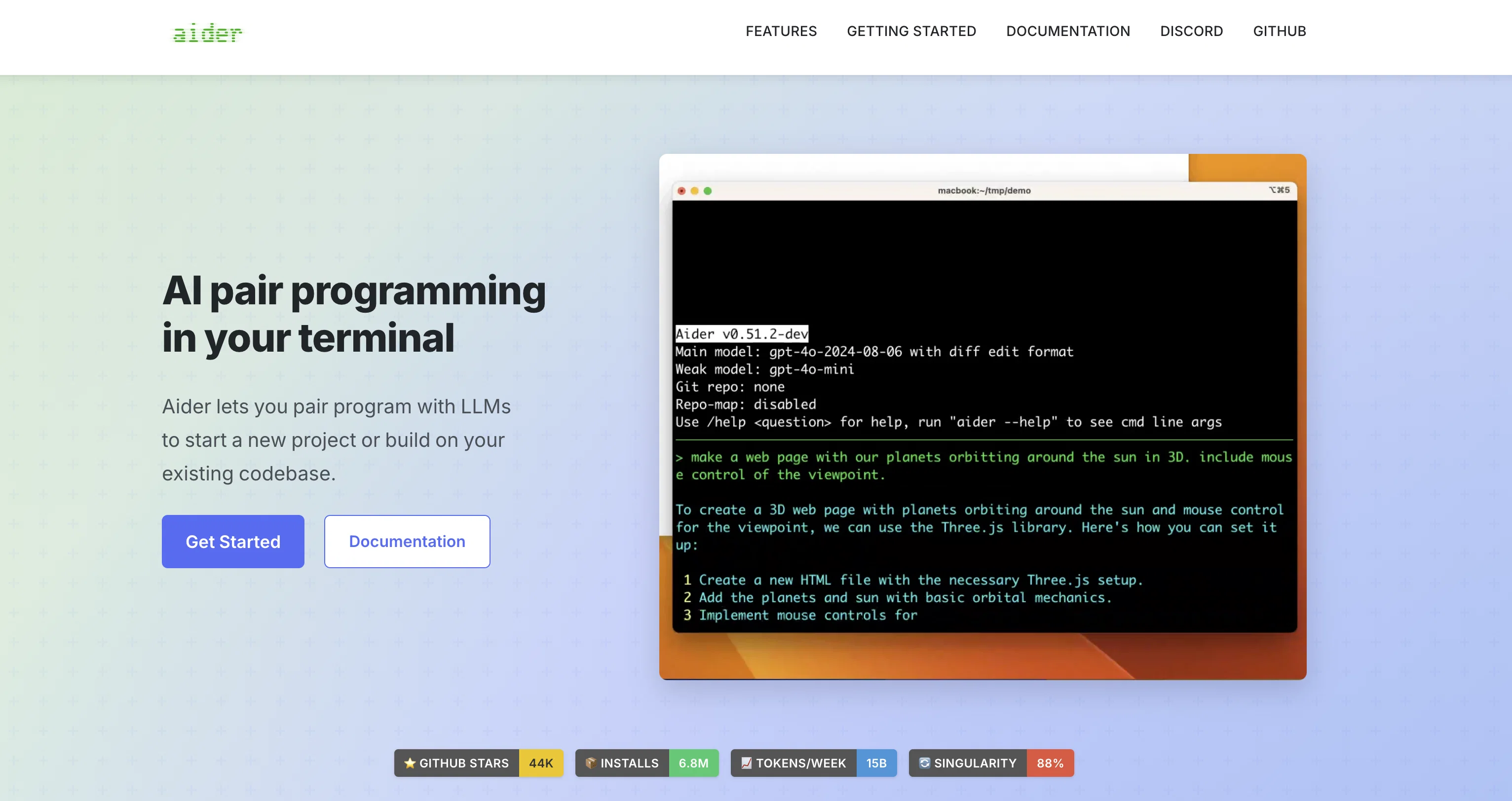
AI pair programming in your terminal
Verdict
A quick read before you dig into the full page.
- Best if
- AI pair programming in your terminal
- Skip if
- You need enterprise SLAs or a fully managed team plan right away
- Pick this when
- Free · Free
Considering Cursor instead? Compare side by side
Overview
Aider is an AI-powered command-line chat tool designed for pair programming with GPT-3.5/GPT-4. It allows developers to edit code stored in their local git repository by seamlessly switching between the aider chat and their own code editor.
Aider ensures that edits from both the developer and GPT are committed to git with descriptive commit messages. One notable feature of Aider is its compatibility with pre-existing, larger codebases.To get started with Aider, users can install the tool via pip and set their OpenAI API key.
They can then launch Aider from the command line, specifying the source code files they want to work on. Alternatively, Aider can automatically discover all files in a git repo and add them to the chat session.Aider supports chat commands that allow users to add or remove files, undo commits, display commit diffs, run shell commands, and even request code changes using voice commands.
Aider also excels in making coordinated code changes across multiple source files in a single changeset/commit.In terms of code editing capabilities, Aider can work with popular programming languages such as Python, JavaScript, TypeScript, HTML, and CSS.
It allows users to request new features, bug fixes, and improvements, as well as make manual edits using their preferred code editor. Aider also has the ability to provide GPT-4 with a comprehensive map of the entire git repository, which greatly aids in understanding and modifying large codebases.Overall, Aider provides a powerful and collaborative environment for developers to work with GPT-3.5/GPT-4 in pair programming scenarios, leveraging AI to enhance code development and streamline version control processes.
Access & connections
Where you can use Aider Chat, and what it plugs into.
Platforms
Integrations
Capabilities
What this tool accepts, produces, and is strongest at.
Input
- Tabular
- Text
Output
- Code
- Text
Supported features
- CLI
Compare alternatives
Similar tools in the catalog.


OnSpace.AI - No Code App Builder ✓
FreemiumBuild Apps with AI, No Code
Free + from $20/mo
Full comparison

Github Copilot ✓
FreemiumAI-powered coding assistant for faster development
Free + from $10/mo
Full comparison

Releases 1
Imported reviews 1
It's a great AI assistant that have made my coding life so much easier.
Related tools
Recommended

Perplexity ✓
FreemiumAI-powered answers to any question, instantly.

Claude ✓
FreemiumBuilding reliable, interpretable AI systems

What-A-Prompt ✓
FreeSupercharge your ChatGPT prompts for better results.

Codeium ✓
FreemiumAI-powered code completion for 20+ languages

Grok ✓
FreemiumConversational AI for understanding the universe.

bolt.new ✓
FreemiumBuild web apps with AI prompts