

AI Slides to Videos ✓
Turn Google Slides into AI videos in minutes
from $7.50/mo
Verdict
A quick read before you dig into the full page.
- Best if
- Turn Google Slides into AI videos in minutes
- Skip if
- Could have learning curve
- Pick this when
- Turns slides to videos
Considering Presentation to Video instead? Compare side by side
Overview
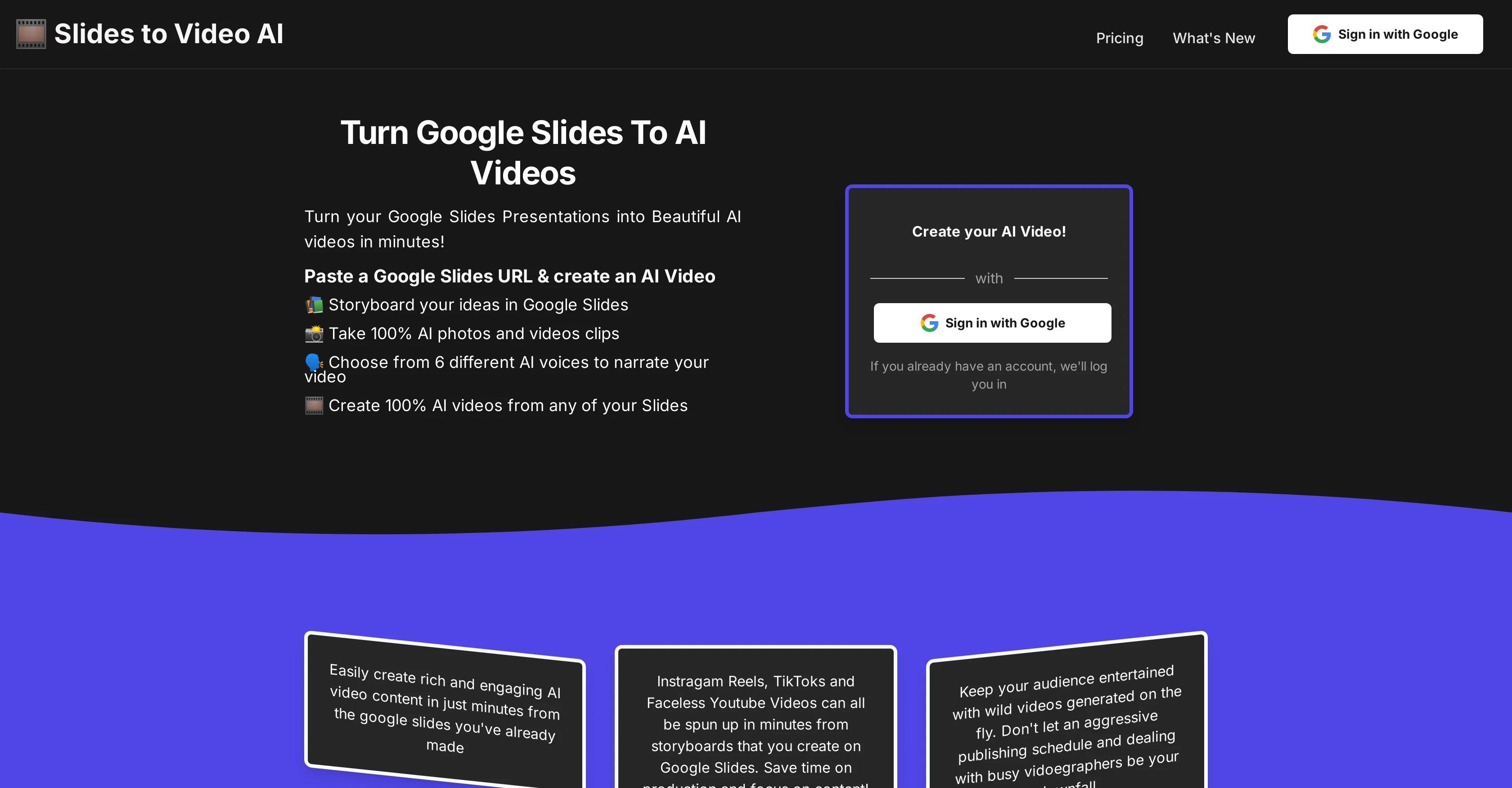
AI Slides to Videos is a tool design to convert Google Slides presentations into AI-generated videos. This tool can be effectively used to transform presentations into dynamic media content, making it ideal for a variety of utilization including fundraising campaigns, marketing strategies, content creation, YouTube content production, podcast visuals, storyboard visualization, compliance training, event promotions, meme generation, and faceless YouTube account media generation.
The user can storyboard their ideas in Google Slides, convert the slides into video clips or photos via AI, and pick from a selection of AI voices for narration.
This tool offers a streamlined process for video production that could otherwise take lots of time and resources. This makes it beneficial for content creators looking to enhance their output, marketing professionals seeking to boost their campaign's engagement, and for other various practices desiring fast and efficient video creation.
Access & connections
Where you can use AI Slides to Videos.
Platforms
Capabilities
What this tool accepts, produces, and is strongest at.
Input
- Text
Output
- Video
Supported features
- SynthID
Pros & cons
Pros
- Turns slides to videos
- Ideal for many applications
- Facilitates storyboard visualization
- Rapid video production
- Facilitates faceless YouTube content
- Option to sign in with Google
- Can spin up social media content
- Great for fundraising campaign videos
Show 12 more
- Generates marketing video content
- Assists in compliance training videos
- Generates event promotion/recap videos
- Meme generation
- Beneficial for concert promoters
- Supports various aspect ratios
- Reusable characters in photos
- Options for different video styles
- High customer satisfaction
- Consistent characters across different scenes
- Instructional guide available
- Saves time and money
Cons
- Limited to Google Slides
- Requires Google Account
- Limited video styles
- No integrated editing capabilities
- Could have learning curve
- No multi-platform output support
- No support for live recording
- Inconsistency in video output quality
Compare alternatives
Similar tools in the catalog — with a clear reason to open each one.

Presentation to Video ✓
FreemiumTurn your slides into narrated videos with AI voiceover
Why look Freemium alternative
Full comparisonReleases 1
FAQ 12
What is AI Slides to Videos?
How does AI Slides to Videos convert Google Slides into videos?
What are some utilization for AI Slides to Videos?
Can AI Slides to Videos be used for YouTube content production?
How does the AI narration feature work in AI Slides to Videos?
How do I storyboard my ideas in Google Slides using AI Slides to Videos?
What makes AI Slides to Videos beneficial for content creators?
Can AI Slides to Videos be used for compliance trainings?
How does AI Slides to Videos support event promotions?
How can I use AI Slides to Videos for marketing strategies?
What kind of videos can be created using AI Slides to Videos?
Can AI Slides to Videos generate videos for faceless YouTube accounts?
Related tools
Recommended

Photo AI ✓
PaidCreate beautiful AI photos and videos of real people

Automateed ✓
Free TrialCreate eBooks effortlessly with Automateed, the AI-powered writing tool.

Midjourney ✓
PaidExpand human imagination through AI-powered visuals.

HeyGen ✓
FreemiumCreate AI spokesperson videos from text

freebeat AI ✓
FreemiumTurn Music & Ideas into Viral Videos In One Click

Marketing Assistant (Elsa AI) ✓
FreemiumDefine your ideal customers and craft a winning marketing strategy with Elsa.