AI-Portrait ✓
Transform selfies into striking AI portraits instantly.
Verdict
A quick read before you dig into the full page.
- Best if
- You are social media users and need: Creating professional headshots for LinkedIn
- Skip if
- Limited to single selfie
- Pick this when
- Free availability
Considering Real Fake Photos instead? Compare side by side
Overview
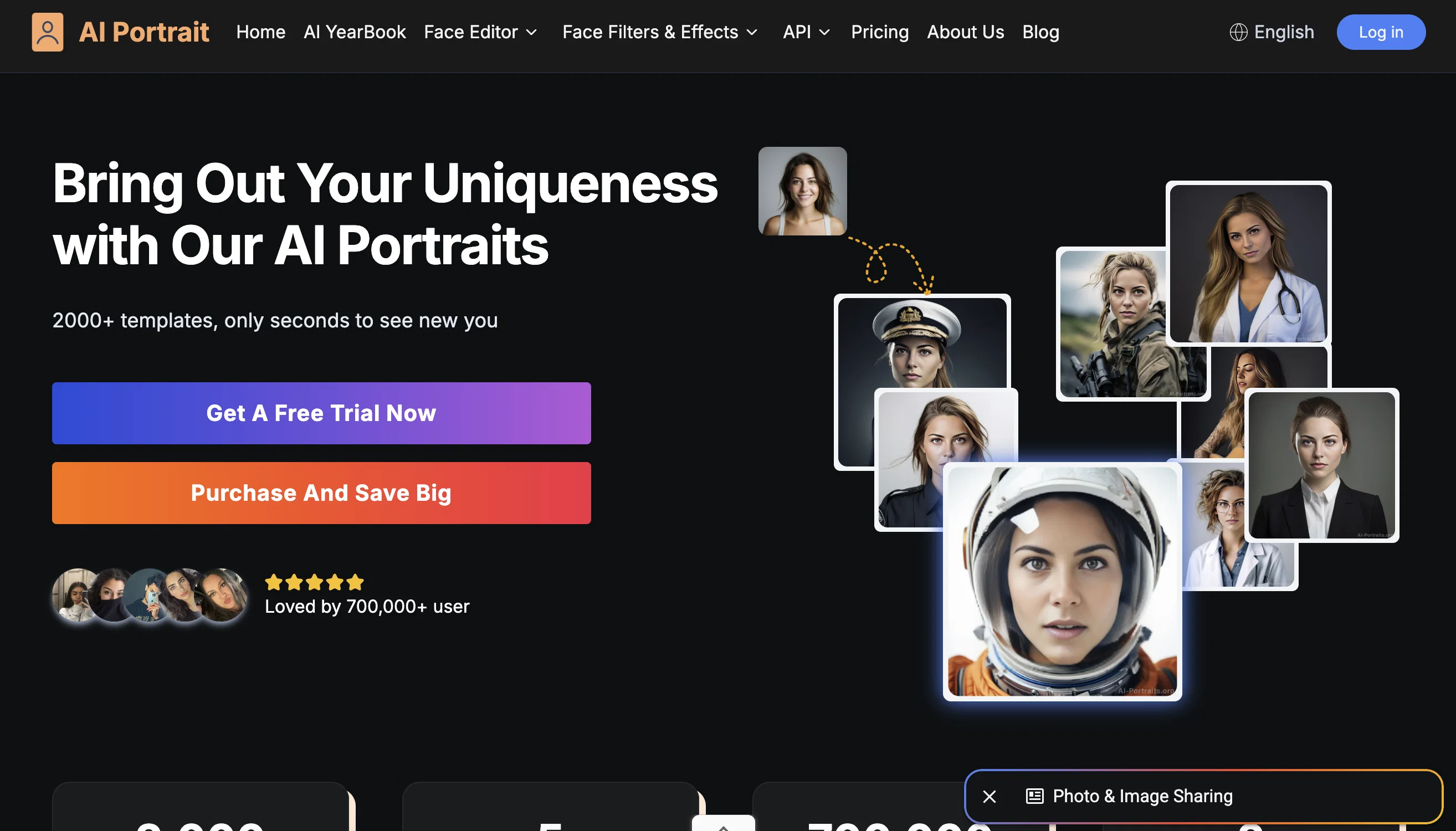
The AI Portrait Generator is an online app powered by Midjourney V5 that allows users to transform ordinary selfies into striking AI portraits. With a diverse range of styles available, including Film Portrait, Realistic Oil Painting, and more, users can craft unique self-portraits and enhance their social presence.
The tool allows users to choose portrait attributes such as gender, age range, and race to create customized AI portraits. High-resolution solo photos without any obstructions are recommended for the best results.Key features of the AI Portrait Generator include its free availability and compatibility with Midjourney V5.
This ensures that users can access top-of-the-line AI portrait generation without any cost or worry of repetition. The tool stands out by offering a wide array of styles, from vibrant anime renditions to Real Photography creations, allowing users to reimagine their selfies and tap into their creativity.
Once the AI portraits are generated, they can be shared across various social media platforms to elevate one's social presence.Unlike other AI portrait tools, the AI Portrait Generator only requires a single selfie to create unique and beautiful AI portraits.
This emphasizes privacy and ease of use. The generated AI portraits are original and suitable for commercial purposes as they do not infringe on any third-party copyrights.
Overall, the AI Portrait Generator provides a user-friendly and accessible platform for individuals to transform their selfies into captivating AI portraits.
Best for
Short scenarios where AI-Portrait tends to shine.
-
Creating professional headshots for LinkedIn
Best for Social media users
-
Generating unique avatars for social media profiles
Best for Content creators
-
Designing personalized gifts
Best for Professionals needing headshots
-
Experimenting with different artistic styles
Best for Individuals seeking unique avatars
Example outputs 1
Sample generations and before/after results for AI-Portrait.
Access & connections
Where you can use AI-Portrait.
Capabilities
What this tool accepts, produces, and is strongest at.
Input
- Tabular
- Image
Output
- Image
Pros & cons
Pros
- Free availability
- Diverse range of styles
- Choice of portrait attributes
- High-resolution images
- Compatibility with Midjourney V5
- Shareable on social media
- Requires single selfie
- Privacy emphasis
Show 25 more
- Suitable for commercial purposes
- User-friendly platform
- Portrait customization options
- No worry of repetition
- Various age ranges
- Different gender options
- Different race options
- Anime renditions
- Real Photography creations
- ID Photo style
- Film Portrait style
- Realistic Oil Painting style
- Realistic Comic Style
- Cyberpunk style
- Email delivery of results
- High detail precision
- Transformative of ordinary selfies
- Enhances social presence
- Original artistic output
- Harry Potter style
- K-Wave Art style
- Front Face Portrait style
- Can be used on Instagram
- Can be used on TikTok
- Can be used on Facebook
Cons
- Requires high-resolution photos
- No use with glasses/hair obstruction
- Limited to single selfie
- Requires direct face angle
- No multi-user functionalities
- No API availability
- Fixed style selection
- No offline usage
Show 2 more
- Must provide email
- No batch processing
Compare alternatives
Similar tools in the catalog — with a clear reason to open each one.
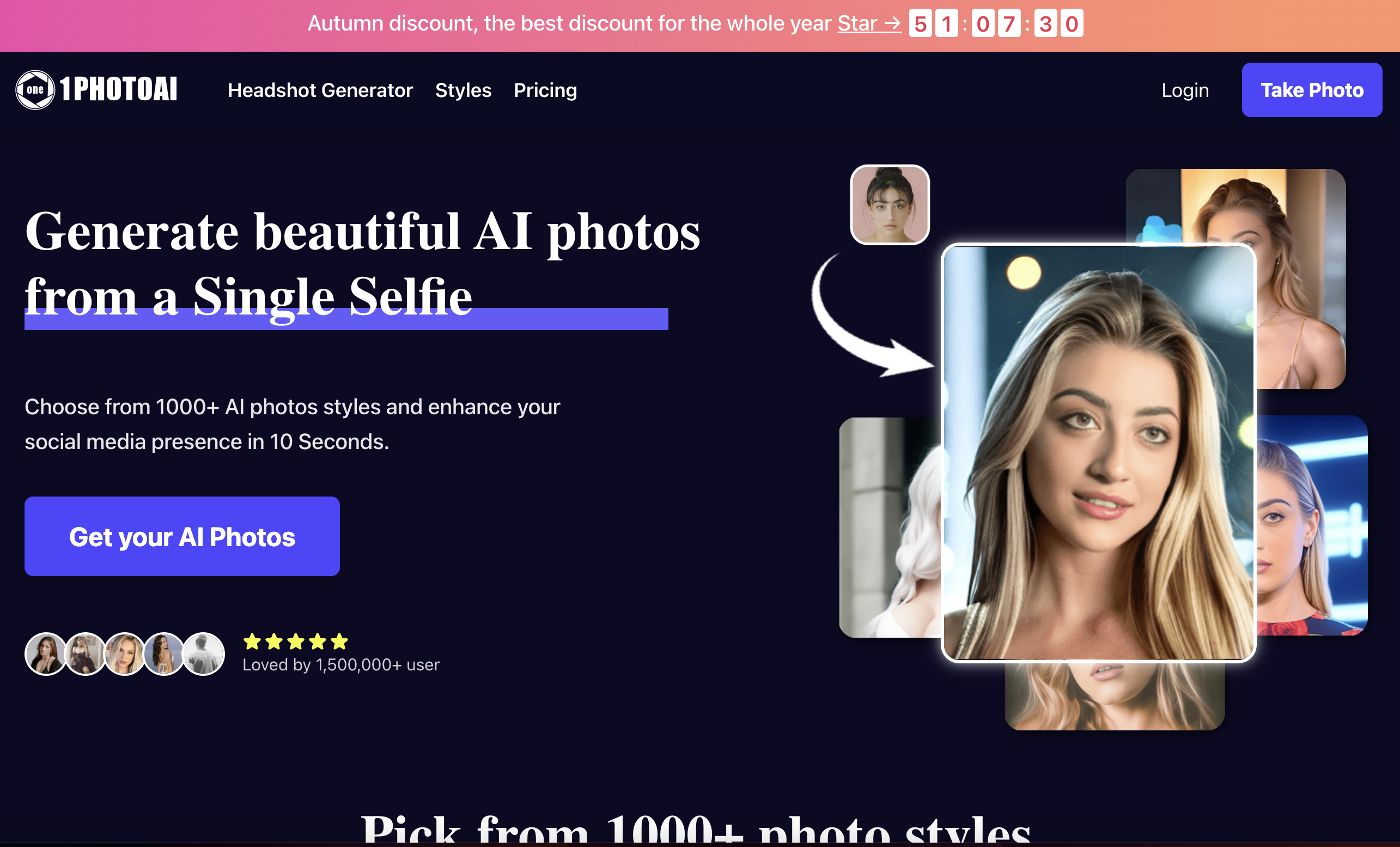
1photoai
PaidAI photo generator for professional headshots, avatars, and image enhancement.
Why look Stronger for image work
Full comparison
daisy | Labubufy ✓
FreeTurn anyone into a Labubu in seconds! 🎁
Why look Fully free option
Full comparisonPeople also view
Tools that often show up alongside AI-Portrait in collections and comparisons.
Real Fake Photos ✓
PaidTurn your selfies into professional headshots
ProfilePicture.ai ✓
PaidGenerate perfect AI profile pictures that capture you.
daisy | Labubufy ✓
FreeTurn anyone into a Labubu in seconds! 🎁

Artguru ✓
FreemiumCreate unique AI avatars in trendy styles
1photoai
PaidAI photo generator for professional headshots, avatars, and image enhancement.
SpatialReal ✓
FreemiumReal-time photorealistic digital humans with sub-300ms latency
SellerTwin ✓
FreemiumBehind every lost sale is a conversation you never had.
SayAgain - AI Avatars of Loved Ones ✓
PaidBuilt from their letters, emails, and journals.
Releases 1
Imported reviews 2
Really early in the process. Easier to just use mindjourney
Did a very poor job of capturing an images likeness and making it an AI iteration.
FAQ 12
What is the AI Portrait Generator?
How does the AI Portrait Generator work?
Does the AI Portrait Generator require any payment?
What is Midjourney V5 and how is it related to the AI Portrait Generator?
What kind of styles does the AI Portrait Generator offer?
Can I customize my AI portrait based on gender, age and race?
What type of photos should I upload for the best results?
Do I need multiple photos to create an AI portrait?
How can I use the AI Portrait Generator to enhance my social presence?
Can I share my AI portraits directly to my social media platforms?
Does the AI Portrait Generator infringe on any third-party copyrights?
Is the AI Portrait Generator suitable for commercial use?
Related tools
Recommended
WriteHuman ✓
Free TrialUndetectable and private content generation.

ArtBot ✓
FreeCreate AI images with Stable Diffusion for free

VenturusAI ✓
FreemiumBusiness idea analysis and reporting.

Stratup.ai ✓
FreemiumInnovative idea generation for businesses.
PixAI Art ✓
FreemiumAnime artwork generator

LearningStudioAI ✓
Free TrialAI-powered authoring tool for effortless online course creation.