WriteHuman ✓
Undetectable and private content generation.
Trial; then from $12/mo
Verdict
A quick read before you dig into the full page.
- Best if
- You are content Creators and need: Transforming AI-generated content for academic papers to avoid plagiarism detection
- Skip if
- Word limit per request
- Pick this when
- Ensures content privacy
Considering Humanize instead? Compare side by side
Overview
WriteHuman is a tool that helps transform AI-generated text into human-like writing, enabling users to bypass detection and tracking by AI systems. By leveraging WriteHuman, content creators can ensure their text appears to be written by a human, avoiding identification as AI-generated content.
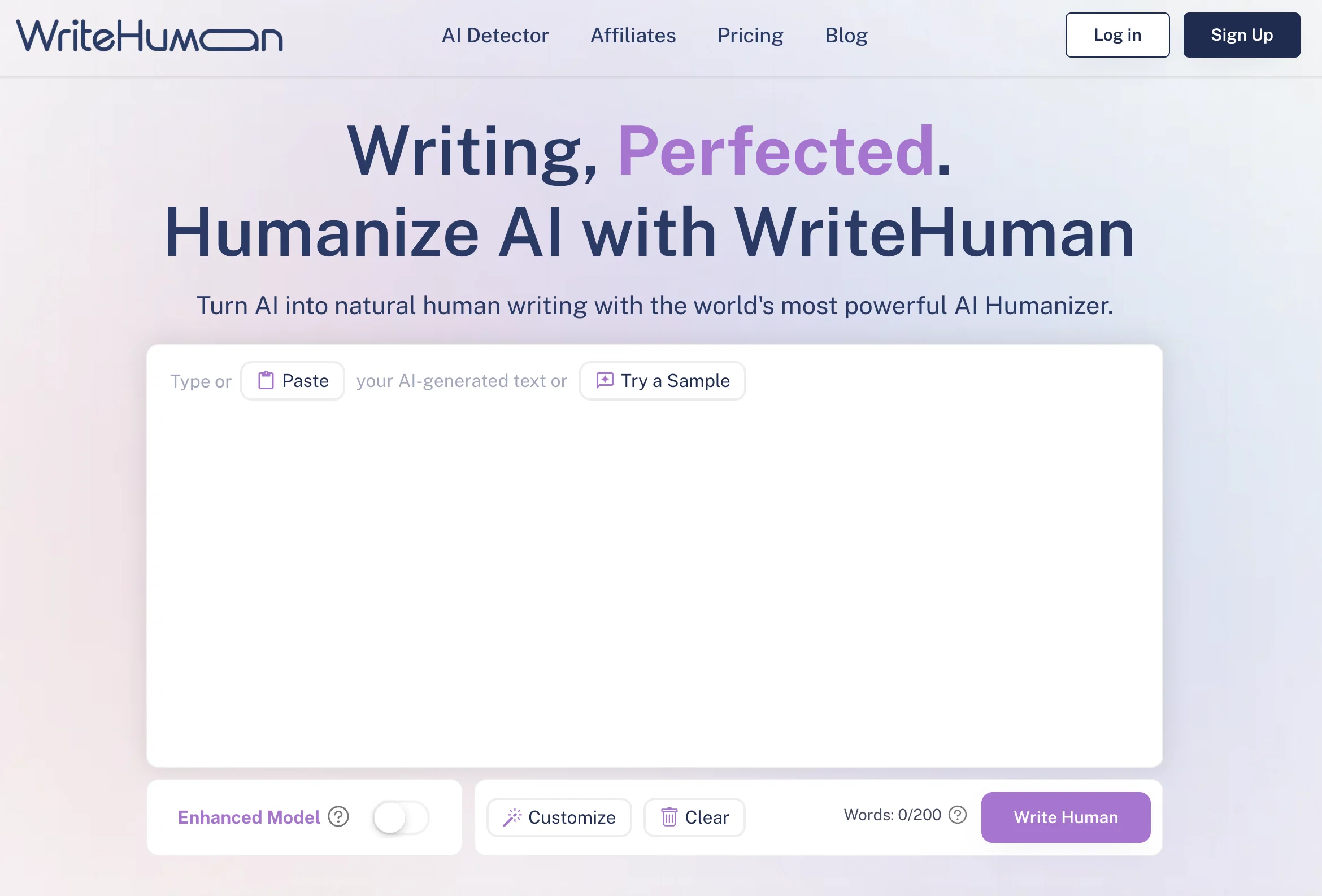
This allows users to enhance their writing skills and maintain privacy while utilizing AI technologies.The tool operates in three simple steps. First, users copy AI-generated text, whether from ChatGPT, Bard, or any other AI content generator.
They then paste the text into WriteHuman.ai. If there are specific words or phrases that users want to remain unchanged, they can enclose them in brackets.
Finally, by clicking a button, WriteHuman removes AI detection from popular platforms such as Turnitin, ZeroGPT, Writer, and other detectors.One of the key benefits of WriteHuman is the ability to protect AI privacy.
It enables users to submit their content without triggering any alarms on platforms that flag AI-generated text. Additionally, WriteHuman enhances online privacy by eliminating AI tracking, making the content nearly untraceable.WriteHuman offers multiple pricing plans, including a 7-day free trial for all users.
The plans vary in the number of words and requests allowed per month, as well as the level of customer support provided. Users also have the option to submit up to five requests per month for free, with each request limited to 200 words.Overall, WriteHuman empowers users to control their AI privacy, maintain anonymity, and create seamless content by seamlessly converting AI-generated text into undetectable human writing.
Best for
Short scenarios where WriteHuman tends to shine.
-
Transforming AI-generated content for academic papers to avoid plagiarism detection.
Best for Content Creators
-
Creating undetectable marketing content for SEO and user engagement.
Best for Writers
-
Improving AI-generated bios for professional networking platforms like LinkedIn.
Best for SEO Specialists
-
Crafting engaging product descriptions for e-commerce platforms like Etsy.
Best for Digital Marketers
Example outputs 1
Sample generations and before/after results for WriteHuman.
Access & connections
Where you can use WriteHuman.
Platforms
Capabilities
What this tool accepts, produces, and is strongest at.
Supported features
- Rewrite
Pros & cons
Pros
- Ensures content privacy
- Content untraceability
- Multiple pricing plans
- 7-day free trial
- Free monthly requests
- User-defined unchanged phrases
- Easy 3-step operation
- Reduces plagiarism detection
Show 9 more
- Flexible word limit
- Customer support availability
- Can handle long texts
- Works with ChatGPT,Bard
- Handles variety of detectors
- Maintains writing anonymity
- Prevents triggering of alarms
- Removes watermarks from text
- Priority access to features
Cons
- Limited free requests
- Word limit per request
- Charges for customer support
- Restricted features for basic
- Limited compatibility (ChatGPT, Bard)
- No batch processing
- No specific API mentioned
- Expensive for heavy users
Show 2 more
- Can't preserve multiple phrases
- No offline version
Compare alternatives
Similar tools in the catalog — with a clear reason to open each one.

Humanize ✓
FreemiumTransform AI text into undetectable human writing.
Why look Typically cheaper
Full comparison
Clever AI Humanizer ✓
FreeMake AI text undetectable and human-like.
Why look Fully free option
Full comparison
AI Humanizer Text ✓
Free TrialTransform robotic AI text into natural writing.
Why look Typically cheaper
Full comparison
AI-Text-Humanizer.com ✓
FreemiumHumanize AI text into undetectable and convincing human content.
Why look Better for writing
Full comparison
Oneclickhuman ✓
Free TrialEnhanced and humanized content through technology.
Why look Typically cheaper
Full comparison
GPTinf ✓
PaidBypass AI detectors with one-click rephrasing.
Why look Typically cheaper
Full comparisonPeople also view
Tools that often show up alongside WriteHuman in collections and comparisons.
Oneclickhuman ✓
Free TrialEnhanced and humanized content through technology.
Humanize ✓
FreemiumTransform AI text into undetectable human writing.
GPTinf ✓
PaidBypass AI detectors with one-click rephrasing.
Clever AI Humanizer ✓
FreeMake AI text undetectable and human-like.
AI-Text-Humanizer.com ✓
FreemiumHumanize AI text into undetectable and convincing human content.
AI Humanizer Text ✓
Free TrialTransform robotic AI text into natural writing.

Verva ✓
FreemiumHumanize AI-generated text into natural, undetectable writing

UltraHumanizer ✓
FreeTurn stiff AI drafts into natural writing.
Releases 1
Imported reviews 12
not really working for me
decent tool if you're working with ai generated text. it does help make things sound more natural, though you'll still need to edit and review yourself. useful as part of the process
fixes the ai aftertaste. i paste in stiff copy and it comes back sounding like me; varied rhythm, small quirks, zero cringe. not perfect, but it cuts my editing time in half.
I’ve been using this to polish some of my drafts. It does a good job at making AI text sound more natural without losing tone. Not perfect every time, but definitely helps clean up awkward phrasing fast.
As an aspiring author, I’ve tested AI for drafting - useful, but I still prefer developing my own ideas. WriteHuman helps polish without losing my voice
WriteHuman feels like a pocket line editor, great at sanding down clunky sentences and warming up stiff paragraphs. The interface takes a minute to decipher and the "AI vs. human" detector is cute compass, not a judge, but the free tier is generous enough to get real work done.
Tried WriteHuman for a couple of essays but it didn’t really work the way I hoped. Some of the text still got flagged when I ran it through detectors.. i had to rewrite a bunch myself. It’s okay for quick edits, but not the magic fix I expected.
This is garbage, the so called humanized content doesn't make sense.
Zero GPT which is supposed to be covered detects it with 100% certainty. So... No.
I tried it out using some AI generated text. Then, I copied and pasted the AI text into the generator. I then copied and pasted the resulting text which had been "humanised" into zeroGPT. It came back 42% AI Generated.
So, I'm going to give this website a hard pass.
Works as intended, only remaining method for AI detection bypass.
AI detection is proven to not work correctly...
FAQ 12
What is WriteHuman?
How does WriteHuman turn AI-generated text into human-like writing?
Can WriteHuman bypass detection from all AI systems?
Does WriteHuman work with specific AI-content generators only?
How do I use WriteHuman?
Do I need to change the original AI-generated text before using WriteHuman?
What does it mean that WriteHuman removes AI detection?
How does WriteHuman enhance online privacy?
How many pricing plans does WriteHuman offer?
Is there a free trial for WriteHuman?
What's the difference between the Basic, Pro, and Ultra plan on WriteHuman?
How many words can I submit per request in each pricing plan?
Related tools
Recommended

VenturusAI ✓
FreemiumBusiness idea analysis and reporting.

Stratup.ai ✓
FreemiumInnovative idea generation for businesses.

LearningStudioAI ✓
Free TrialAI-powered authoring tool for effortless online course creation.

TutorAI ✓
FreemiumInstant knowledge on any topic

Hyperis ✓
FreemiumOrganized task prioritization.

Stunning ✓
PaidBuild AI-powered websites in seconds