

Image editing 2026 Rank: #1987
AI Picture Editor ✓
Edit photos by just describing what you want.
Verdict
A quick read before you dig into the full page.
- Best if
- Edit photos by just describing what you want
- Skip if
- No signup could limit settings
- Pick this when
- Text-guided photo editing
Considering Viyou AI Image Generator instead? Compare side by side
Overview
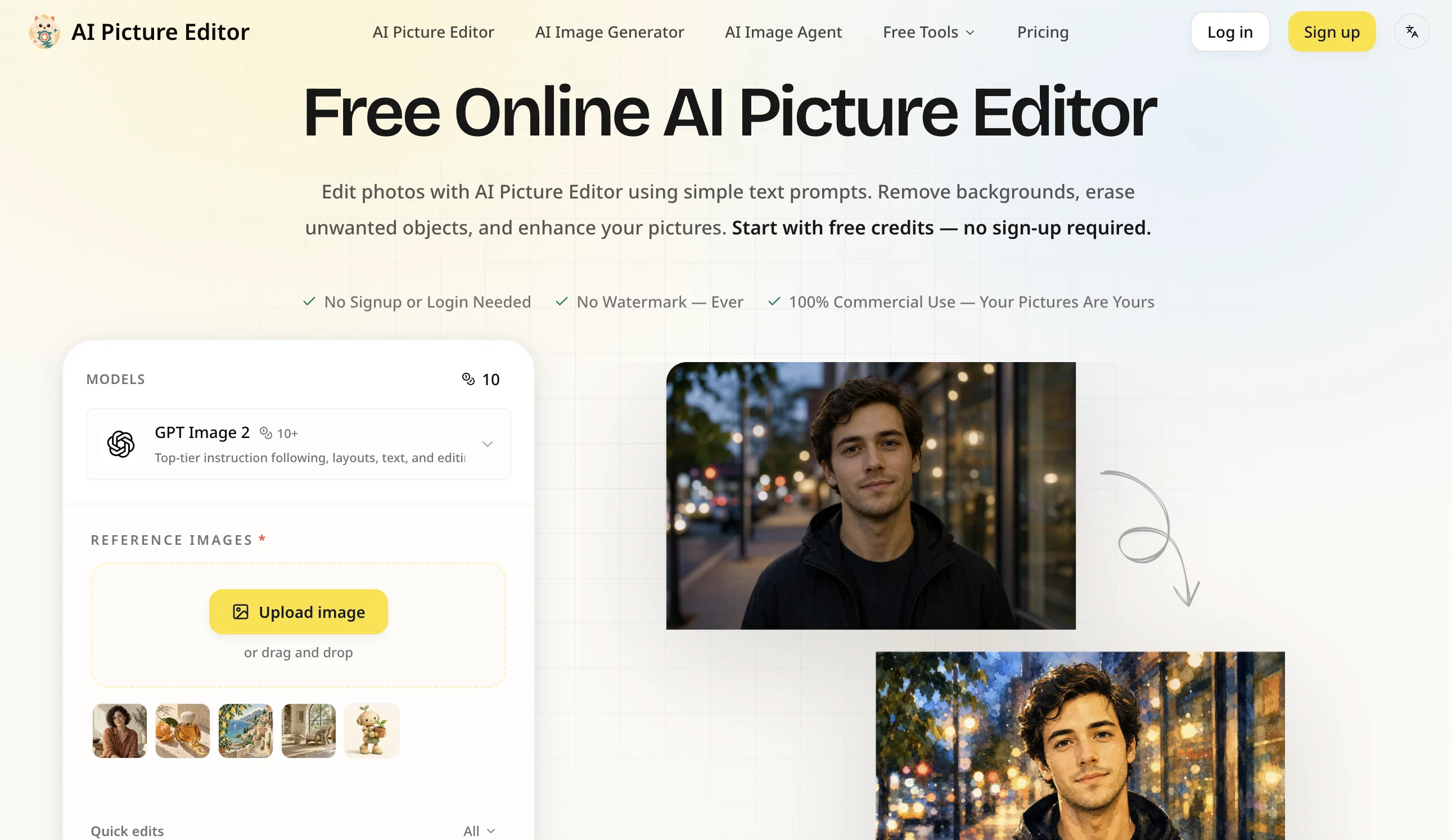
AI Picture Editor is an online tool that utilizes artificial intelligence to enable users to edit photos using text prompts. This tool can remove objects, replace imagery backgrounds, and refurbish aged photos while eliminating watermarks from the final results.
Users do not require sign-ups or memberships to utilize a range of features such as the background remover and image upscaler, which allow for image editing without a usage quota.
The photo editor is particularly user-friendly as it doesn't involve downloading software or employing design skills. Users get to upload and describe the result they desire, and the tool then processes and produces the results within a few seconds.
Furthermore, it allows multiple simultaneous uploads for image-to-image generation. Notably distinctive features include the ability to replace or remove image backgrounds in a range of photographs including product photos, portraits, and creative shots.
It also offers style transfer, transforming photos into different styles such as anime, oil painting, or a cinematic style, in response to provided prompts.
With its object editing function, undesired objects, people, watermarks can be easily removed, and new elements added naturally. AI Picture Editor can also restore quality to old photos by fixing lighting, reducing noise, and getting back old photo details.
The AI Picture Editor also provides the ability to restore old photos, repair scratches, recover faded colors, and reduce noise. Old family pictures can thus be refurbished without manually needing to rebuild damaged areas.
It also provides creative styles and enhancements by following a text prompt while maintaining the desired subject and composition. The tool has notable utility in enhancing the quality of product photos by automatically adjusting lighting, shadows, and perspective to suit different scenes, as described by the user.
Users can use this tool to create cleaner images without manual sharpening controls, and the tool provides output in several formats with no watermarks.
The pricing structure of the tool allows users to make an optimal choice for their needs with multiple available packages.
Access & connections
Where you can use AI Picture Editor, and what it plugs into.
Platforms
Integrations
Capabilities
What this tool accepts, produces, and is strongest at.
Input
- Text
- Image
Output
- Image
Supported features
- Image Edit
Pros & cons
Pros
- Text-guided photo editing
- Object removal function
- Background replacement feature
- Old photo restoration
- Watermark Removal
- Real-time editing
- Multiple image uploads
- No signup required
Show 41 more
- Automatic style transfer
- Creative enhancements by text
- Quality restoration of aged photos
- No software installation
- Automated lighting adjustment
- Multiple output formats
- Non-destructive editing
- Automated image recomposition
- Damage repair for old photos
- Color recovery in old photos
- Product photo enhancement
- Noise reduction in photos
- Image upscaling feature
- Removal of usage quota
- Allows simultaneous editing
- Automated editing capability
- Flexible pricing packages
- Instant processing of results
- User-friendly interface
- Provides commercial use rights
- Adaptable to different scenes
- Auto adjustment of perspective
- Repair of scratches in photos
- Text-prompted creative styles
- Supports JPG, PNG, WEBP
- Downloadable watermark-free results
- Allows side-by-side comparison
- Guest upload supports up to 10MB
- Image-to-image generation
- Enables clearer images
- Creates anime, oil painting styles
- Prevents manual sharpening
- 24/7 customer support
- Comprehensive online editing tools
- Improved image clarity
- Sharpening blurry details
- Unlimited use feature
- Drag and drop upload
- Precision in background removal
- Image generation guided by prompts
- Built for batch product images
Cons
- Online tool only
- Limited image formats supported
- Requires text prompt understanding
- No software download option
- No signup could limit settings
- No direct API mentioned
- Relies on credit system
- Limited resolution control
Show 2 more
- No mention of privacy protection
- Absence of manual editing option
Compare alternatives
Similar tools in the catalog — with a clear reason to open each one.

Viyou AI Image Generator ✓
FreemiumTransform text and images into stunning videos and visuals.
Free + from $39.99/yr
Full comparison
Img2Img AI ✓
FreemiumTransform any image with AI in seconds.
Why look Typically cheaper
Full comparison

Photoeditor ✓
PaidEnhanced image editing with object and text removal.
Why look Typically cheaper
Full comparison
Cleanup pictures ✓
FreemiumRemove unwanted elements from photos instantly.
Why look Typically cheaper
Full comparisonReleases 1
Imported reviews 1
AI Picture Editor is a fast and easy-to-use AI photo editing tool. It lets users remove objects, change backgrounds, restore old photos, upscale images, and apply creative styles using simple text prompts. No design skills or software installation are required, making it a convenient choice for quick, high-quality photo edits.
Related tools
Recommended

MagicSlides.app AI PPT Maker ✓
FreemiumCreate Stunning PPTs in Seconds with the AI PPT Maker

GetLogit ✓
FreemiumArtificial intelligence, available for everyone.

ChatGPT ✓
FreemiumAsk anything, create anything, and move from idea to action.

Automateed ✓
Free TrialCreate eBooks effortlessly with Automateed, the AI-powered writing tool.

Kin - Personal AI Advisors ✓
FreePrivacy-first & designed your for mind, and life at work

Aiter.io | Paste a URL. Ship a Campaign That Sounds L... ✓
FreemiumAI marketing that sounds like you, not everyone else.