
AI Image Edit.ai ✓
Edit, transform and enhance photos with text prompts.
Trial; then from $11.85/mo
Verdict
A quick read before you dig into the full page.
- Best if
- Edit, transform and enhance photos with text prompts
- Skip if
- Size limit of 20MB
- Pick this when
- Web-based platform
Considering Viyou AI Image Generator instead? Compare side by side
Overview
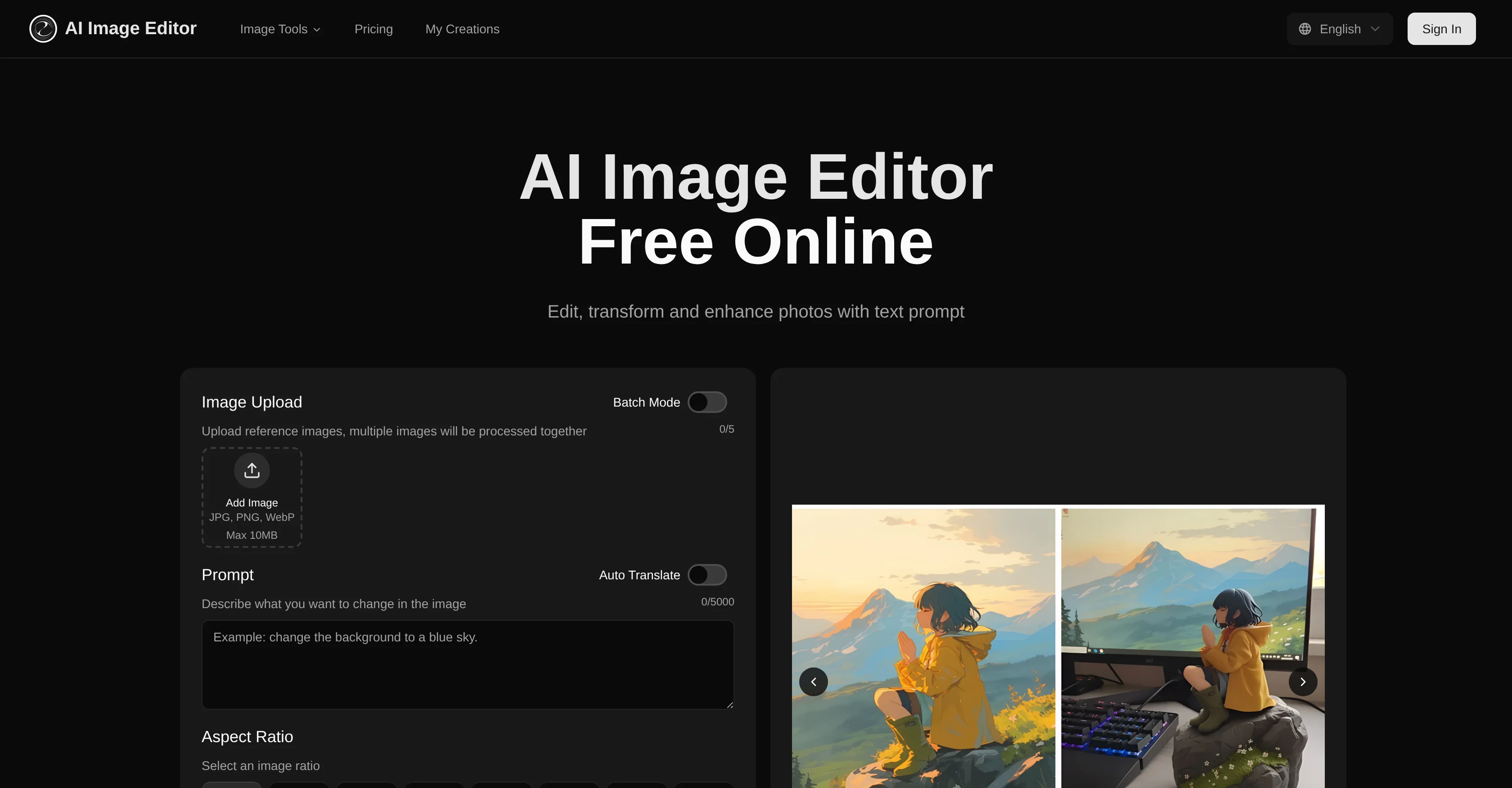
AI Image Editor is an online image editing tool that harnesses the power of AI for transforming images based on text prompts. The tool accepts images in various formats including JPG, PNG, and WebP.
It operates by understanding the context of the uploaded image and then applying the modifications that have been described in the prompts by the user.AI Image Editor provides users with the possibility of executing batch mode operations which allows for simultaneous processing of multiple images.
The tool preserves the image's core structure and composition while making precise modifications as described in the user-provided prompts. These modifications can range from minor adjustments to large scale transformations depending on user requirements.
This AI-driven platform is not just about broad adjustments; it also facilitates precision region control. This provides the ability to target specific areas in an image with pixel-level precision, while keeping the surrounding area consistent.
This nuanced control ensures that the essence of the image is preserved, while still effecting changes in specified areas.Images edited with this platform are production-ready and can be used directly for marketing, advertising, content creation and other professional applications.
The tool generates high-quality image outputs optimized for professional use, making it a smart choice for creators seeking an efficient and responsive digital editing platform.
Access & connections
Where you can use AI Image Edit.ai.
Platforms
Capabilities
What this tool accepts, produces, and is strongest at.
Input
- Image
- Text
Output
- Text
- Image
Highlights
- SOTA
Supported features
- Image Edit
- Image Generation
- Styling
- Image Understanding
Models
Text
Image
Audio
Video
Pros & cons
Pros
- Web-based platform
- Multiple image formats support
- Text-prompt transformations
- Four-step intuitive process
- Maintains structure, composition
- Preserves facial features
- Batch processing
- High-quality final images
Show 40 more
- Commercial rights for subscribers
- Context understanding
- Simultaneous multiple images processing
- Pixel-level precision control
- Region control
- Large scale transformations
- Minor adjustments capabilities
- Efficient digital editing
- Professional application
- Multiple output generation
- Automated translation
- Image ratio options
- Intelligent structure preservation
- Versatile creative toolkit
- Workflow support
- Bulk generation
- Up to 20 images batch
- Instant image transformation
- Output quality optimization
- Commercial usage rights
- Adjustable transformation settings
- Efficient transformation
- Supports JPG, PNG, WebP
- Allows specific instructions
- Maintains high quality
- User-friendly Interface
- Interactive User Experience
- Prompt-Guided Precision
- Fast processing speed
- Large size and resolution support
- Supports complex changes
- Advanced neural networks
- Studio-quality visuals
- Flexible plan options
- Add-on Purchase Options
- Allowance for free users
- Transforms existing images
- Designed for content creation
- Seamlessly blend adjustments
- Image-to-image generation
Cons
- No offline usability
- Limited to 20 images batch processing
- Transformation speed varies
- Size limit of 20MB
- Pixel dimensions limit of 4096x4096
- Free version has usage limits
- Needs multiple renders for perfect result
- No support for GIF transformations
Show 2 more
- No options for non-rectangular crops
- Subscription needed for commercial use
Compare alternatives
Similar tools in the catalog — with a clear reason to open each one.

Viyou AI Image Generator ✓
FreemiumTransform text and images into stunning videos and visuals.
Free + from $39.99/yr
Full comparison
Img2Img AI ✓
FreemiumTransform any image with AI in seconds.
Why look Typically cheaper
Full comparison

Photoeditor ✓
PaidEnhanced image editing with object and text removal.
Why look Typically cheaper
Full comparison
Cleanup pictures ✓
FreemiumRemove unwanted elements from photos instantly.
Why look Typically cheaper
Full comparisonReleases 1
FAQ 12
What is the AI Image Editor?
What differentiates the AI Image Editor from other Text-to-Image tools?
Does AI Image Editor support multiple image formats?
How does the four-step process of the AI Image Editor work?
What kind of transformations can the AI Image Editor execute on images?
What are the benefits of the structure-aware transformation feature in the AI Image Editor?
Can the AI Image Editor process multiple images at a time?
Do I have the rights for commercial use of transformed images from the AI Image Editor as a paid subscriber?
What limitations does the free version of the AI Image Editor have?
What options do paid plans of the AI Image Editor offer?
How does the text-prompt-controlled editing feature work in the AI Image Editor?
What level of precision does the AI Image Editor offer for photo editing?
Related tools
Recommended

Grok ✓
FreemiumConversational AI for understanding the universe.

ChatGPT ✓
FreemiumAsk anything, create anything, and move from idea to action.

Notis ✓
Free TrialThe first WhatsApp assistant that runs on your ChatGPT and Claude subscriptions

Claude ✓
FreemiumBuilding reliable, interpretable AI systems

remio: Your Personal ChatGPT ✓
FreemiumGet Tailored Answer with Your Personal ChatGPT

SEOJuice ✓
FreemiumSEO Made Simple — AI-driven Optimizations