

AI Event Scheduler ✓
Create Google calendar events instantly with AI.
Verdict
A quick read before you dig into the full page.
- Best if
- Create Google calendar events instantly with AI
- Skip if
- Cannot handle complex event details
- Pick this when
- Google Chrome extension
Considering Workmate instead? Compare side by side
Overview
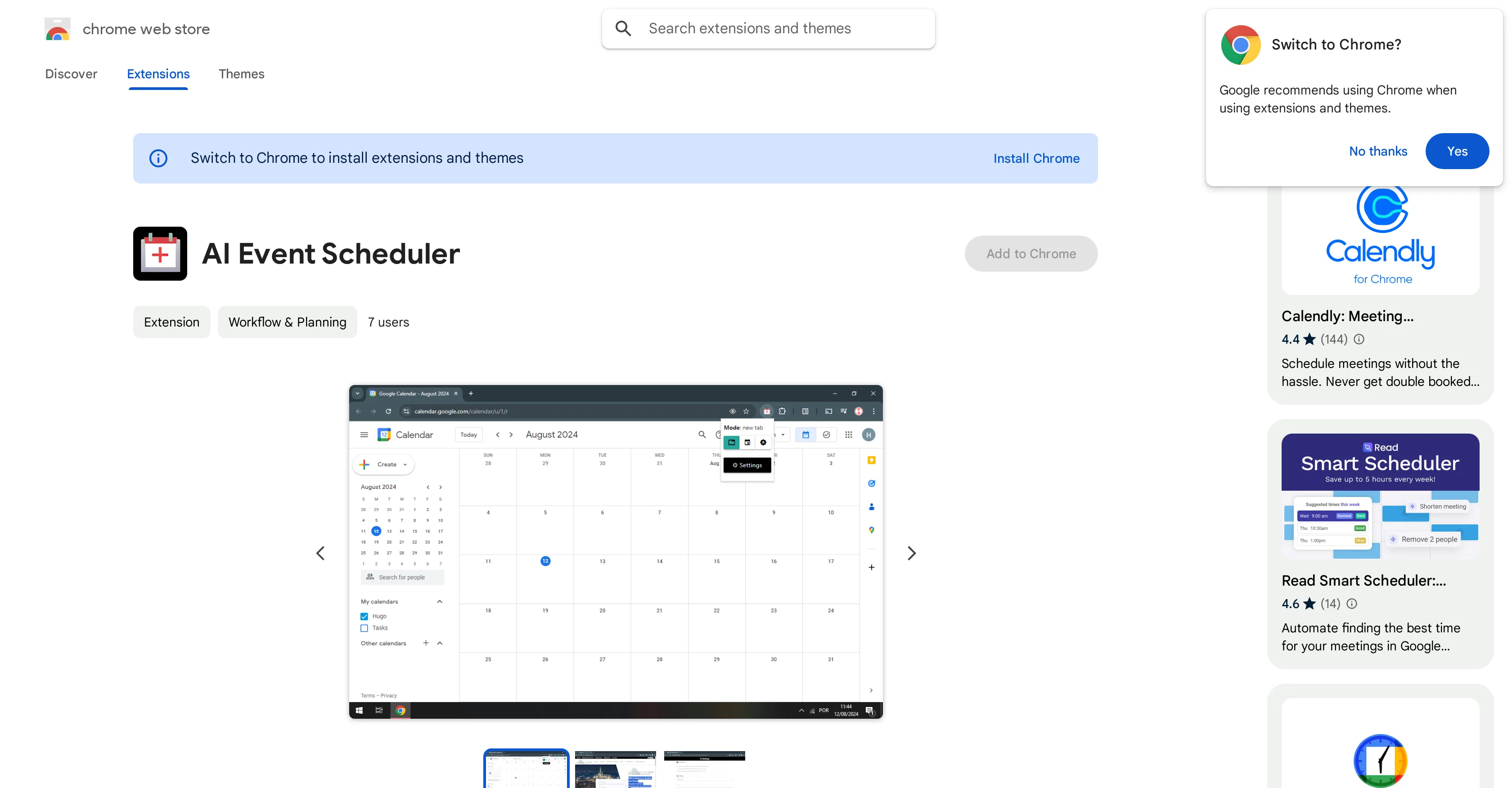
AI Event Scheduler is an extension tool designed for Google Chrome users to facilitate streamlined scheduling of Google Calendar events. By using LLM (Language Learning Model), the tool allows rapid creation of Google Calendar events.
Users can simply select text that encompasses event details and click a button, thereby triggering the tool to create the event. Developed by Hugo Tadashi, this extension is particularly optimal for those dealing with frequent event entries.
Its use could save significant time and reduce the chances of manual errors from transcribing event details. The data used by AI Event Scheduler is reportedly not sold to third parties, transferred for unrelated purposes or used to determine creditworthiness for lending purpose, maintaining a users privacy.
The tool adds value by providing an automated, quick and efficient way of creating calendar events. For any queries, suggestions, or problems, the user can directly reach out to the developer's support site.
It's a useful tool for anyone looking for a quick and simple way to schedule their events.
Access & connections
Where you can use AI Event Scheduler, and what it plugs into.
Platforms
Integrations
Capabilities
What this tool accepts, produces, and is strongest at.
Input
- Text
Output
- API
Pros & cons
Pros
- Google Chrome extension
- Uses LLM model
- Rapid event creation
- Time efficiency
- Error reduction
- Automated scheduling
- Text-to-event feature
- Good for frequent event entries
Show 7 more
- Data privacy ensured
- No data sold
- No unrelated data transfer
- Data not used for creditworthiness
- Direct developer support
- Small size (81.41KiB)
- English language support
Cons
- Only for Google Chrome
- Limited to Google Calendar
- Depends on text selection
- Lacks multi-language support
- No offline functionality
- No cross-browser compatibility
- Only single developer support
- Cannot handle complex event details
Show 2 more
- No user rating available
- Small user base
Compare alternatives
Similar tools in the catalog.





Releases 1
FAQ 12
What is AI Event Scheduler?
Who is the developer of AI Event Scheduler?
How does AI Event Scheduler use the Language Learning Model (LLM)?
Can AI Event Scheduler be used with any browser or just Google Chrome?
How does AI Event Scheduler ensure data privacy?
Is personal data used by AI Event Scheduler sold to third parties?
How is AI Event Scheduler used to create an event on Google Calendar?
Can AI Event Scheduler help reduce manual scheduling errors?
What type of users can benefit from AI Event Scheduler?
Where can users find support for the AI Event Scheduler?
How does the AI Event Scheduler contribute to time efficiency?
How does AI Event Scheduler handle website content?
Related tools
Recommended

OnlyPrompts ✓
Free TrialAutomate 37,000+ tasks with 150,000+ prompts

Scisummary ✓
Free TrialCutting-edge scientific articles summarization.

TheLibrarian.io ✓
Free TrialYour WhatsApp AI assistant for instant productivity.

KeywordSearch ✓
FreemiumDiscover and target YouTube audiences.

PrometAI ✓
FreemiumTurn ideas into viable reality with AI business plan generator.

Marblism ✓
FreemiumAI Employees who Work for Your Business