
Coding 2026 Rank: #590
Agen ✓
AI agents that code, test, and deploy autonomously.
Verdict
A quick read before you dig into the full page.
- Best if
- AI agents that code, test, and deploy autonomously
- Skip if
- May not handle complex tasks
- Pick this when
- Fully autonomous coding
Considering Cursor instead? Compare side by side
Overview



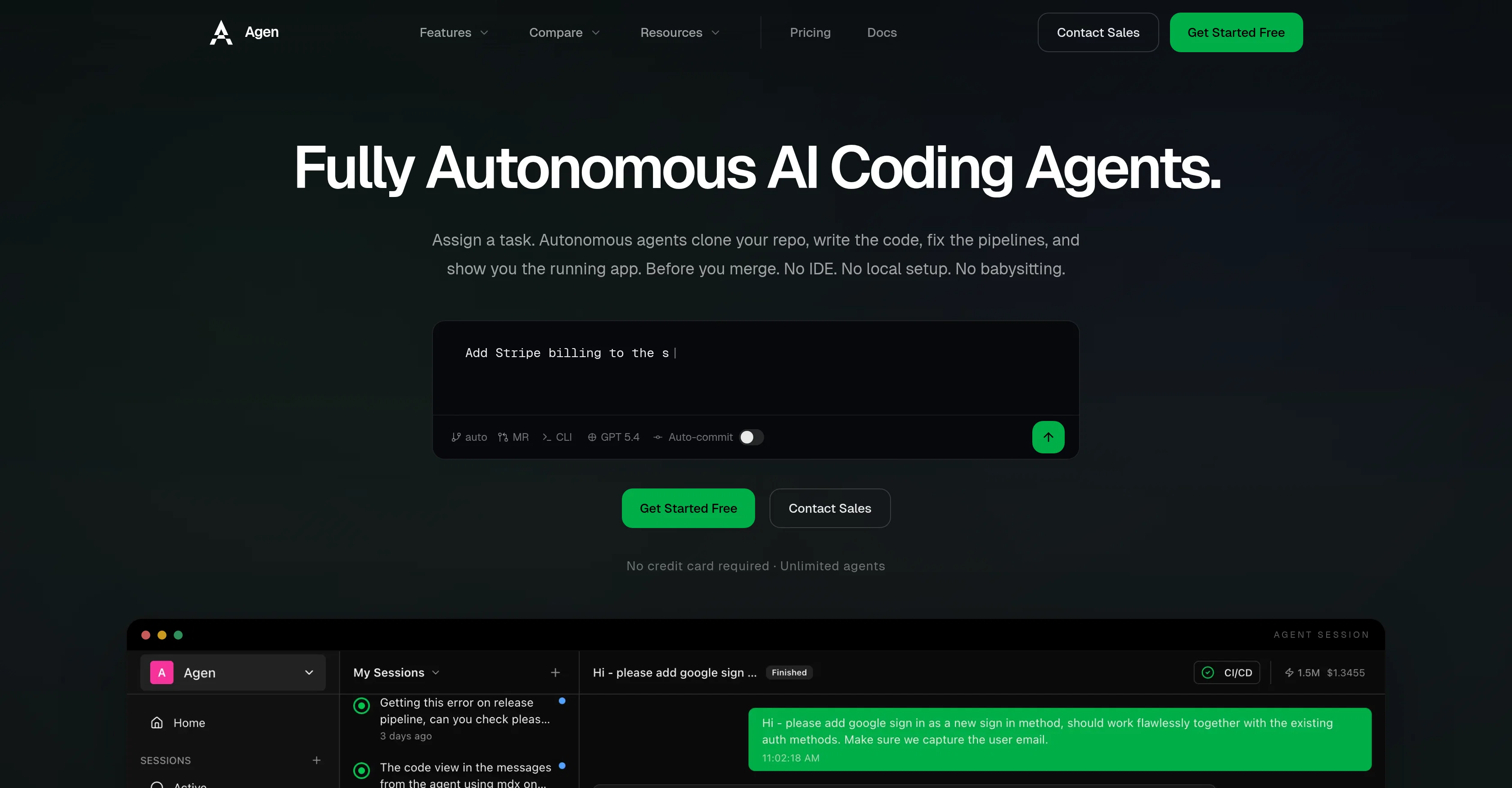
Agen is a cloud-based tool that offers fully autonomous AI coding agents. Users assign tasks to the agents, which then autonomously clone the respective repository, write the code, correct any problems in the pipeline, and deliver a live preview of the application.
This process is undertaken without any need for local setup, integrated development environments (IDEs) or user intervention. The tool integrates seamlessly with multi-repositories, allowing for previews and changes to the frontend, backend, and infrastructure all at once.
Agen also features self-fixing pipelines, wherein the agent autonomously detects and fixes any issues it encounters during the continuous integration (CI) process.
The tool also incorporates scheduled agents for recurring tasks and alerts to notify you when something crucial needs your attention. Agen notably differentiates itself from IDE-based development and code suggestion tools by offering fully autonomous execution.
The tool has integrations with Github, GitLab, and is continually expanding to include more systems. Agen makes an effort to keep security at the forefront by featuring isolated sandboxes, branch protection, and budget controls.
Best for
Short scenarios where Agen tends to shine.
-
AI agents that code, test, and deploy autonomously.
Example outputs 1
Sample generations and before/after results for Agen.
Access & connections
Where you can use Agen, and what it plugs into.
Platforms
Capabilities
What this tool accepts, produces, and is strongest at.
Input
- API
- Tabular
- Text
Output
- Code
- API
Highlights
- API
- Agents
Supported features
- API
- Agents
- Code Assistant
- Automation
- Integrations
- Team Collaboration
- CLI
Pros & cons
Pros
- Fully autonomous coding
- Rectifies pipeline errors
- Provides live previews
- No need for IDE
- No local setup necessary
- Multiple repository session support
- Supports simultaneous frontend, backend, and infrastructure changes
- Recurring scheduled agents
Show 20 more
- Controlled budget limits
- Alert system for significant incidents
- In-depth comparative assessments provided
- GitHub and GitLab compatible
- Secure integration measures
- Isolated sandboxes
- Branch protection
- Setup guides, API reference, and workflow documentation included
- Merges code automatically
- Cloud-based
- Multi-repository previews
- Alerts for crucial repository incidents
- Multi-Repository Support
- Deep Code Understanding
- Self-Fixing Pipelines
- Merge-Ready PRs
- Branch-Safe Execution
- Unlimited Parallel Agents
- Non-Technical Access
- Maintenance on autopilot
Cons
- Limited to GitHub/GitLab
- Potential over-reliance on automation
- No transparency in error rectification
- Requires trusting third-party with codebase
- May not handle complex tasks
- Limited to web-based interface
- No local setup may limit control
- Automated budget not adjustable
Show 2 more
- No direct access to sandboxes
- No multi-language support
Compare alternatives
Similar tools in the catalog — with a clear reason to open each one.

OnSpace.AI - No Code App Builder ✓
FreemiumBuild Apps with AI, No Code
Why look Typically cheaper
Full comparison
Kilo Code ✓
Free TrialAI-powered coding assistant for VS Code
Why look Typically cheaper
Full comparison
Github Copilot ✓
FreemiumAI-powered coding assistant for faster development
Why look Typically cheaper
Full comparison
CodingFleet ✓
FreemiumAI wizard transforms instructions into code snippets.
Why look Typically cheaper
Full comparisonPeople also view
Tools that often show up alongside Agen in collections and comparisons.

Programming Helper ✓
UnknownGenerate code from text descriptions instantly.
OnSpace.AI - No Code App Builder ✓
FreemiumBuild Apps with AI, No Code
Kilo Code ✓
Free TrialAI-powered coding assistant for VS Code
Github Copilot ✓
FreemiumAI-powered coding assistant for faster development

Cursor ✓
FreemiumAI-powered IDE for faster coding
CodingFleet ✓
FreemiumAI wizard transforms instructions into code snippets.

Rift-code ✓
Free TrialStop reading code. Start seeing it.

Junie by JetBrains ✓
FreemiumStop switching tools. Start shipping.
Releases 1
FAQ 12
What is the workflow when using Agen?
How can I assign a task to the Agen autonomous agents?
What actions do Agen agents perform on my repository?
What do I need to do to review changes made by Agen and accept pull requests?
How can Agen agents help in case of CI failure?
How does Agen support multiple repository sessions?
What is the function of isolated sandboxes in Agen?
What branch protection measures does Agen offer?
Can Agen present a live preview of the app before merging?
Can Agen alert me of significant incidents in my repository?
How does Agen compare to other dev tools?
Is Agen compatible with both GitHub and GitLab?
Related tools
Recommended

CloudCLI ✓
Free TrialRun Claude Code, Gemini and Codex on the Cloud from anywhere

AppDeploy ✓
FreeDeploy real apps directly from ChatGPT or Claude

Whacka ✓
Free TrialTurn ideas into real apps from your phone.

WebCrawler API ✓
Free TrialTurn docs and websites into clean markdown for AI agents

Zencoder ✓
FreemiumAI coding agents for seamless development collaboration.

Thea ✓
FreemiumAI study tools to master material, not just memorize it.