

Coding 2026 Rank: #777
CloudCLI ✓
Run Claude Code, Gemini and Codex on the Cloud from anywhere
Verdict
A quick read before you dig into the full page.
- Best if
- Run Claude Code, Gemini and Codex on the Cloud from anywhere
- Skip if
- Team features under paywall
- Pick this when
- Cloud-based development environment
Considering Cursor instead? Compare side by side
Overview


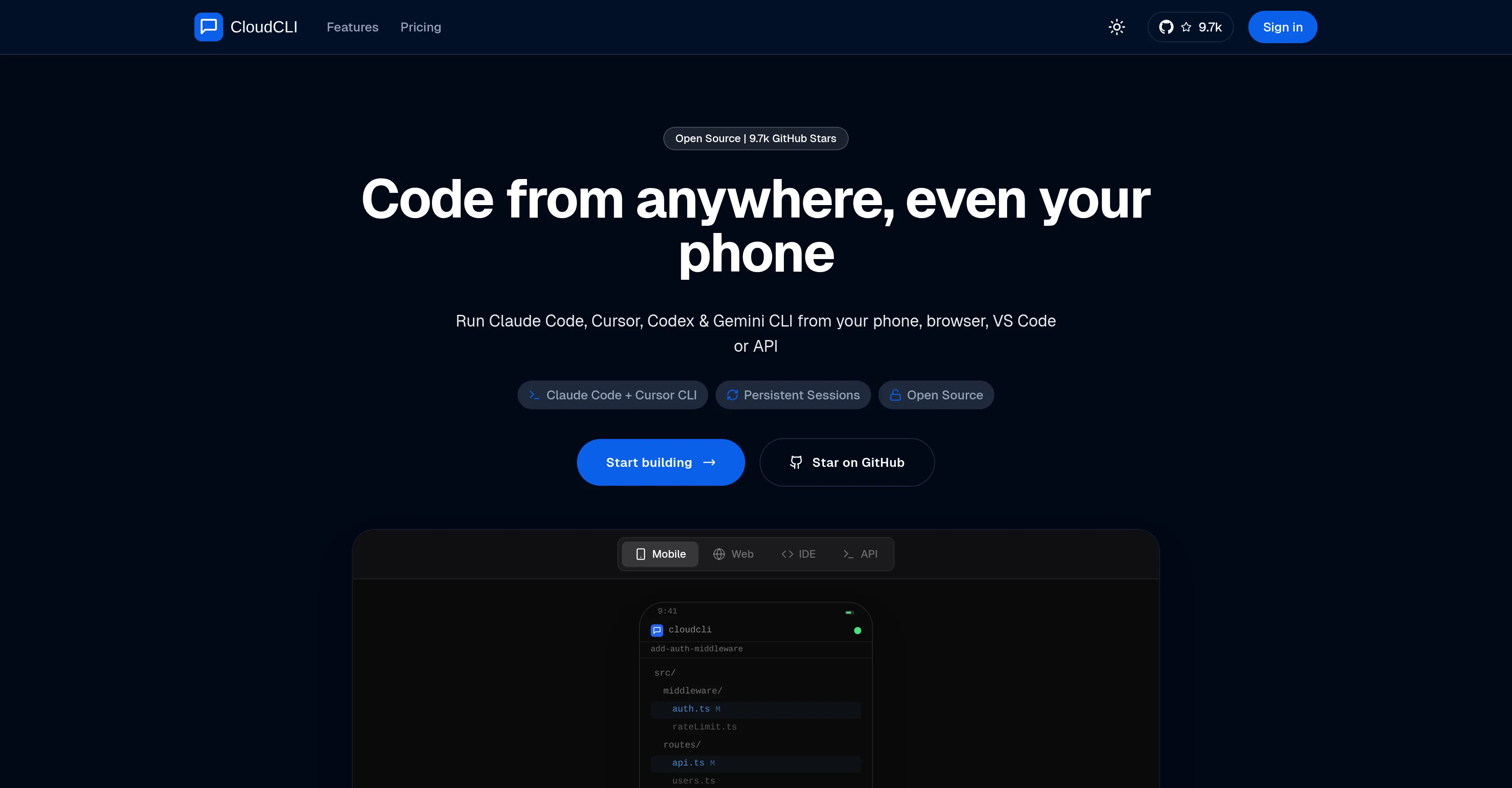
CloudCLI serves as a cloud development environment specifically designed for AI coding agents. This advanced tool abolishes the need for SSH tunnels, VPN configs, or other intricate methods, instead offering a convenient way to initiate and manage coding tasks from any location.
Users can initiate a session from a preferred device such as a phone, a web browser, or via an API, and continue on the same session in their IDE like VS Code or Cursor, resulting in seamless continuity.
The system ensures all your modifications and files remain intact even if you switch devices or close your session, as it runs persistently in the cloud.
Utilizable with popular coding agents like Claude Code, Cursor CLI, Codex, or Gemini CLI, CloudCLI promotes adaptability by letting users choose their preferred agent and key.
It also allows sharing of environments, configurations, and other relevant information across teams to facilitate a uniform start-up setup. With integration capabilities with notable AI coding agent tools, CloudCLI is a versatile environment that can suit individual developers or larger teams.
It differentiates itself from comparable tools by offering persistent environments, cross-device access, and a real user interface.
Access & connections
Where you can use CloudCLI, and what it plugs into.
Platforms
Integrations
Capabilities
What this tool accepts, produces, and is strongest at.
Input
- API
- Tabular
- Text
Output
- Code
- API
- Text
Highlights
- Agents
- API
- Local
Supported features
- Agents
- API
- Runs Locally
- CLI
Pros & cons
Pros
- Cloud-based development environment
- Session persistence after closure
- Initiate from any device
- Supports browser and API initiation
- Continuation in Visual Studio Code
- Continuation through SSH in Cursor
- Sharing environments among team
- Sharing configuration files among team
Show 38 more
- Encrypted API Key storage
- Shared API Key storage
- Multiple pricing options
- Open source UI
- Optimized for mobile interaction
- No need for SSH tunnels
- No need for VPN configs
- Environment remains intact on switch
- Supports Claude Code, Cursor CLI
- Supports Codex, Gemini CLI
- Team Collaboration features
- Cloud computing capabilities
- Avoids lock-ins
- Offers real user interface
- Sessions can start from phone
- Sessions continue in VS Code
- Cloud storage of changes and files
- Each user gets their own isolated container
- Supports installable dependencies, databases, and tools
- Code persists between sessions
- Supports GitLab and Bitbucket
- Environment keeps running when offline
- Supports API triggering of background agents
- Option to self-host
- Shared MCP servers for teams
- Shared environment variables for teams
- Shared tool configurations for teams
- Onboard new developers in minutes
- Fully secure code storage
- Encrypted credential storage
- Offers dedicated infrastructure
- Custom subdomains
- IDE integration
- Custom CPU & RAM configurations
- Volume discounts for teams
- Direct SSH access
- Works with multiple agents simultaneously
- Compatible with GitHub integration
Cons
- Team features under paywall
- Shared infrastructure
- Lack of training materials
- Github copilot not supported
- No docker image
Compare alternatives
Similar tools in the catalog — with a clear reason to open each one.


OnSpace.AI - No Code App Builder ✓
FreemiumBuild Apps with AI, No Code
Free + from $20/mo
Full comparison

Github Copilot ✓
FreemiumAI-powered coding assistant for faster development
Free + from $10/mo
Full comparison
CodingFleet ✓
FreemiumAI wizard transforms instructions into code snippets.
Why look Typically cheaper
Full comparison
Releases 1
FAQ 12
What devices can I use to code with CloudCLI?
How does CloudCLI promote workflow continuity?
Which AI coding agents are supported by CloudCLI?
Can I initiate a coding session from my phone using CloudCLI?
How does CloudCLI facilitate collaborative work?
Can I share my coding environments and configurations with my team using CloudCLI?
How does CloudCLI handle API Key storage?
How safe are my API keys on CloudCLI?
What pricing options does CloudCLI offer?
Can I contribute to the core UI of CloudCLI?
Is there a mobile-optimized UI for CloudCLI?
How different is CloudCLI from GitHub Codespaces?
Related tools
Recommended

Watermelon ✓
FreemiumHandle up to 96% of your support automatically

SureThing.io - "OpenClaw" for Beginners ✓
FreemiumFirst General AI Agency. Designed for long-horizon tasks.

Chattee AI App Builder ✓
Free TrialTurn ideas into full-stack apps instantly with GDPR-compliant builder.

Verdent ✓
Free TrialYour AI Technical Cofounder for Turning Ideas into Real Products

Zencoder ✓
FreemiumAI coding agents for seamless development collaboration.

Notis ✓
Free TrialThe first WhatsApp assistant that runs on your ChatGPT and Claude subscriptions