

Adobe Podcast ✓
AI audio recording and editing, all on the web
Verdict
A quick read before you dig into the full page.
- Best if
- AI audio recording and editing, all on the web
- Skip if
- Limited customizability of audiograms
- Pick this when
- Web-based accessibility
Considering PoddyHost.com instead? Compare side by side
Overview
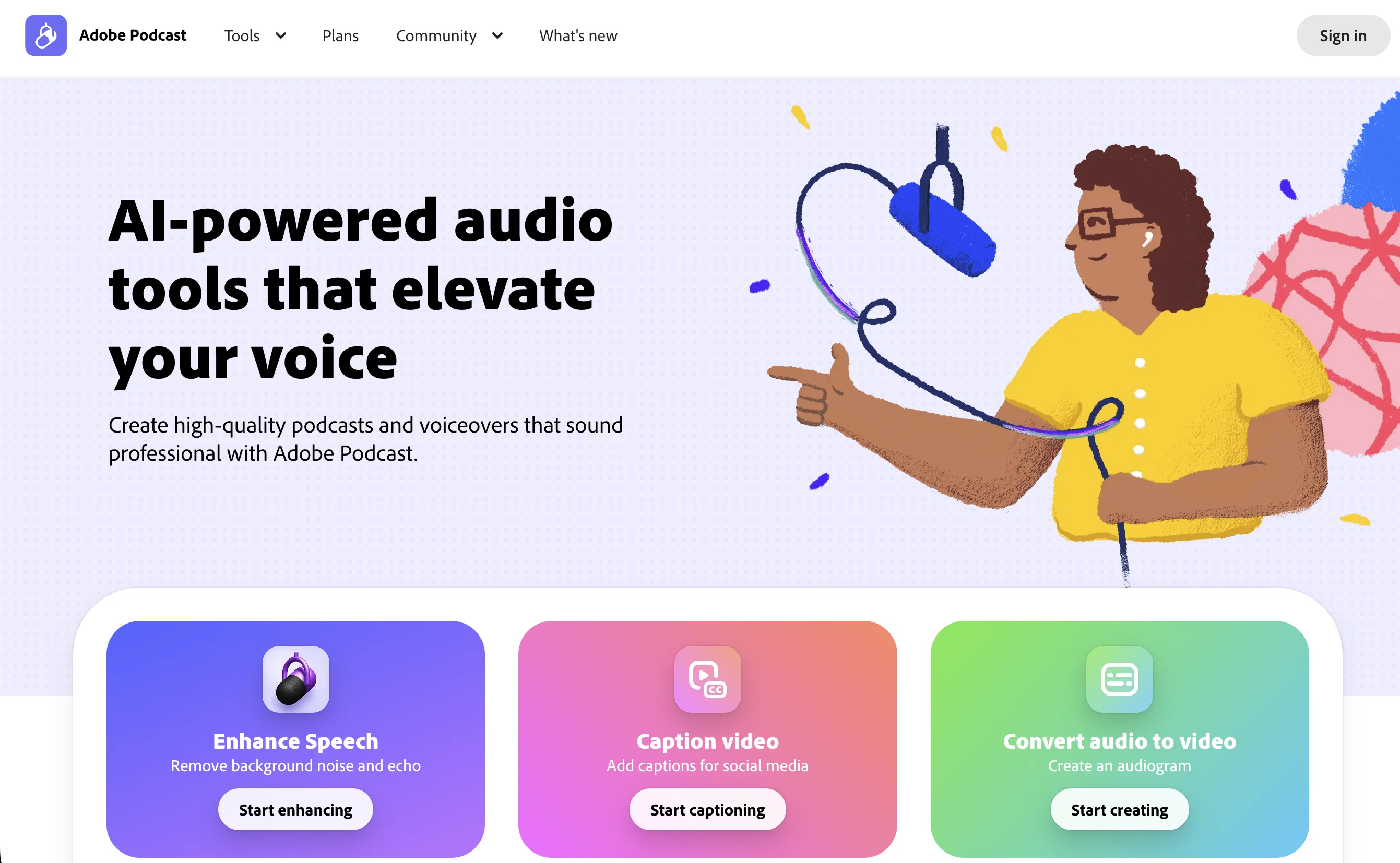
Adobe Podcast is an advanced AI-enabled audio recording and editing tool accessible via the web. With a core emphasis on enhancing speech, Adobe Podcast enables users to remove noise and echo from voice recordings, providing crisp and clear audio every time.
Its key functionalities include in-browser recording and editing, and dynamic enhancements designed to produce professional-grade sound. Using the AI-based StudioBETA feature, users can not only record and edit but also enrich their audio directly in their browser.
The Mic Check feature assists in identifying and resolving microphone issues prior to recording, ensuring optimal sound quality. Users can transcribe audio and video, download them as text or PDF, and even convert audio to video by creating audiograms.
Additionally, Adobe Podcast supports video formats such as MP4 and MOV, and offers additional premium features with the Adobe Podcast Premium plan. The software also provides tools to help users design custom audiograms, captions and backgrounds.
Furthermore, it offers an extensive library of pre-edited royalty-free music to add depth to productions. The built-in AI analyzes your recording setup, enabling users to achieve a professional level of sound without requiring high-end equipment.
Unique to the Adobe Podcast Studio is its ability to transcribe each word using industry-leading transcription technology, an approach that allows users to edit audio like a text document, simplifying the editing process significantly.
Access & connections
Where you can use Adobe Podcast.
Platforms
Capabilities
What this tool accepts, produces, and is strongest at.
Input
- Tabular
- Video
- Audio
Output
- Audio
- Video
- Text
Supported features
- Denoise
- Podcast
Pros & cons
Pros
- Web-based accessibility
- In-browser recording and editing
- Removes noise and echo
- Dynamic enhancements
- StudioBETA enriches audio
- Mic Check for troubleshooting
- Audio and video transcription
- Downloads transcribed text
Show 20 more
- Converts audio to video
- Supports MP4 and MOV
- Adobe Podcast Premium plan
- Customizes audiograms
- Transcribes each word
- Edits audio as text
- No need high-end equipment
- Royalty-free music library
- Bulk upload files
- Adjustable strength settings
- No download limits
- Download original recordings
- Speaker-separated downloads
- Upload custom backgrounds
- Design with Adobe Express
- Caption video capability
- Records with remote guests
- Individual track recordings
- 16-bit 48k WAV format
- Pre-edited sound collections
Cons
- Web-based only
- Dependent on internet connection
- Lacks offline functionality
- No mention of mobile support
- Possible compatibility issues with non-supported video formats
- Mitigation of microphone issues not comprehensive
- Potential limits on file sizes
- Premium features restricted to subscription
Show 2 more
- Limited customizability of audiograms
- Unclear supported language capability
Compare alternatives
Similar tools in the catalog — with a clear reason to open each one.
PoddyHost.com ✓
FreemiumAI-driven podcasts: effortlessly enhance your brand.
Free + from $29/mo
Full comparison


ListenHub ✓
FreemiumTurn any content into realistic AI podcasts.
Why look Better for writing
Full comparison
Wondercraft ✓
FreemiumTurn written content into engaging podcasts in seconds.
Why look Better for writing
Full comparison
Releases 1
FAQ 12
What is Adobe Podcast?
How does Adobe Podcast enhance speech?
What is the StudioBETA feature?
How does Adobe Podcast assist with removing noise and echo from voice recordings?
Can I record and edit audio directly in my browser with Adobe Podcast?
What is the Mic Check feature in Adobe Podcast?
Can Adobe Podcast transcribe audio and video?
What video formats does Adobe Podcast support?
What are the additional features in the Adobe Podcast Premium plan?
Can I design custom audiograms with Adobe Podcast?
Does Adobe Podcast provide any free music to use in my audio productions?
How does Adobe Podcast analyze my recording setup?
Related tools
Recommended
WriteABookAI ✓
PaidThe AI-Native Book Writing Platform

Librida ✓
FreemiumTurn your idea into a book.

ColorPage Lab ✓
Free TrialTurn imagination into custom coloring pages instantly.

VenturusAI ✓
FreemiumBusiness idea analysis and reporting.

Stunning ✓
PaidBuild AI-powered websites in seconds

Hyperis ✓
FreemiumOrganized task prioritization.
More from this creator

Adobe Audio Enhancer ✓
Free TrialClean up spoken audio with AI studio-quality filters.

Adobe Firefly ✓
FreemiumCreate stunning visuals with AI-powered text prompts

Adobe Express ✓
FreemiumCreate stunning content easily with AI-powered design tools.

Adobe AI Assistant ✓
PaidUnleash PDF intelligence with AI-powered assistance

Adobe Customer Journey Analytics ✓
UnknownUnified customer insights across every channel, every moment.

Adobe Brand Concierge ✓
UnknownAI-powered conversations that turn intent into action.