

AI workspace 2026 Rank: #2909
Zo Computer | Your Zo ✓
Run your business by just texting Zo.
Verdict
A quick read before you dig into the full page.
- Best if
- Run your business by just texting Zo
- Skip if
- Limited personalization options
- Pick this when
- Centralizes business applications
Considering Klyra AI instead? Compare side by side
Overview
Zo Computer is a cloud-based platform designed to streamline operations by centralizing your business applications. It provides a comprehensive workspace combining artificial intelligence, storage, and various integrations.
Zo is essentially a cloud computer that stays active 24/7, ensuring business continuity. It is accessible from anywhere, using text, email, or through the applications you regularly use.
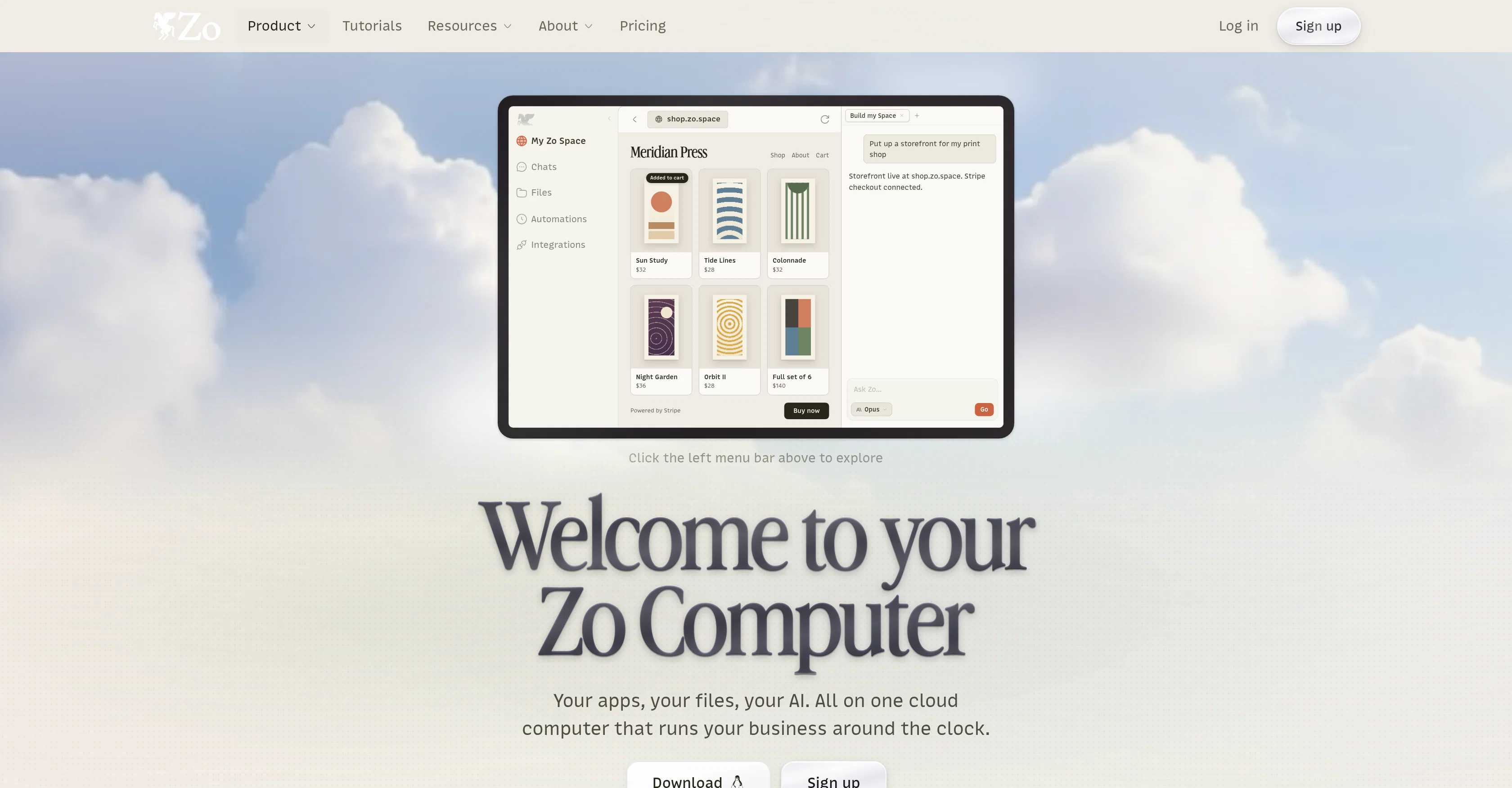
You can manage your business operations, launch a website or build solutions directly on Zo without requiring separate hosting or a developer. It also delivers built-in AI models which handle administrative tasks automatically running your tasks even in the background or on a schedule, according to your personas, rules, and skills.
This platform is unique as it claims to remember your preferences and act on your behalf, beyond just drafting responses. Zo allows you to connect with over 1000 apps, and extends its service by letting you use your API keys or log into your existing Codex and Gemini subscriptions.
It also offers a coding terminal for developers to create personalized solutions and a workspace with 100 GB of file storage. It eliminates the need to scatter your operations across various tools as it combines storage, hosting, AI capabilities, and integration in one place.
Zo is user-friendly and can be instructed using plain words, though it also provides a real file system and coding terminal for more tech-savvy users.
Access & connections
Where you can use Zo Computer | Your Zo.
Platforms
Capabilities
What this tool accepts, produces, and is strongest at.
Input
- API
- Code
- Tabular
- Text
Output
- Code
- Tabular
- API
- Text
Pros & cons
Pros
- Centralizes business applications
- Streamlined operations
- Cloud-based 24/7 business continuity
- Remote access
- Access via text, email, apps
- Launch, build solutions on it
- No separate hosting required
- No developer required
Show 40 more
- Automated background tasks
- Scheduled execution
- Customizable according to user
- Connects with 1000+ apps
- API key extendibility
- Subscription management feature
- Coding terminal for developers
- 100 GB file storage
- One-stop platform
- Tech and non-tech user friendly
- Real file system
- Automated administrative tasks
- Personalized solutions
- Rapid website launching
- Machine remembers preferences
- User-texting feature
- Storefront building capability
- Stripe checkout connected
- Workspace includes secure skills library
- Access to remote browser
- One cloud computer running business
- Create and manage personas
- Scalable storage solution
- Accessible from anywhere
- Scheduled task handling
- Automated report generation
- Automates task in background
- Free credit card setup
- Integrated chat system
- Connect to existing subscriptions
- Website hosting feature
- No technical setup needed
- Categorizes and totals expenses
- Organizes files into folders
- Plans compatible inside Zo
- Maintains file invoices
- Integrated automations
- Plain words automation
- Flexible access to apps
- Operational continuity
Cons
- Limited storage capacity
- Potential privacy concerns
- No offline mode
- Over-reliance on text communication
- Unspecified platform security
- Not adjustable for sensory impairments
- Dependent on external app compatibility
- Storage not expandable
Show 1 more
- Limited personalization options
Compare alternatives
Similar tools in the catalog — with a clear reason to open each one.


Liminary ✓
Free TrialStop hunting for things you know you saved.
Free + from $29/mo
Full comparison
OpenClaw OS ✓
UnknownGenerate interactive apps instantly with live data.
Why look Higher community rating
Full comparison
SoWork ✓
FreemiumYour Smart Virtual Office for Remote Teams
Why look Typically cheaper
Full comparison

Oreate AI ✓
Free TrialThe All-in-one AI workspace that makes everyone a pro
Why look Typically cheaper
Full comparisonReleases 1
FAQ 12
What is Zo Computer?
What are the AI functionalities of Zo Computer?
Is Zo Computer available 24/7?
How can I access Zo Computer?
What kind of tasks can Zo Computer automate?
Can I manage my business operations using Zo Computer?
Does Zo Computer have a built-in coding terminal?
What is the storage capacity offered by Zo Computer?
Does Zo Computer handle task execution based on a schedule?
How does Zo Computer integrate with other apps?
Can Zo Computer remember user preferences?
What is the personalized solution feature of Zo Computer?
Related tools
Recommended

Arlopass ✓
FreeUse any AI model, expose zero API keys.

BotanApp ✓
Free TrialAI plant identification with disease detection and personalized care reminders.

MagicSlides.app AI PPT Maker ✓
FreemiumCreate Stunning PPTs in Seconds with the AI PPT Maker

GetLogit ✓
FreemiumArtificial intelligence, available for everyone.

ChatGPT ✓
FreemiumAsk anything, create anything, and move from idea to action.

Automateed ✓
Free TrialCreate eBooks effortlessly with Automateed, the AI-powered writing tool.