

Coding assistance 2026 Rank: #1061
Yaw Terminal ✓
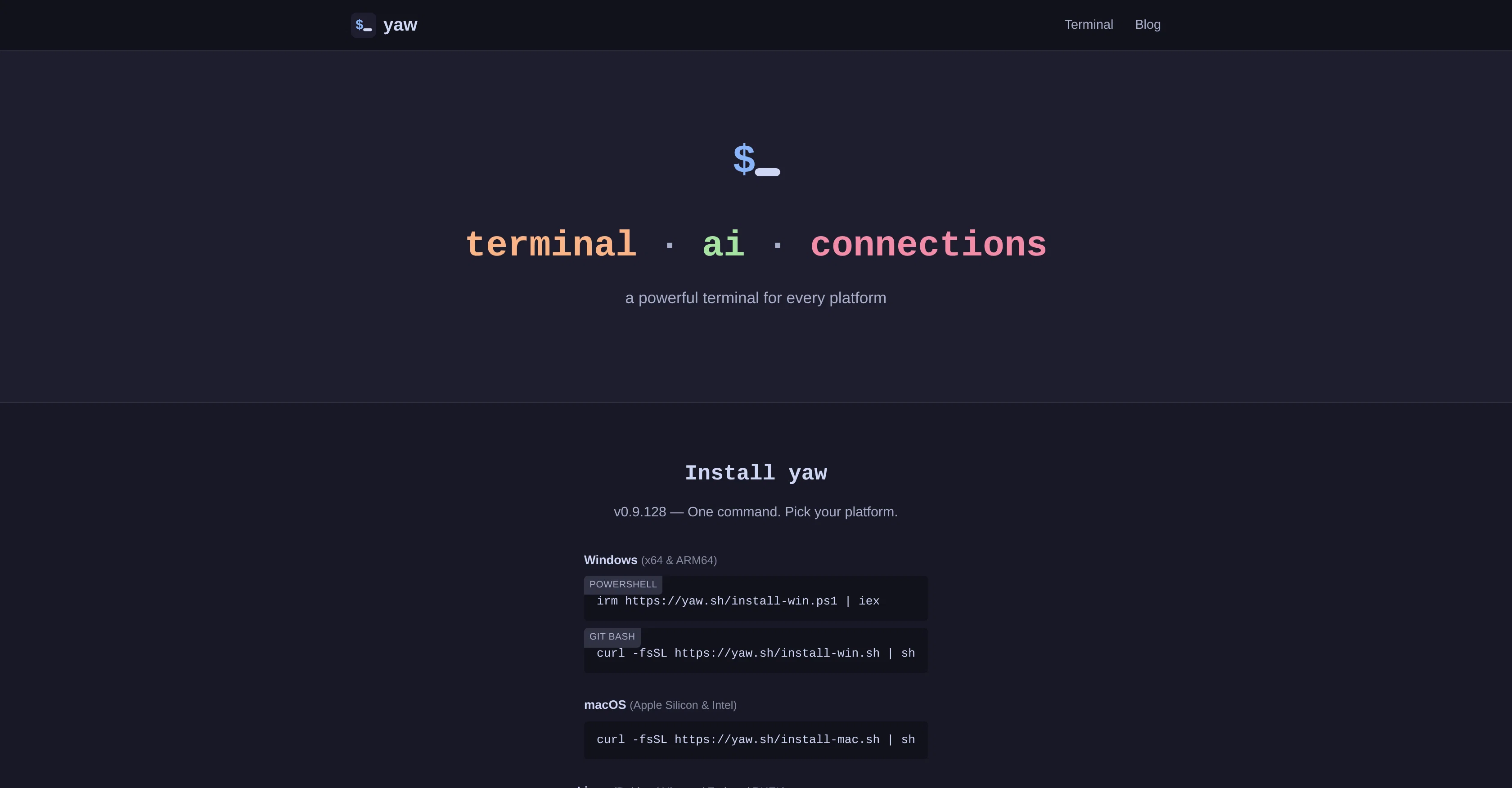
A powerful AI terminal for every platform.
Verdict
A quick read before you dig into the full page.
- Best if
- A powerful AI terminal for every platform
- Skip if
- Limited file editor capabilities
- Pick this when
- SSH client for secure connections
Considering Junie by JetBrains instead? Compare side by side
Overview

yaw is a multifunctional AI terminal designed for a variety of platforms, including Windows, macOS, and Linux. Packing numerous features into its core, the tool offers built-in functionalities such as an SSH client, database connections, and file editor.
Unique to yaw is the integration of AI capabilities which can be accessed with ease via its command line interface. In addition, yaw is compatible with AI CLI Tools such as Claude Code, Codex, and Gemini CLI, and features an intelligent split-pane workflow, where the tool automatically identifies and opens a companion terminal alongside these applications.
Further highlighting its design for user convenience and efficiency, yaw comes with a pre-installed file editor that allows for in-terminal editing without the need for additional setup or plugins.
Despite its vast capabilities, yaw remains user-friendly, offering a free-to-use model and practicing a zero-telemetry policy - reflecting an adherence to user privacy.
Access & connections
Where you can use Yaw Terminal, and what it plugs into.
Platforms
Integrations
Capabilities
What this tool accepts, produces, and is strongest at.
Input
- Code
- Text
Output
- Code
- Text
Highlights
- Agents
- MCP
- Local
- No Signup
Supported features
- Agents
- MCP
- Runs Locally
- No Signup
- CLI
Pros & cons
Pros
- SSH client for secure connections
- Database connectivity for data management
- File editor for in-terminal editing
- Compatibility with CLI tools
- Built-in wizard for installation
- Cross-platform compatibility
- Zero telemetry for neutrality
- Streamlined installation process
Show 14 more
- Key commands for usability
- Split-Pane workflow efficiency
- Integrated with Claude Code
- Integrated with Codex
- Integrated with Gemini CLI
- Free to use
- Prioritizes user privacy
- In-terminal editing without plugins
- Single-command installation process
- Syntax highlighting in file editor
- Auto-close brackets in file editor
- Soft-wrap in file editor
- Built-in file editor features
- Command palette accessability
Cons
- No mobile support
- No plugin extension capacity
- Limited to certain CLI tools
- Lacking multi-language support
- No in-built debugging tools
- Dependent on internet speed
- Automatic split-pane workflow rigidity
- Limited file editor capabilities
Show 2 more
- No custom theme options
- No integrated version control
Compare alternatives
Similar tools in the catalog.

Junie by JetBrains ✓
FreemiumStop switching tools. Start shipping.
Free + from $8.33/mo
Full comparison
Domain Name Search | Hostinger ✓
FreeFind, buy, and own your domain in minutes.
Free
Full comparison
ScreenHelp ✓
FreemiumAI that sees your screen and solves your problems.
Free + from $12/mo
Full comparison


Releases 1
FAQ 12
What is yaw?
What are the key features of yaw?
How does the SSH client in yaw work?
What functionalities does yaw provide for database connections?
Can I modify file content within yaw's built-in file editor?
Is yaw compatible with other CLI tools like Claude Code, Codex, and Gemini CLI?
Can I ask queries from the AI integrated into yaw?
On what platforms can yaw run on?
What is the zero telemetry feature in yaw?
Is yaw free to use?
How do I install yaw?
Does yaw support the opening of new tabs, pane splitting, server and database connections?
Related tools
Recommended

Voice-Generator.com ✓
FreeGenerate AI voice for anything you want.

Marketing Assistant (Elsa AI) ✓
FreemiumDefine your ideal customers and craft a winning marketing strategy with Elsa.

AppDeploy ✓
FreeDeploy real apps directly from ChatGPT or Claude

biela.dev ✓
Free TrialIf you can imagine it, Biela can code it!

Wan Video ✓
UnknownAI creative platform that lowers creative barriers.

Make-it ✓
FreeTurn ideas into physical devices with AI.