

Wandpen ✓
Instantly improve your writing with AI without changing tabs.
Verdict
A quick read before you dig into the full page.
- Best if
- Instantly improve your writing with AI without changing tabs
- Skip if
- Limited user interface customizations
- Pick this when
- Chrome extension
Considering Voila instead? Compare side by side
Overview
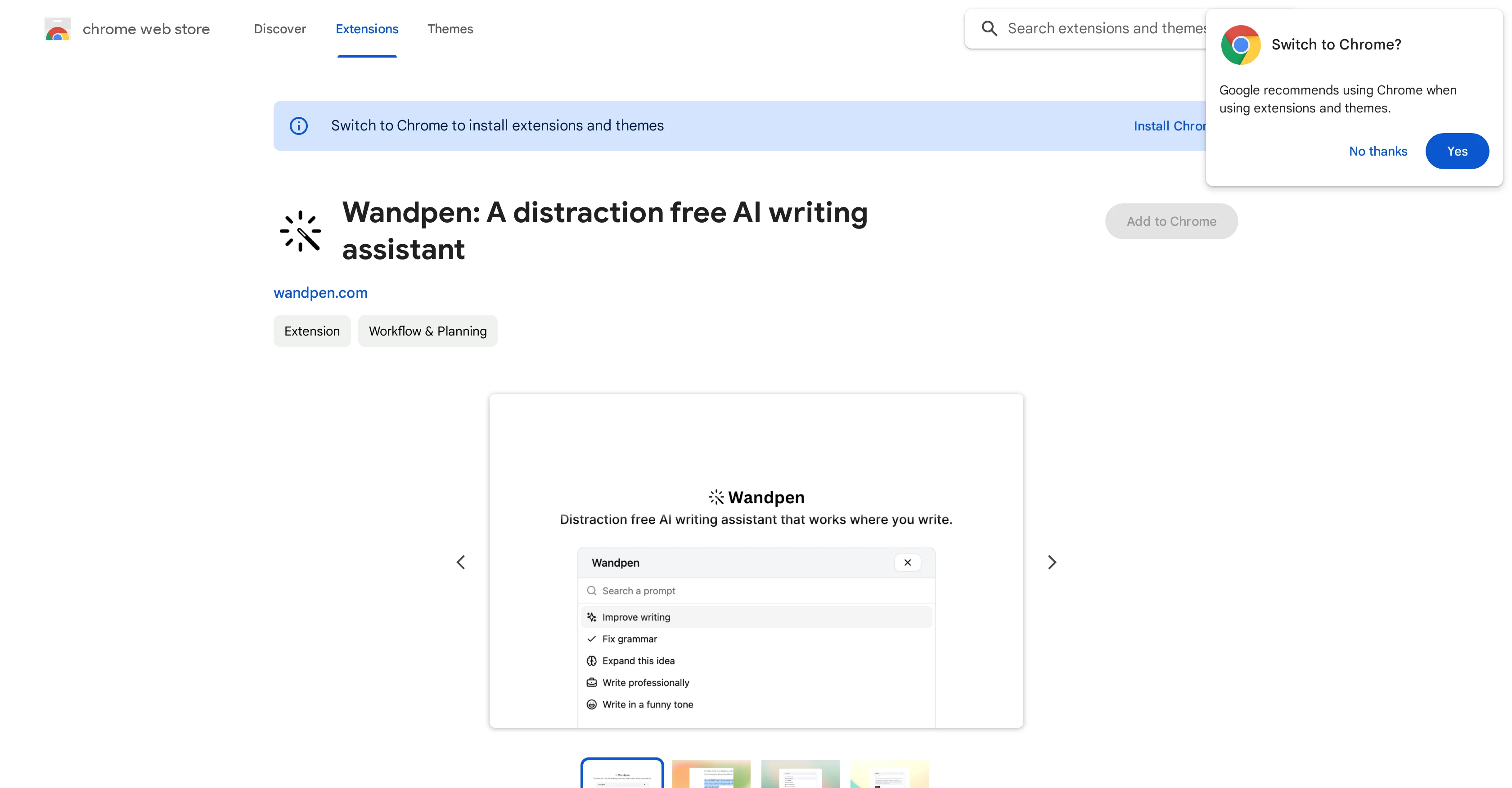
Wandpen is an AI writing assistant designed to enhance writing without causing distraction or requiring tab-switching. Developed as a Chrome extension, Wandpen works where you write, analyzing selected text, addressing potential issues, and suggesting improvements on the fly.
The tool aims to provide seamless integration into the user's workflow by avoiding disruptive notifications or underlines. Wandpen prides itself on its user-friendly approach, offering a service that does not interfere with the cognitive flow of the writer but instead provides immediate, valuable assistance.
This tool is well-suited to individuals seeking to improve their writing quality and productivity without a high learning curve. Notably, privacy is held paramountthe developer has pledged not to collect, use, or sell user data.
As an addition to its data privacy policy, Wandpen is not being used or transferred for unrelated purposes nor for determining creditworthiness or lending purposes.
Access & connections
Where you can use Wandpen, and what it plugs into.
Platforms
Integrations
Capabilities
What this tool accepts, produces, and is strongest at.
Input
- Text
Output
- Text
Pros & cons
Pros
- Chrome extension
- Non-disruptive assistance
- No tab-switching required
- Immediate text analysis
- Instant writing improvements
- Seamless workflow integration
- Boosts writing productivity
- Low learning curve
Show 9 more
- Preserved cognitive flow
- User-centric design
- Strong privacy commitment
- No data collection
- No data usage
- No user data selling
- No unrelated data transfer
- Data not used for creditworthiness
- Non-disruptive notifications
Cons
- Only a Chrome extension
- No multi-language support
- No offline access
- No mobile version
- Lacks user review data
- Unclear algorithm transparency
- No text narration feature
- Missing advanced editing tools
Show 2 more
- No integrated word processor
- Limited user interface customizations
Compare alternatives
Similar tools in the catalog — with a clear reason to open each one.

Voila ✓
Free TrialSeamless AI assistant to help you create, write, brainstorm, and research.
Why look Typically cheaper
Full comparison
Rizz! Keyboard ✓
FreeAI-powered creative responses in your iPhone keyboard.
Why look Fully free option
Full comparison
Werd - Vibe Write with Multi-agent AI ✓
Free TrialVIBE WRITE With Multi-agent AI
Why look Typically cheaper
Full comparison
Sudowrite ✓
Free TrialAI writing partner for faster, more creative storytelling
Free + from $10.00/mo
Full comparison
RewriteBar ✓
Free TrialRewrite. Refine. Accelerate. — AI productivity for every macOS app. 🚀
Why look Offers a public API
Full comparisonReleases 1
FAQ 12
What is Wandpen?
How does Wandpen enhance the writing process?
What does Wandpen analyze in selected text?
How does Wandpen address potential issues in my writing?
How does Wandpen suggest improvements?
What does it mean that Wandpen provides seamless integration?
How is Wandpen user-friendly?
What type of users is Wandpen well-suited to?
Does Wandpen collect, use, or sell user data?
What is Wandpen's data privacy policy?
What is the learning curve like for using Wandpen?
How does Wandpen fit into my workflow?
Related tools
Recommended

BookAIWriter.com ✓
PaidRevolutionize Your Writing with AI

Mindsmith ✓
FreemiumPlatform for building and sharing eLearning content

Stunning ✓
PaidBuild AI-powered websites in seconds

IllumiChat ✓
FreemiumFrom Ticket Backlog to Instant Answers Powered by AI

Mynt ✓
FreemiumGenerate anything with AI from your data

Seapik ✓
PaidGenerate texts instantly with AI writing tools.