

Transcription 2026 Rank: #2401
VoxTap ✓
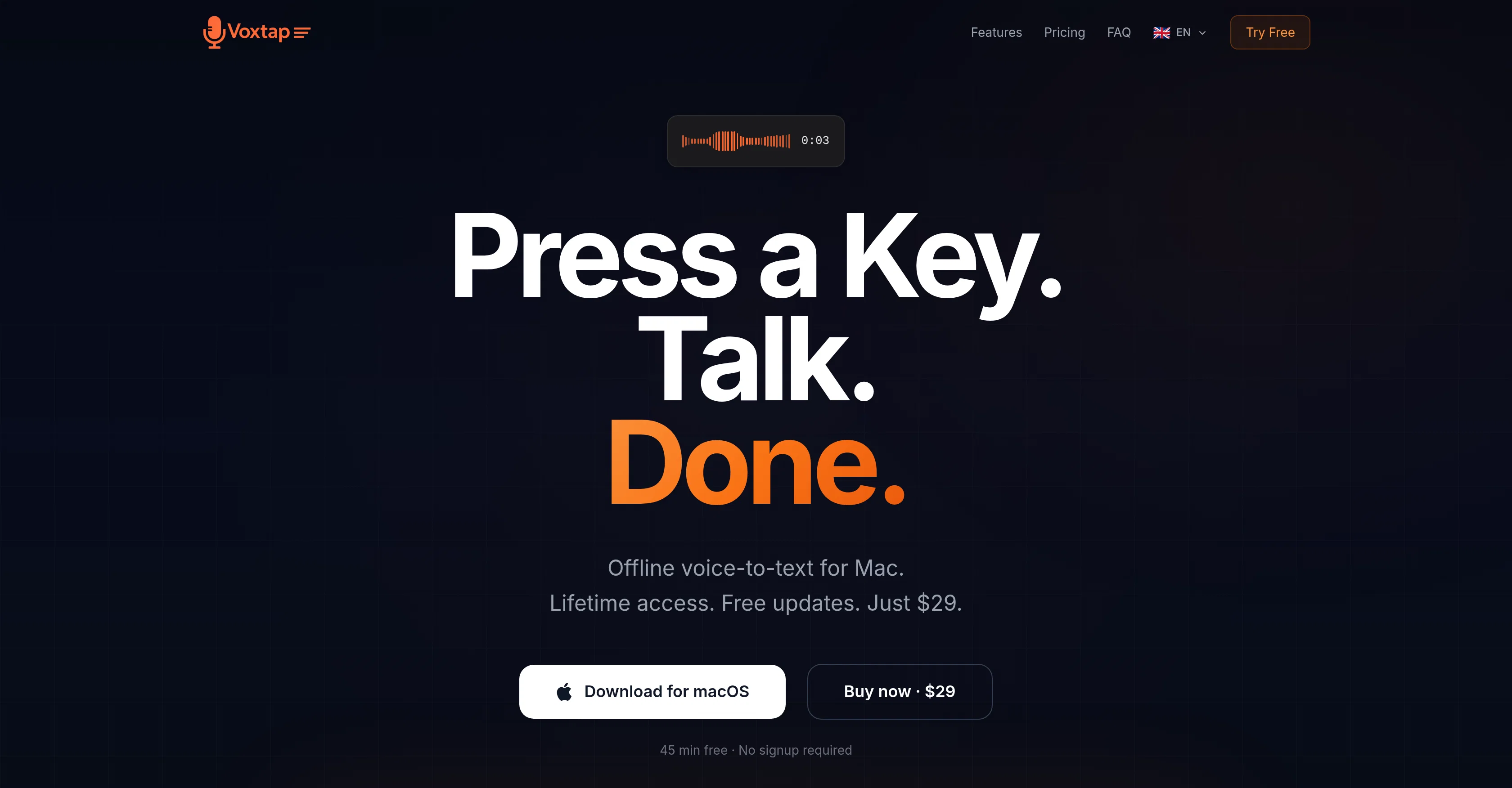
Press a key. Talk. Text appears.
Verdict
A quick read before you dig into the full page.
- Best if
- Press a key. Talk. Text appears
- Skip if
- Only available on macOS
- Pick this when
- 100% offline functionality
Considering Voicetype AI instead? Compare side by side
Overview
VoxTap is a voice-to-text software made for Mac users that transforms spoken language into on-screen text. The application is fully offline, with all conversions performed directly on the device without data relay to any servers.
To operate VoxTap, users simply need to press a hotkey, speak into their device, and the words then appear wherever the cursor is positioned. The software does not require an account or any configuration and is functional as soon as it is opened.
This AI-driven tool is touted for its simplicity, speed and high accuracy, especially when used for coding or technical speech transcriptions. It includes a feature that allows users to search all previous transcriptions by keyword and to copy text with just one click.
VoxTap is available for one-time purchase which grants lifetime access and free updates. The application additionally guarantees privacy by not transmitting voice data to servers and is promoted as safe for using with client projects and proprietary code.
Lastly, it integrates seamlessly with various coding platforms like Cursor and Code, and other apps with a text cursor, resulting in an enhancement of productivity, especially for software developers.
- One-hotkey Voice Dictation
- On-device Ai Transcription
- Works In Any App
- 25+ Languages
- Transcription History
- Macos Menu Bar App
- No Internet Required
- Lifetime Purchase
Best for
Short scenarios where VoxTap tends to shine.
-
Press a key. Talk. Text appears.
Example outputs 1
Sample generations and before/after results for VoxTap.
Access & connections
Where you can use VoxTap.
Platforms
Capabilities
What this tool accepts, produces, and is strongest at.
Input
- Audio
Output
- Text
Highlights
- Local
- No Signup
Supported features
- Runs Locally
- No Signup
- STT
- Transcription
- Autocomplete
Pros & cons
Pros
- 100% offline functionality
- No cloud requirement
- Doesn't require a subscription
- No signup required
- Integrated with Mac Neural Engine
- System-wide application
- Guaranteed data privacy
- Affordable one-time purchase
Show 40 more
- Free trial offered
- User-friendly operation
- Real time text transcription
- Integrated with all apps
- No account required
- Feature-rich voice transcription
- Offline Voice-to-text conversion
- Superior data privacy
- Coding and writing support
- One-click text copy
- Supports technical speech
- Increased work productivity
- Single purchase for lifetime access
- Operational right after opening
- Integrates with multiple platforms
- No configuration requirement
- Superfast and accurate
- Supports coding transcription
- Keyword search in transcriptions
- Safe for client work
- Supports multiple language interface
- Lifetime free updates
- Full text search functionality
- Timestamps for transcriptions
- High compatibility with apps
- Voice-over text in any app
- No plugin requirement
- Tested by active developers
- Promised refund policy
- Custom hotkey feature
- Removal of filler words
- Applicable for non-developers
- Built for heavy typists
- Fair pricing for business packages
- Tailor-made for software developers
- Workable in any text cursor app
- Cost less than competitors
- Money-back guarantee
- No time limit on free trial
- Especially strong with technical speech
Cons
- Only available on macOS
- Does not support real-time collaboration
- Lacks multi-language support
- Not suitable for entry-level users
- No mobile app version
- No integrated editing tools
- Lacks cloud support
- No voice command controls
Show 1 more
- Inability to customize hotkeys
Compare alternatives
Similar tools in the catalog — with a clear reason to open each one.

Voicetype AI ✓
Free TrialWrite 9x Faster with AI Speech to Text on all Apps
Why look Typically cheaper
Full comparison
Transcript LOL ✓
FreemiumUnlimited transcripts, summaries, 99.8% accuracy, speaker recognition, superfast
Why look Typically cheaper
Full comparison
TurboScribe ✓
Freemium🎯 3 free transcripts every day. 🔥 Unlimited transcription starting at $10/mo.
Why look Typically cheaper
Full comparison
RambleFix ✓
Paid⚡ Write by thinking aloud - emails, notes, articles, in your style.
Why look Typically cheaper
Full comparison
Paraspeech ✓
Free TrialPrivate dictation, cloud optional
Why look Typically cheaper
Full comparisonPeople also view
Tools that often show up alongside VoxTap in collections and comparisons.
Voicetype AI ✓
Free TrialWrite 9x Faster with AI Speech to Text on all Apps
TurboScribe ✓
Freemium🎯 3 free transcripts every day. 🔥 Unlimited transcription starting at $10/mo.
Transcript LOL ✓
FreemiumUnlimited transcripts, summaries, 99.8% accuracy, speaker recognition, superfast
RambleFix ✓
Paid⚡ Write by thinking aloud - emails, notes, articles, in your style.
Paraspeech ✓
Free TrialPrivate dictation, cloud optional

Recap Raven ✓
Free TrialTTRPG Discord bot that recaps, transcribes, GM prep notes and campaign memory

Realms of Shod ✓
Free TrialMultiplayer tools, AI notes, and knowledge-graph surfaces for TTRPG worlds and stories

Pulse by smallest.ai ✓
FreemiumWorld's fastest and most accurate speech-to-text.
Releases 1
Related tools
Recommended

Mock Interview AI ✓
Free TrialAI-powered mock interviews with real-time feedback.

MagicSlides.app AI PPT Maker ✓
FreemiumCreate Stunning PPTs in Seconds with the AI PPT Maker

B12 AI Website Builder ✓
FreemiumAI-powered website builder

GetLogit ✓
FreemiumArtificial intelligence, available for everyone.

Thea ✓
FreemiumAI study tools to master material, not just memorize it.

ChatGPT ✓
FreemiumAsk anything, create anything, and move from idea to action.