

Video expansion 2026 Rank: #1238
VideoExpander.ai ✓
Expand any video to any aspect ratio with AI.
Verdict
A quick read before you dig into the full page.
- Best if
- Expand any video to any aspect ratio with AI
- Skip if
- Limited to browser-based use
- Pick this when
- Aspect ratio alteration
Overview
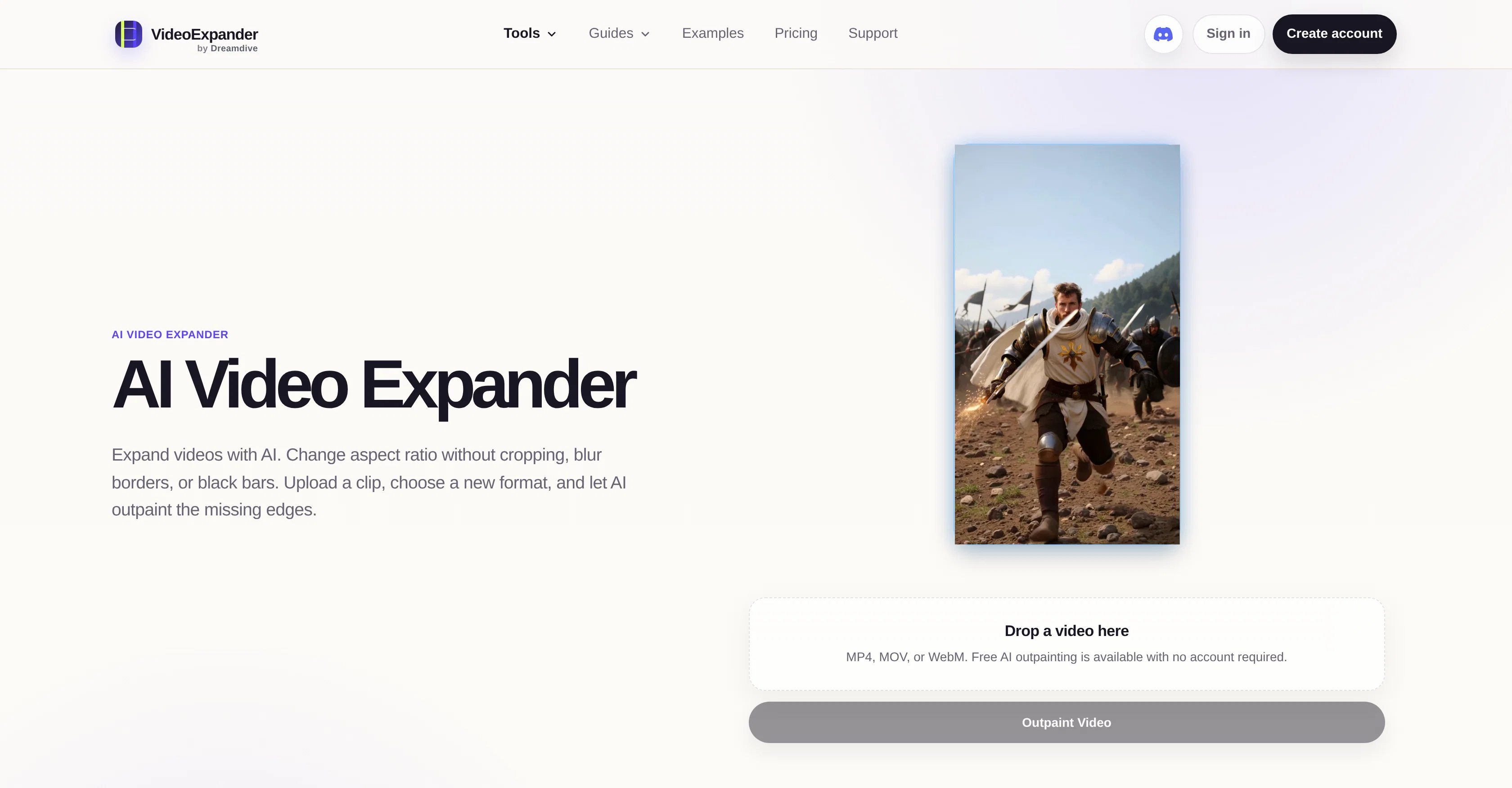
AI Video Expander is an AI-powered tool developed by Dreamdive Tools that allows users to alter the aspect ratio of their videos without negative effects such as cropping, blurred borders or black bars.
The tool achieves this by outpainting, or generating missing edges when a new video format is selected. It is capable of converting portrait videos into landscape, widening shots, removing black bars, or adapting footage to new formats without losing any of the original frame.
Users simply upload a video clip, pick a new preferred format, and the AI generates the missing edges of the frame, thereby expanding the video to the chosen format.
The tool also ensures that the original video remains intact. The AI Video Expander provides high-quality results, with the aim of generating clean, natural-looking scenes.
It supports a range of video types including filmed footage, animation or AI-generated videos. The tool also caters for different video formats such as MP4, MOV, and WebM.
Further adding convenience, Video Expander allows for previews and exports of the expanded video, for a more satisfactory user experience.
Access & connections
Where you can use VideoExpander.ai.
Platforms
Capabilities
What this tool accepts, produces, and is strongest at.
Input
- Video
Output
- Video
Pros & cons
Pros
- Aspect ratio alteration
- Prevents negative effects
- Outpainting functionality
- Preserves original frame
- Supports various formats
- Allows video exports
- High-quality results
- Previews available
Show 31 more
- Supports filmed footage
- Supports animation videos
- MP4 support
- MOV support
- WebM support
- Removes black bars
- Video conversion feature
- Good user experience
- Supports aspect ratio adjustment
- Natural-looking scenes
- Free usage without account
- Quality upgrade with Pro
- Temporary storage for assets
- Multi-shot outpaint
- Videos without losing quality
- Resizable without sacrificing source frame
- Process right in the browser
- Uploads and generated assets
- Preservation on original video
- Generates new visual space
- Comparative preview before export
- Single upload for multiple formats
- Optimized for different platforms
- Built for cross-posting
- Repurposes finished clips
- Adapts different types of videos
- Replaces empty borders
- Brings clean hero videos
- Step-by-step tutorial available
- Efficient frame expansion
- Landscape to vertical conversion
Cons
- No offline availability
- Limited video formats support
- No multi-language support
- No batch processing
- Potential quality loss in outpainting
- Temporarily stores uploads
- No free tier for high quality
- Requires subscription for Pro features
Show 1 more
- Limited to browser-based use
Releases 1
FAQ 12
What is AI Video Expander?
How does AI Video Expander work?
How to use AI Video Expander?
Can AI Video Expander convert portrait videos into landscape?
Does AI Video Expander support animation videos?
What video formats does AI Video Expander support?
Does AI Video Expander remove black bars from videos?
Can I see a preview of the expanded video on AI Video Expander?
Does AI Video Expander guarantee high-quality results?
Can AI Video Expander adapt footage to new formats without losing the original frame?
Does AI Video Expander support MP4, MOV, and WebM video formats?
Can I export the expanded video from AI Video Expander?
Related tools
Recommended

GetLogit ✓
FreemiumArtificial intelligence, available for everyone.

ChatGPT ✓
FreemiumAsk anything, create anything, and move from idea to action.

freebeat AI ✓
FreemiumTurn Music & Ideas into Viral Videos In One Click

ThumbnailCreator.com ✓
Free TrialCreate eye-catching YouTube thumbnails in seconds.

Pounce ✓
Free TrialGet real followers and engagement in minutes.

AirMusic ✓
Free TrialAI music generator and music video creator in one platform.