
VeeSpark | AI Video Generator ✓
Convert scripts, images and ideas into videos.
Trial; then from $19
Verdict
A quick read before you dig into the full page.
- Best if
- You are filmmakers and need: Filmmakers: Transform script ideas into visual storyboards and create AI films
- Skip if
- Limited to short-form clips
- Pick this when
- Diverse application usage
Considering freebeat AI instead? Compare side by side
Overview
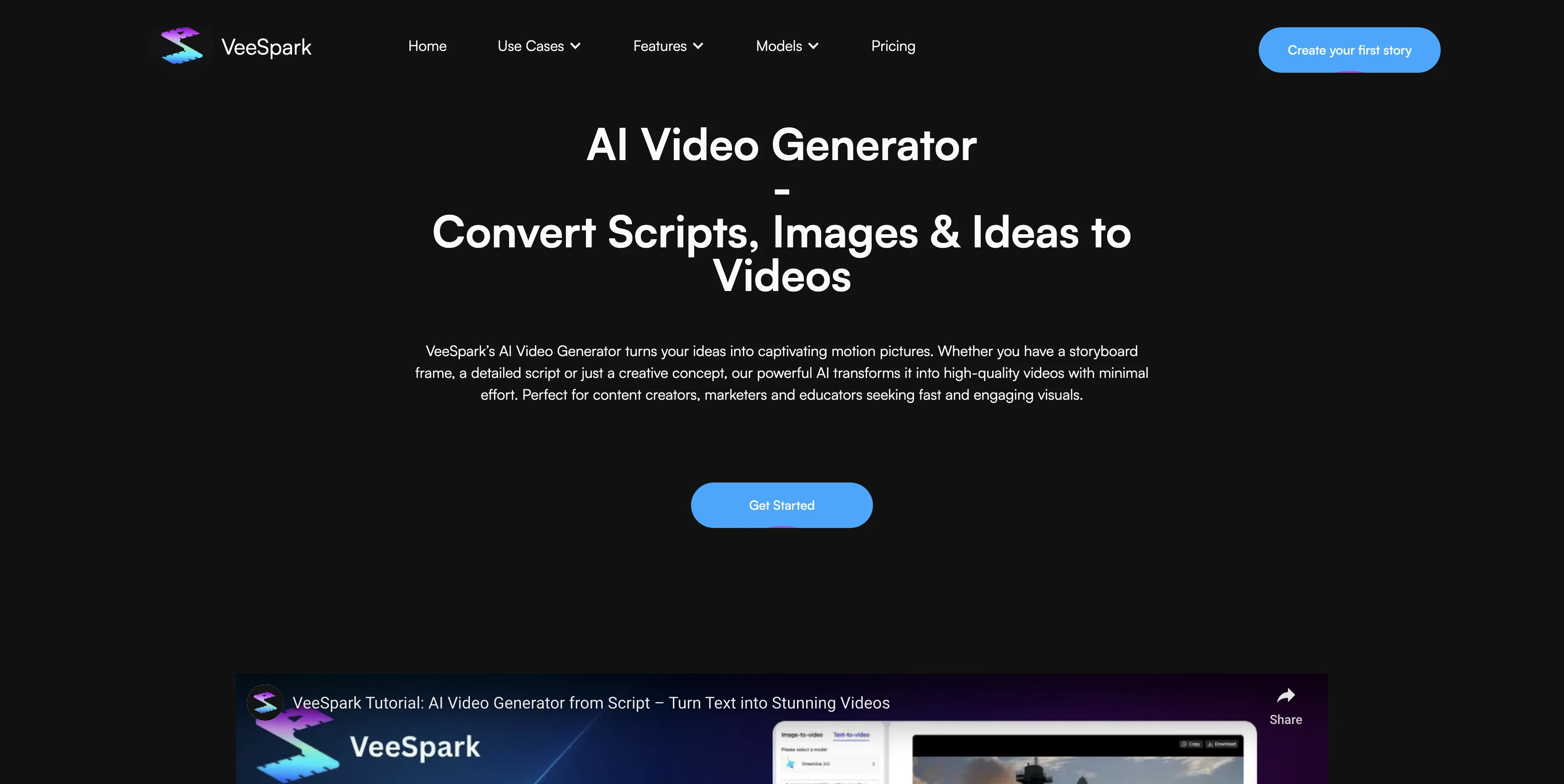
VeeSpark's AI Video Generator is a powerful tool for content creators, marketers, and educators that facilitates the transformation of ideas, scripts and images into engaging videos.
It allows users to convert both static images and written text into dynamic, high-quality motion pictures for diverse applications, ranging from commercials and product concept visualization to educational content and social media posts.
Recognizing the varied creative needs, VeeSpark offers multiple AI models to choose from. These models grant users control over the mood, detail, pacing and overall stylistic direction of video output.
Users have the option to select from a range of styles, including realistic, stylized, 3D, and anime elements, and combine them to create unique videos fitting any brand or story.
Adding to its practicality, VeeSpark also incorporates several editing tools to allow frame-by-frame refining in the creative process. The AI Video Generator is designed to be cost-effective, offering creators an alternative to expensive video shoots and a platform to test, evaluate and iterate their concepts until reaching perfection.
Best for
Short scenarios where VeeSpark | AI Video Generator tends to shine.
-
Filmmakers: Transform script ideas into visual storyboards and create AI films.
Best for Filmmakers
-
Content Creators: Bring ideas to life with storyboards, high-quality visuals, and viral scenes.
Best for Content Creators
-
Marketers: Elevate brand storytelling, create compelling AI commercial content, and animate product images for engagement.
Best for Marketers
-
Educators: Design interactive lesson visuals.
Best for Educators
Example outputs 1
Sample generations and before/after results for VeeSpark | AI Video Generator.
Access & connections
Where you can use VeeSpark | AI Video Generator.
Platforms
Capabilities
What this tool accepts, produces, and is strongest at.
Input
- Image
- Text
Output
- Video
Pros & cons
Pros
- Diverse application usage
- Transforms scripts into videos
- Converts images into videos
- User-controllable video output
- Stylization options
- 3D and anime styles
- Frame-by-frame refining
- Empowers cost-effective content creation
Show 37 more
- Ideal for product visualization
- Boosts social media content
- Test and iterate features
- Multiple style customization
- Multi-view storyboard models
- Consistent character camera editor
- Storyboard to presentation feature
- Idea booster feature
- Flexible pricings
- Fast results generation
- Audio inclusion support
- Freemium model
- Video resolution at 720p
- Video length up to 10 secs
- Diffusion-based system use
- Refining prompt for perfection
- Priority generation for paid plans
- Watermark removal for paid plans
- Generates polished narratives
- Integrated script expansion
- Timeline navigation & editing
- Team collaboration support
- Generated content is copyright-safe
- Ideal for branded content
- Designed for marketers and educators
- Content creation with no expertise needed
- Beginner-friendly platform
- Interactive lesson design
- Patented idea fission feature
- Royalty-free content generation
- Products annotation
- Dynamic storyboard generation
- Character consistency maintenance
- Script editor tool
- Style reference tool
- Inpainting tool for custom visuals
- Outputs copyright-safe for commercial use
Cons
- Limited to 720p resolution
- Max clip length 10s
- Audio sync in early-stage
- Cost related to plan selection
- Freemium model limitations
- Limited to short-form clips
- No support for full-length videos
- Requires clear, specific prompts
Compare alternatives
Similar tools in the catalog — with a clear reason to open each one.

freebeat AI ✓
FreemiumTurn Music & Ideas into Viral Videos In One Click
Why look Typically cheaper
Full comparison
MagicLight ✓
FreemiumTransform text into captivating videos instantly.
Why look Typically cheaper
Full comparison
Seedance ✓
FreemiumMulti-shot video generation from text and image.
Why look Stronger for image work
Full comparisonPeople also view
Tools that often show up alongside VeeSpark | AI Video Generator in collections and comparisons.
Seedance ✓
FreemiumMulti-shot video generation from text and image.
MagicLight ✓
FreemiumTransform text into captivating videos instantly.

Kaiber Superstudio ✓
Free TrialAI Video Generation

HeyGen ✓
FreemiumCreate AI spokesperson videos from text
freebeat AI ✓
FreemiumTurn Music & Ideas into Viral Videos In One Click

D-ID ✓
FreemiumCreate AI-generated videos with ease

ResearchMonkey AI | YouTube Summarizer ✓
Free TrialSave Hours of Research in Seconds with 40+ AI Tools

OutlierKit ✓
PaidEnter one channel, see the entire niche.
Releases 1
Imported reviews 3
It is quick and easy to use,allowing me to create realistic AI videos.
It's horrible
It has most popular video models on the platform
FAQ 12
What is VeeSpark's AI Video Generator?
How does VeeSpark turn static images into dynamic videos?
Can I use text to create videos with VeeSpark?
What AI models are available in VeeSpark?
Can I customize the style of my videos in VeeSpark?
Does VeeSpark provide any video editing tools?
Is VeeSpark cost-efficient when compared to traditional videography?
How can I use VeeSpark for product concept visualization?
What are the applications of VeeSpark for educators?
Can VeeSpark help me with branding and product promotion?
What kind of styles can I use to generate videos in VeeSpark?
How can I control the video output in VeeSpark?
Related tools
Recommended

remio: Your Personal ChatGPT ✓
FreemiumGet Tailored Answer with Your Personal ChatGPT

APOB ✓
FreemiumEarn money by creating your own personalized AI influencer.

LyricEdits ✓
FreemiumCreate lyric videos with AI in minutes. No editing skills required.

Automateed ✓
Free TrialCreate eBooks effortlessly with Automateed, the AI-powered writing tool.

Notis ✓
Free TrialThe first WhatsApp assistant that runs on your ChatGPT and Claude subscriptions

Younet ✓
Free TrialAI Agent Orchestration and Automation. Build your agentic business.