

UPCV - AI Resume Builder ✓
Create professional resumes in minutes with AI.
Free + from $19.9/mo
Verdict
A quick read before you dig into the full page.
- Best if
- You are fresh Graduates and need: Best for Fresh Graduates
- Skip if
- Limited font options
- Pick this when
- 3-Minute Resume Creation
Considering Reztune instead? Compare side by side
Overview



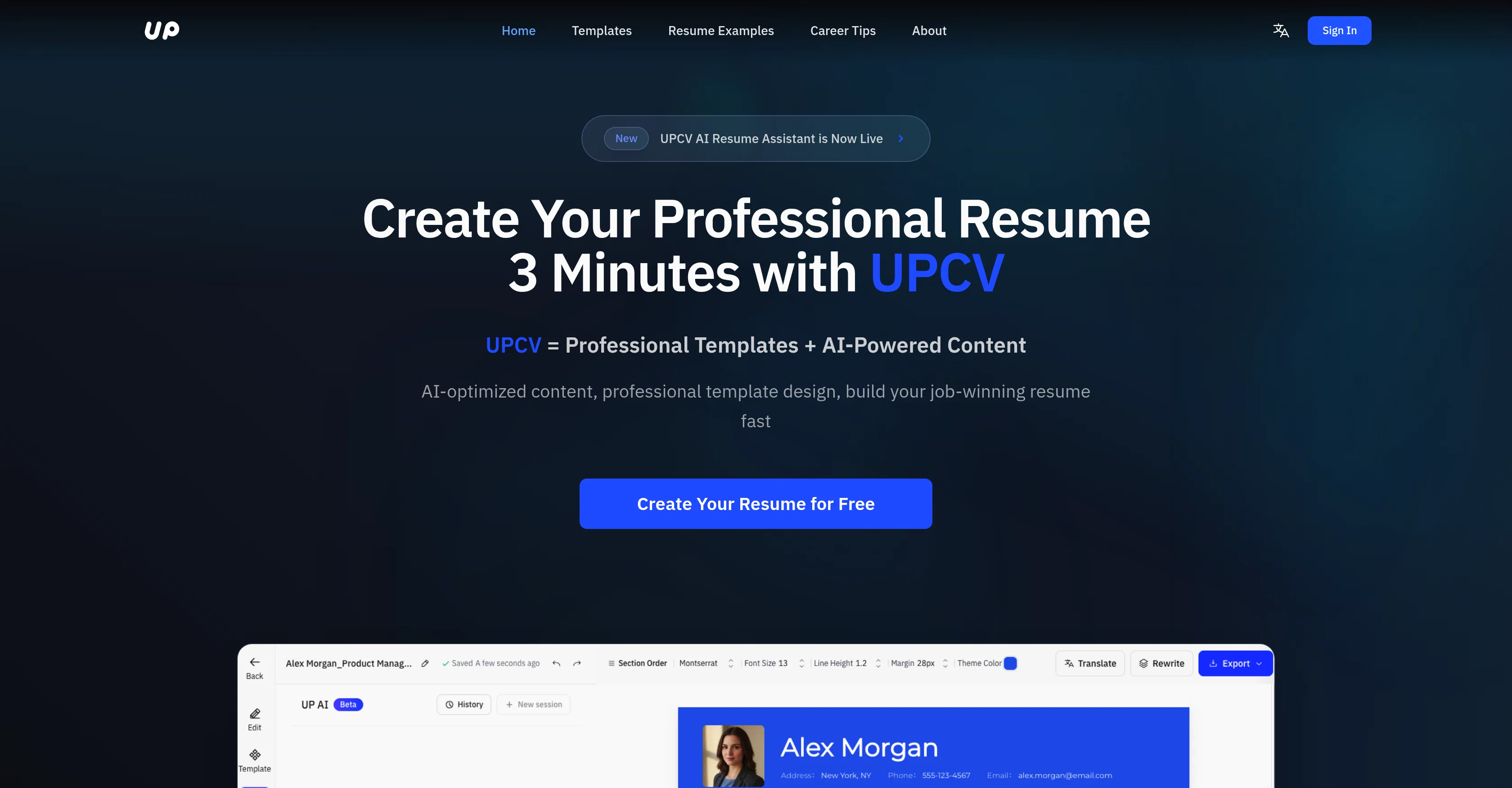
UPCV - AI Resume Builder is an online tool that uses Artificial Intelligence (AI) to assist users in building professional resumes. Aimed at reducing the time and effort typically associated with resume creation, it streamlines the process by generating intelligent content that matches the user's profile and desired job.
Users have the flexibility to select from a variety of templates to best present their information. Once the resume is completed, users have the facility to easily export their resumes into a PDF format.In addition to creating the resume, this tool further supports users by providing a standout resume, thereby potentially increasing the chances of securing interviews.
The AI applies best practices and modern trends in resume building to enlighten users on presenting their skills, experiences, and qualifications in the most effective way.
- Unlimited Pdf Exports
- Ai-guided Conversational Builder
- Instant Real-time Resume Rendering
- Modular Drag-and-drop Architecture
- Customizable Design Controls
- Multi-template Instant Switching
- Achievement Rewriting
- Clarity & Structure Polish
- Job Description (jd) Targeting
- Multi-language Resume Generation
- Master Resume + Multiple Versions System
- Cross-device Sync
- High-speed Performance
Best for
Short scenarios where UPCV - AI Resume Builder tends to shine.
-
Best for Fresh Graduates
Best for Fresh Graduates
-
Best for Job Seekers
Best for Job Seekers
-
Best for Career Changers
Best for Career Changers
-
Best for College Students
Best for College Students
-
Best for IT Professionals
Best for IT Professionals
-
Best for Students
Best for Students
Example outputs 1
Sample generations and before/after results for UPCV - AI Resume Builder.
Access & connections
Where you can use UPCV - AI Resume Builder, and what it plugs into.
Platforms
Capabilities
What this tool accepts, produces, and is strongest at.
Input
- Image
- Text
Output
- Text
- Image
Highlights
- API
- MCP
Supported features
- API
- MCP
- CV Data
Pros & cons
Pros
- 3-Minute Resume Creation
- Smart content enhancement
- Clear achievement rewriting
- Real-time resume generation
- Real-Time Visual Editing
- Live preview
- No exporting to check formatting
- Clean, professional layouts
Show 27 more
- Flexible Modular Layout System
- Drag-and-Drop feature
- Adjustable spacing, fonts, colors
- Single-column or two-column styles
- ATS-friendly templates
- Enhances clarity, structure, storytelling
- Rewrites achievements for impact
- Job-specific tailored versions
- Resume auto-translation
- ATS-friendly formatting and keywords
- Multi-Version Resume Management
- Master resume to tailored versions
- Instant job direction switch
- Stable, High-Performance, and Multi-Platform
- Fast rendering
- Reliable autosave
- High-quality PDF export
- Works on Web + Mobile
- Cloud sync across devices
- Free with Unlimited Exports
- No paywall for essential features
- Cleaner layouts than Canva
- Smarter writing than traditional builders
- Faster than manual resume editing
- No subscription traps
- Appropriate for students, job changers
- Effective for international applicants
Cons
- No offline usage
- Only web + mobile compatible
- Limited layout customisation
- No direct integration with job platforms
- Dependent on stable internet connection
- Limited font options
- One style: professional
- No video CV support
Show 1 more
- Only PDF export format
Compare alternatives
Similar tools in the catalog — with a clear reason to open each one.

Reztune ✓
FreemiumInstantly rewrite and format your resume for any job
Why look Typically cheaper
Full comparison
PitchMeAI ✓
FreemiumLand interviews easily: Network, tailor resumes, and email recruiters in one click.
Why look Better for writing
Full comparison
1Template ✓
FreemiumCreate professional resumes instantly with AI
Why look Typically cheaper
Full comparisonPeople also view
Tools that often show up alongside UPCV - AI Resume Builder in collections and comparisons.
Reztune ✓
FreemiumInstantly rewrite and format your resume for any job
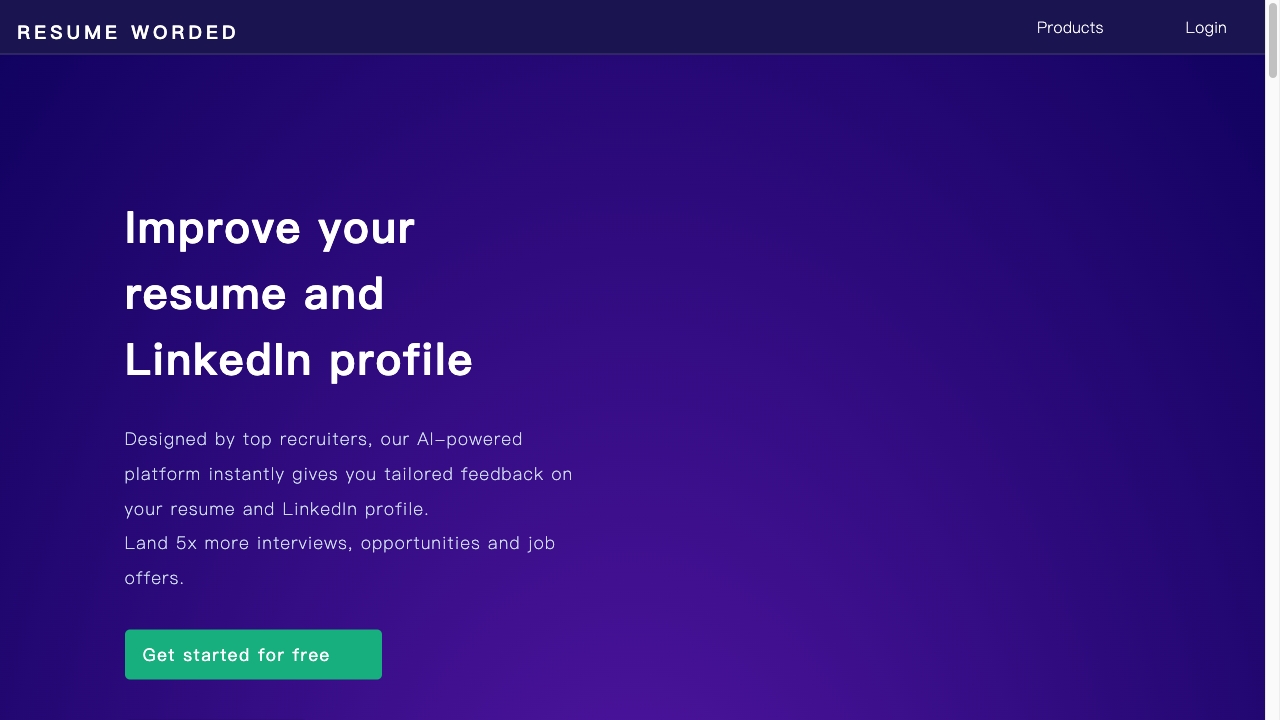
Resume Worded
PaidAI platform for resume and LinkedIn profile improvement with tailored feedback and optimization tools.
PitchMeAI ✓
FreemiumLand interviews easily: Network, tailor resumes, and email recruiters in one click.

Jobs Scout ✓
FreemiumLeverage AI to land your dream job
Bange ✓
FreemiumTransform Your Career: AI-Powered Resumes, Cover Letters, and Mock Interviews with Bange.io
1Template ✓
FreemiumCreate professional resumes instantly with AI

nayld.ai ✓
FreemiumStop guessing. Nail your next interview

MyBestResume.ai ✓
PaidBuild an ATS-friendly resume for your target role.
Releases 1
Imported reviews 2
We built UPCV with a simple intention:
to make writing a resume no longer the most frustrating part of the job search.
We’ve spent a long time refining our guided questions, real-time formatting engine, ATS-friendly structure, and multilingual support. We’ve also talked to many real job seekers to better understand their challenges.
Whether you’re writing your first resume, switching careers, coming off a gap, or just struggling with layout and structure —
we hope UPCV helps you take that step more easily and frees up your time for what truly matters: building a better future for yourself.
Thank you for choosing to click on us in a sea of tools.
We’ll keep working hard to make it even better.
A godsend for lazy people! I made a super professional resume in minutes and said goodbye to the pain of Word formatting!
FAQ 12
What is UPCV?
How does the AI in UPCV work?
How can UPCV help me create a professional resume?
Is UPCV user-friendly?
What are the key features of UPCV?
Can I personalize my resume using UPCV?
Does UPCV offer a range of design templates?
How does UPCV's intelligent content generation enhance my resume?
Can I export my resume to PDF using UPCV?
Are there any prerequisites or technical skills required to use UPCV?
Is UPCV free to use?
How can UPCV increase my chances of securing a job interview?
Related tools
Recommended

ReApply ✓
Free TrialProfessional AI resume builder with job analysis optimization.

remio: Your Personal ChatGPT ✓
FreemiumGet Tailored Answer with Your Personal ChatGPT

Marketing Assistant (Elsa AI) ✓
FreemiumDefine your ideal customers and craft a winning marketing strategy with Elsa.

Osum ✓
Free TrialSupercharge Your Market Research With AI ⚡

Taskade ✓
FreemiumAutomated productivity and collaboration platform.

ResumeBuild ✓
FreemiumRevolutionizing resume building with AI technology.