
UniScribe ✓
Convert speech to text with advanced AI technology.
Free + from $6/mo
Verdict
A quick read before you dig into the full page.
- Best if
- Convert speech to text with advanced AI technology
- Skip if
- Limited file limit per day
- Pick this when
- Supports 98 languages
Considering Voicetype AI instead? Compare side by side
Overview
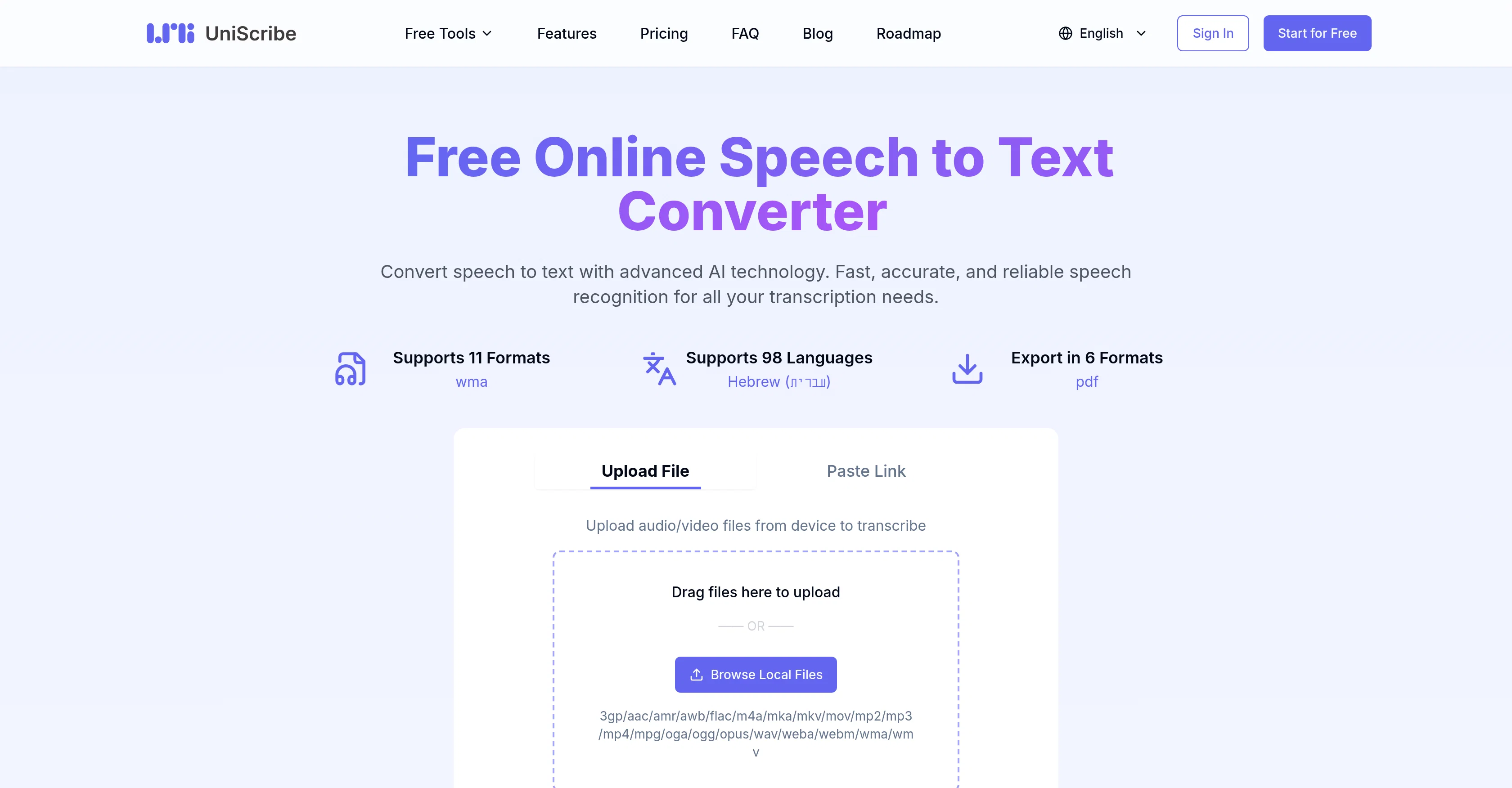
UniScribe is an online tool that uses advanced AI technology to transcribe speech from audio and video files into text. This tool is particularly useful for transforming recordings into written documents swiftly and accurately.
Its support for a multitude of file formats and nearly 98 different languages makes it applicable across a variety of professional, academic, and personal tasks.
UniScribe allows users to upload their files directly, or paste a link, such as from a YouTube video, simplifying the transcription process to a few easy steps.
After transcribing, the system enables text exportation in various formats like text files, PDF, docx, srt, csv, and vtt, making it convenient for different needs.
The platform also offers interactive features such as the automatic generation of short summaries, key insights, visual mind maps from the audio or video content.
These can enhance the value of the transcribed text by helping users focus on key content. While having extensive language support to cater to a global audience, UniScribe assures security and confidentiality of the data uploaded, making this tool reliable for sensitive transcriptions.
Furthermore, it offers different packages suitable for trials, individual projects, regular or high-volume users, and teams. Notably, UniScribe is continually expanding its capabilities with new features like speaker identification and API access in recent times.
Access & connections
Where you can use UniScribe.
Platforms
Capabilities
What this tool accepts, produces, and is strongest at.
Input
- Video
- Audio
Output
- API
- Text
Supported features
- Transcription
Pros & cons
Pros
- Supports 98 languages
- Supports various file formats
- Swift and accurate transcription
- Youtube video transcription
- Transcripts export in multiple formats
- Automatic generation of short summaries
- Automatic generation of visual mind maps
- Automatic extraction of key insights
Show 11 more
- Assured data security
- Offers confidentiality
- Option for direct file upload
- Can paste links for transcription
- Speaker identification feature
- API access
- Supports professional, academic and personal use
- Offers trial packages
- Offers volume-based packages
- Offers team packages
- Continuously updates with new features
Cons
- Not open source
- Limited free option
- Possibility of additional costs
- Possibly slow on large files
- Data retention only 30 days
- Limited file limit per day
- Dependent on internet connection
- Limited platform compatibility
Show 2 more
- No offline capabilities
- Requires account for use
Compare alternatives
Similar tools in the catalog — with a clear reason to open each one.

Voicetype AI ✓
Free TrialWrite 9x Faster with AI Speech to Text on all Apps
Why look Better for writing
Full comparison
Transcript LOL ✓
FreemiumUnlimited transcripts, summaries, 99.8% accuracy, speaker recognition, superfast
Why look Higher community rating
Full comparison
TurboScribe ✓
Freemium🎯 3 free transcripts every day. 🔥 Unlimited transcription starting at $10/mo.
Free + from $10/mo
Full comparison
RambleFix ✓
Paid⚡ Write by thinking aloud - emails, notes, articles, in your style.
Why look Better for writing
Full comparison
Paraspeech ✓
Free TrialPrivate dictation, cloud optional
Why look More privacy-focused
Full comparisonReleases 1
FAQ 12
What is UniScribe?
How does UniScribe transcribe speech from audio and video files?
What formats can I export my UniScribe transcriptions in?
What languages does UniScribe support?
How does UniScribe secure my data?
What are the key features of UniScribe?
How can I upload files to UniScribe for transcription?
Can I use UniScribe for YouTube video transcriptions?
How does UniScribe's automatic summary and key insights generation work?
What's new in UniScribe like speaker identification and API access?
How does UniScribe identify different speakers in the audio?
What are the different packages offered by UniScribe?
Related tools
Recommended

ChatGPT ✓
FreemiumAsk anything, create anything, and move from idea to action.

Postiz ✓
Free TrialStreamline your social media in one place.

TalkTo.AI ✓
FreeFree AI chat with your own team of AI experts

Meloflow AI ✓
FreemiumAI Music Generator & AI Song Maker for Creators
Voice Flux ✓
Free TrialVoice AI agents for smarter websites

Thumbr.ai ✓
FreemiumFast and Affordable AI Photos & Videos