

UniJump ✓
Quick ChatGPT access from any website
Verdict
A quick read before you dig into the full page.
- Best if
- Quick ChatGPT access from any website
- Skip if
- Limited language translation capabilities
- Pick this when
- No sign-up required
Considering Chrome Sidekick instead? Compare side by side
Overview
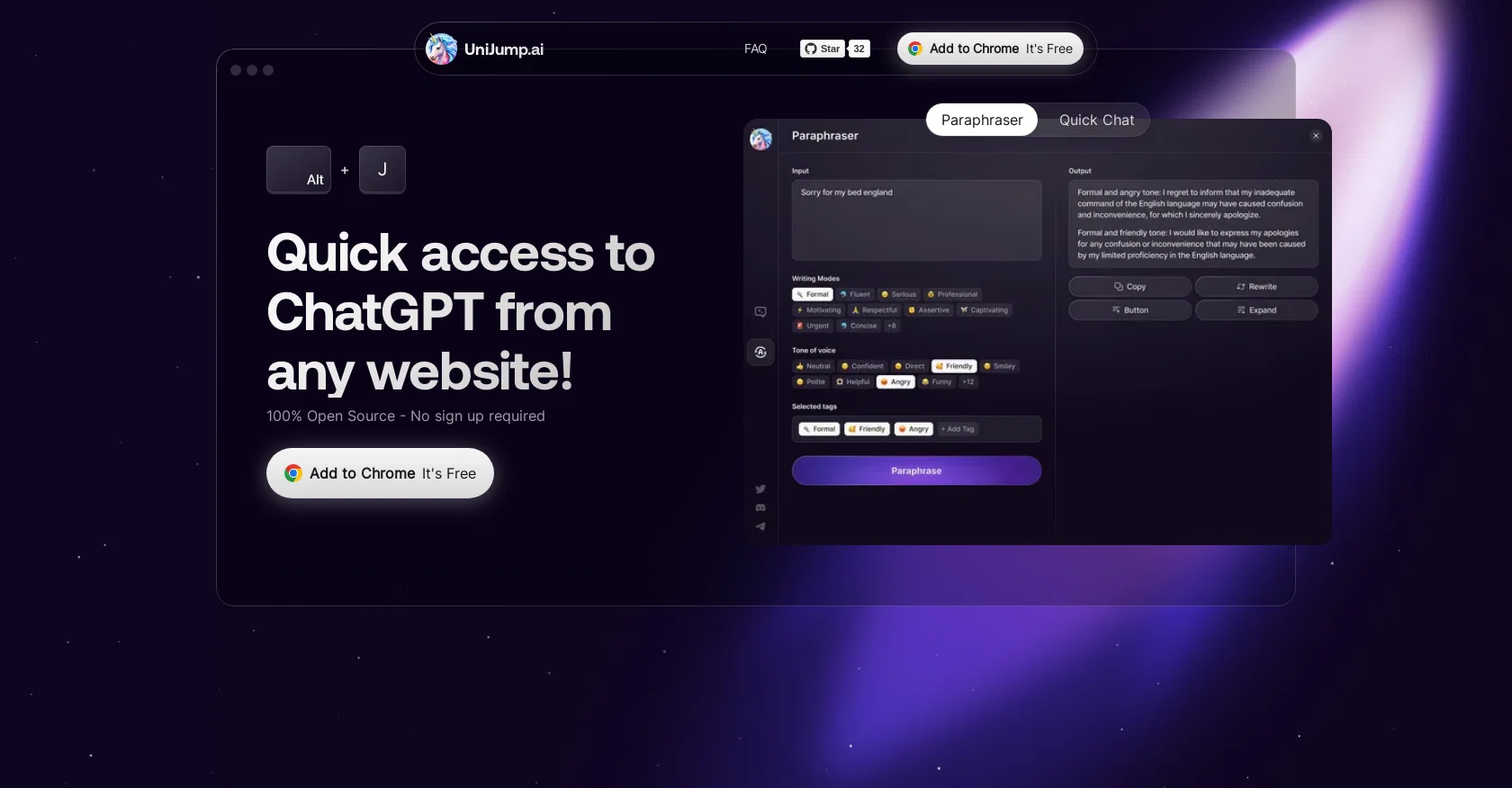
UniJump is a free and open source browser extension that provides quick access to ChatGPT from any website without leaving it. ChatGPT is a computer program created by OpenAI that can understand and work with human language, and UniJump enhances its usage by improving writing, answering questions, and suggesting phrases to complete sentences.
The extension is designed to be seamless and can be accessed with a keyboard shortcut or widget. UniJump is completely free to use and requires no sign-up, except for an OpenAI account, which is also free.
The code for UniJump is open source on GitHub, so users can verify that no personal data, information, data entry, or websites visited are saved. UniJump prioritizes transparency and user data security, and it is encouraged for users to contribute to the code.
UniJump can be downloaded from the Google Chrome Webstore and is available for users to join their social media channels for support and updates.
Access & connections
Where you can use UniJump, and what it plugs into.
Platforms
Capabilities
What this tool accepts, produces, and is strongest at.
Input
- Text
Output
- Text
Pros & cons
Pros
- Free to use
- No sign-up required
- Open Source
- Ensures data security
- Access from any website
- Enhances ChatGPT usage
- Improves writing skills
- Answers questions
Show 34 more
- Suggests phrases completion
- Keyboard shortcut access
- Widget-based access
- Personal data not stored
- Information data not stored
- Data entry not stored
- Visited websites not stored
- Contribute to source code
- Chrome extension
- Superpowers for ChatGPT
- Quick access to ChatGPT
- Seamless usage
- Supports experimentation in communication
- Supports multiple languages
- Accessible with ⌘ Cmd + J
- Text summarization
- GitHub open source verification
- Developer community contribution
- Chrome Webstore availability
- No separate registration
- Provides social media channels
- User-friendly
- Improves browsing efficiency
- Edge in web-based tasks
- Reduces task-switching
- Enhances productivity
- Transparent operations
- Assured user privacy
- On-site aid
- Dedicated support channel
- User feedback considered
- Constant updates
- Enhances online discussion
- Tool flexibility
Cons
- Only for Chrome
- No mobile app
- Interaction only via widget or shortcut
- Cannot work offline
- No built-in user support
- Limited language translation capabilities
Compare alternatives
Similar tools in the catalog — with a clear reason to open each one.

Chrome Sidekick ✓
FreemiumYour AI browser assistant for Chrome superpowers.
Free + from $4/mo
Full comparison
Norton Neo Browser ✓
FreeThe first safe AI-native browser.
Why look Higher community rating
Full comparison

Hyperbrowser ✓
FreemiumCloud browsers for AI agents and apps.
Why look Higher community rating
Full comparison
SurfMind ✓
FreemiumAI browser extension that understands any webpage's context.
Why look Offers a public API
Full comparison
Releases 1
FAQ 12
What is the main function of UniJump?
How does UniJump assist in web writing?
Is UniJump a paid tool or is it available for free?
Does UniJump require any sign-up or registration?
What is ChatGPT and how is it relevant to UniJump?
How does UniJump enhance the usage of ChatGPT?
Can UniJump be accessed from any website?
What measures does UniJump take to ensure user data security?
How can users contribute to UniJump's development?
Is UniJump available only for Google Chrome?
How can I download and install UniJump on my browser?
Is it necessary to have an OpenAI account to use UniJump?
Related tools
Recommended

Claude ✓
FreemiumBuilding reliable, interpretable AI systems

Magical AI ✓
FreemiumGet sh*t done faster with AI-powered writing and task automation.

Botsheets ✓
FreemiumAutomate chatbots with AI and Google Sheets

TutorAI ✓
FreemiumInstant knowledge on any topic

OpenRead ✓
FreemiumAI-powered interactive papers for faster, intuitive research

Summarist ✓
FreeAI-powered book summaries in seconds