
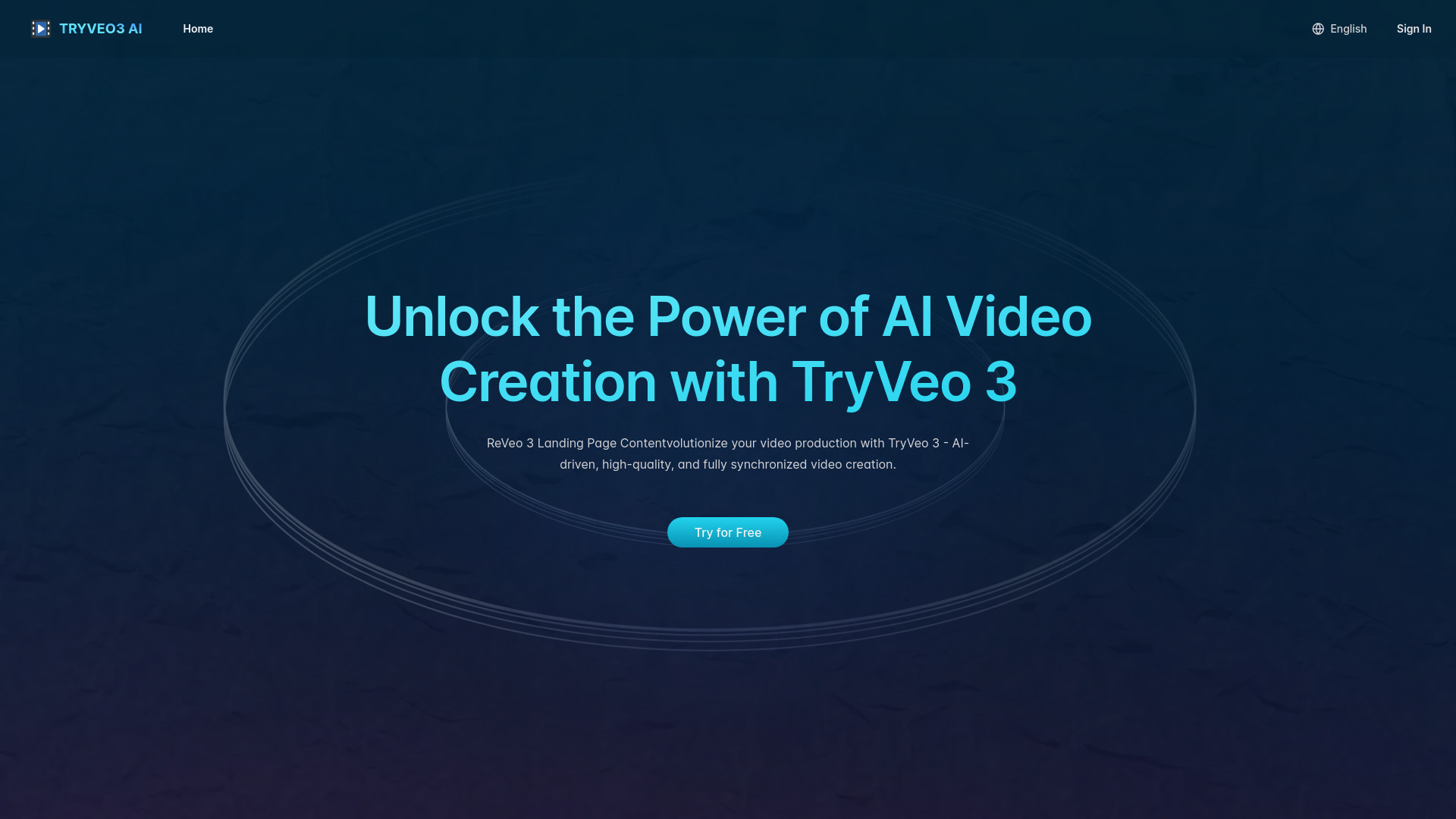
TryVeo3.ai: Free Access to Google Veo 3 for AI Video Generation
Turn ideas into stunning 4K videos with Veo 3 — complete with AI-generated audio and cinematic flair.
Verdict
A quick read before you dig into the full page.
- Best if
- You are content Creators and need: Best for Content Creators
- Pick this when
- Turn ideas into stunning 4K videos with Veo 3 — complete with AI-generated audio and cinematic flair
Overview
TryVeo3.ai empowers everyone to create professional-grade videos using Google DeepMind’s Veo 3 AI. Input a prompt or image, and watch your ideas come to life—no editing skills needed. Try it free and start crafting videos in minutes.
✨ Top 4 Features:
Free Veo 3 Trial: Explore Google’s top-tier video AI without a paid plan.
Instant Cinematic Videos: Create high-definition videos from text or images with ease.
Seamless Audio Integration: Generate lifelike sound effects and synchronized dialogue.
Immersive Realism: Veo 3 offers authentic physics, lifelike motions, and dynamic angles.
Visit TryVeo3.ai to start your free trial and create your first video masterpiece!
Best for
Short scenarios where TryVeo3.ai: Free Access to Google Veo 3 for AI Video Generation tends to shine.
-
Best for Content Creators
Best for Content Creators
-
Best for YouTubers
Best for YouTubers
-
Best for Filmmakers
Best for Filmmakers
-
Best for Cinematographers
Best for Cinematographers
-
Best for Marketers
Best for Marketers
-
Best for Advertisers
Best for Advertisers
How it works
Visit tryveo3.ai, create your account, and start exploring TryVeo 3’s AI-powered video generation tools with a free trial.
Step2:Input Your Creative Prompts
Describe your scene or upload an image to generate custom video content. Specify everything from characters to setting, and let TryVeo 3 do the rest.
Step3:Edit and Refine Your Video
Use TryVeo 3's built-in editing tools to refine and perfect your video. Adjust audio, tweak visuals, and ensure every detail aligns with your creative vision.
Example outputs 1
Sample generations and before/after results for TryVeo3.ai: Free Access to Google Veo 3 for AI Video Generation.
Access & connections
Where you can use TryVeo3.ai: Free Access to Google Veo 3 for AI Video Generation.
Platforms
People also view
Tools that often show up alongside TryVeo3.ai: Free Access to Google Veo 3 for AI Video Generation in collections and comparisons.



FAQ 5
What is TryVeo3.ai: Free Access to Google Veo 3 for AI Video Generation?
✨ Top 4 Features:
Free Veo 3 Trial: Explore Google’s top-tier video AI without a paid plan.
Instant Cinematic Videos: Create high-definition videos from text or images with ease.
Seamless Audio Integration: Generate lifelike sound effects and synchronized dialogue.
Immersive Realism: Veo 3 offers authentic physics, lifelike motions, and dynamic angles.
Visit TryVeo3.ai to start your free trial and create your first video masterpiece!
How to use TryVeo3.ai: Free Access to Google Veo 3 for AI Video Generation?
Visit tryveo3.ai, create your account, and start exploring TryVeo 3’s AI-powered video generation tools with a free trial.
Step2:Input Your Creative Prompts
Describe your scene or upload an image to generate custom video content. Specify everything from characters to setting, and let TryVeo 3 do the rest.
Step3:Edit and Refine Your Video
Use TryVeo 3's built-in editing tools to refine and perfect your video. Adjust audio, tweak visuals, and ensure every detail aligns with your creative vision.