
TopPDF
AI-powered PDF tools for editing, translating, compressing, and converting PDFs.
Verdict
A quick read before you dig into the full page.
- Best if
- You are students and need: Edit text and images in PDF documents
- Pick this when
- AI-powered PDF tools for editing, translating, compressing, and converting PDFs
Overview
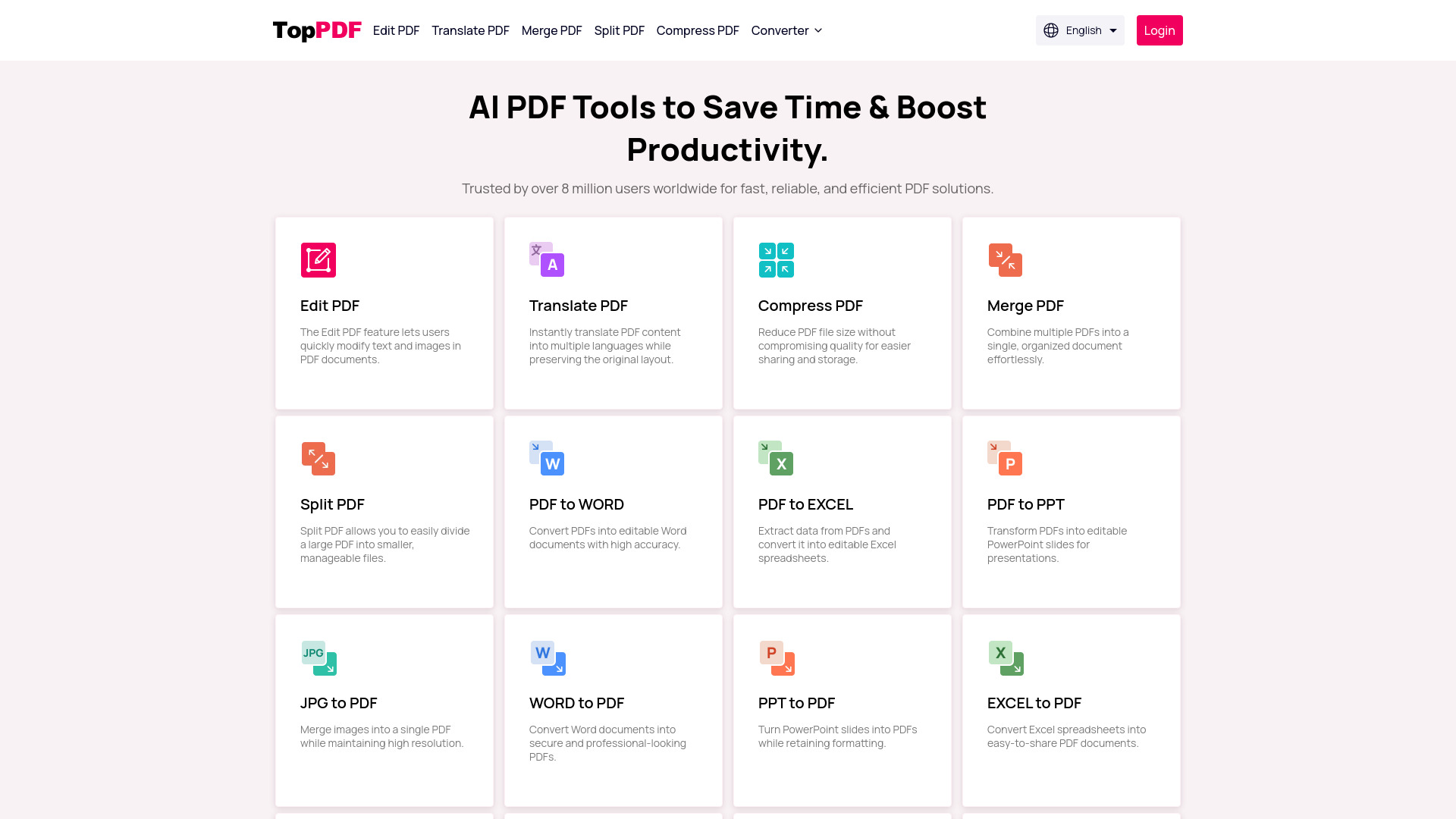
TopPDF provides fast, reliable, and efficient AI-powered PDF tools. Trusted by over 8 million users worldwide, it simplifies your workflow by enabling you to edit, translate, compress, and convert PDFs effortlessly. It offers a range of tools including PDF editing, translation, compression, merging, splitting, and conversion to and from various formats like Word, Excel, PPT, and JPG.
Best for
Short scenarios where TopPDF tends to shine.
-
Edit text and images in PDF documents.
Best for Students
-
Translate PDF content into multiple languages.
Best for Teachers
-
Reduce PDF file size for easier sharing.
Best for Business professionals
-
Combine multiple PDFs into a single document.
Best for Researchers
-
Divide a large PDF into smaller files.
Best for Writers
-
Convert PDFs into editable Word, Excel, or PPT files.
Best for Editors
-
Convert Word, Excel, PPT, or JPG files into PDFs.
Best for Translators
-
Sign PDFs online securely.
Best for Anyone who works with PDF documents regularly
Example outputs 1
Sample generations and before/after results for TopPDF.
Access & connections
Where you can use TopPDF, and what it plugs into.
Platforms
Integrations
Capabilities
What this tool accepts, produces, and is strongest at.
Highlights
- Edit PDF
- Translate PDF
- Merge PDF
- Split PDF
- Compress PDF
- Convert PDF to Word
- Convert PDF to Excel
- Convert PDF to PPT
Show 13 more
- Convert PDF to JPG
- Convert Word to PDF
- Convert Excel to PDF
- Convert PPT to PDF
- Convert JPG to PDF
- Convert EPUB to PDF
- Convert Word to JPG
- Convert Excel to JPG
- Convert PPT to JPG
- PDF Signature
- Grammar Checker
- Paraphrasing Tool
- PDF Rotate
People also view
Tools that often show up alongside TopPDF in collections and comparisons.

