
ToonCrafter ✓
Bring cartoons to life with AI-powered animation
Free + from $9.99/mo
Verdict
A quick read before you dig into the full page.
- Best if
- You are hobby Artists and need: Enhance social media posts with eye-catching cartoon animations
- Skip if
- Limited to MP4 format
- Pick this when
- Stylized cartoon animations
Considering Vizbull instead? Compare side by side
Overview
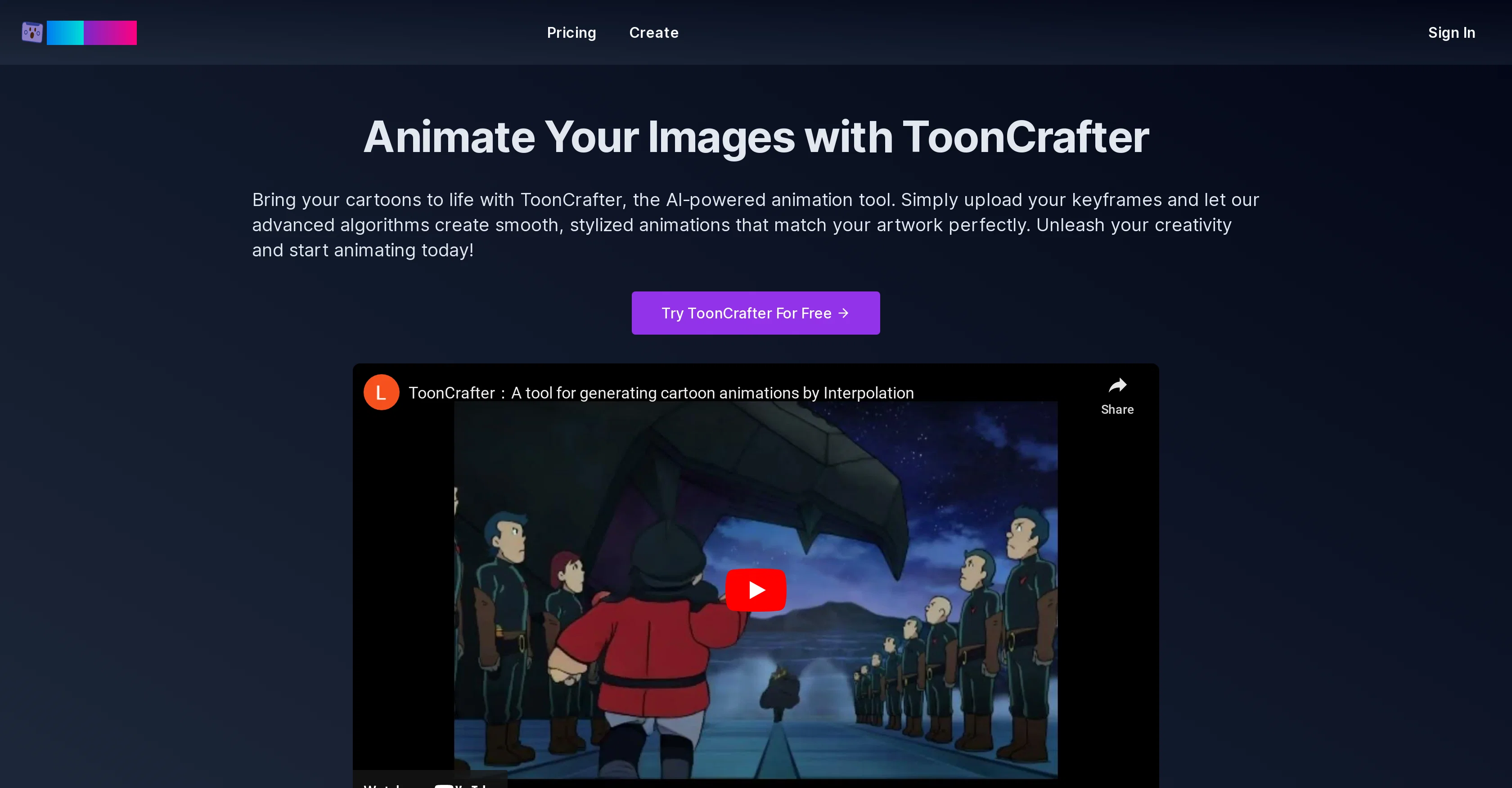
ToonCrafter is an AI-powered tool designed to create lifelike, stylized cartoon animations. Users can upload their keyframes and the tool uses advanced algorithms to generate animated clips seamlessly matching the original artwork.
Its key features include AI-driven animation generation, style transfer learning, pixel-level detail extraction, smooth and seamless transitions, and efficient animation clip generation.
ToonCrafter can ensure visual consistency with the original art style by training on large cartoon datasets. Fine textures, lines, and other visual elements from input frames can be effectively extracted and incorporated into the animated sequences.
To successfully use this tool, users upload 2 to 4 keyframe images representing the animation's starting and ending points, describe the desired animation effects, and then generate the animation.
The final product can be previewed and shared in the popular MP4 format. This tool can be used for a diverse range of creative and professional applications such as social media marketing, personal creative projects, animated sticker creation, animated presentations, and educational content creation.
Best for
Short scenarios where ToonCrafter tends to shine.
-
Enhance social media posts with eye-catching cartoon animations.
Best for Hobby Artists
-
Create dynamic animations for art portfolios or passion projects.
Best for Brand Managers
-
Design animated stickers for chat apps and social media.
Best for Graphic Designers
-
Incorporate animated characters and scenes into presentations.
Best for Freelance Illustrators
Example outputs 1
Sample generations and before/after results for ToonCrafter.
Access & connections
Where you can use ToonCrafter.
Platforms
Capabilities
What this tool accepts, produces, and is strongest at.
Input
- Image
Output
- Video
Pros & cons
Pros
- Stylized cartoon animations
- Keyframes-based animations
- Incorporates original art style
- Trains on large datasets
- Pixel-level detail extraction
- Smooth transitions
- Efficient animation generation
- Consistent visual output
Show 16 more
- Supports 2-4 input images
- Desires effects via text prompts
- Animation in MP4 format
- Diverse creative applications
- Enhances social media marketing
- Assists personal creative projects
- Helps create animated stickers
- Useful for engaging presentations
- Enables educational content creation
- Creates lifelike animations
- Style transfer learning
- Generates animations in seconds
- Creation history management
- Quick creation process
- Easy to share outputs
- Supports different input formats
Cons
- Requires multiple keyframes
- Limited to MP4 format
- Output heavily dependent on input
- Potentially slow generation time
- No mention of adjustable settings
- No integrated sharing options
- No API mentioned
- Requires initial artwork
Show 2 more
- No specified support for 3D
- No explicit multilingual support
Compare alternatives
Similar tools in the catalog — with a clear reason to open each one.
Vizbull ✓
Free TrialTurn any photo into stunning cartoon or artwork with AI in seconds
Why look Stronger for image work
Full comparison
ImageToCartoon ✓
FreemiumTransform photos into cartoons with AI.
Why look Typically cheaper
Full comparison
Colorcinch ✓
FreemiumInstantly transform photos into cartoons online.
Free + from $8.99/mo
Full comparison
AICartoonGenerator ✓
PaidTurn text or photos into fun cartoons with AI
Why look Typically cheaper
Full comparison
Neural Frames Cartoon Generator ✓
FreemiumTransform photos into vibrant AI cartoons instantly.
Free + from $13/mo
Full comparison
Cartoon Selfie ✓
PaidTurn photos into cartoon selfies with one click
Why look Typically cheaper
Full comparisonPeople also view
Tools that often show up alongside ToonCrafter in collections and comparisons.
Vizbull ✓
Free TrialTurn any photo into stunning cartoon or artwork with AI in seconds
Neural Frames Cartoon Generator ✓
FreemiumTransform photos into vibrant AI cartoons instantly.
Colorcinch ✓
FreemiumInstantly transform photos into cartoons online.
ImageToCartoon ✓
FreemiumTransform photos into cartoons with AI.
Cartoon Selfie ✓
PaidTurn photos into cartoon selfies with one click
AICartoonGenerator ✓
PaidTurn text or photos into fun cartoons with AI
Toonly AI ✓
PaidEdit and generate images with AI prompts instantly.

TheCartoonist.Studio ✓
Free TrialTurn your photo into a studio-quality cartoon portrait.
Releases 1
Imported reviews 2
the tool gives only 2 seconds but god for anime
nice tool,only input two images to easily create realistic cartoon animations.
FAQ 12
What is ToonCrafter?
How does ToonCrafter's AI-driven animation generation work?
What does 'style transfer learning' mean in the context of ToonCrafter use?
How does ToonCrafter extract pixel-level detail from keyframes?
What does ToonCrafter do to ensure smooth and seamless transitions in the animations?
How efficient is ToonCrafter in generating animation clips?
How does ToonCrafter maintain visual consistency with the original art style?
How many keyframe images can I upload to use ToonCrafter?
How do I describe my desired animation effects to ToonCrafter?
In what format can I preview and share my final animated clip?
What are some creative applications of ToonCrafter?
Can I use ToonCrafter for social media marketing?
Related tools
Recommended

Text to Infographic ✓
FreemiumTurn your text into visuals in minutes.

Dream Machine AI ✓
PaidTransform text and images into high-quality videos instantly with Dream Machine AI.

Transcript LOL ✓
FreemiumUnlimited transcripts, summaries, 99.8% accuracy, speaker recognition, superfast

Amnesia ✓
FreeLearn through interactive storytelling.
AI Content Detector by Leap ✓
PaidSpot AI-generated text in seconds.

geni by MemoryLane ✓
FreemiumGeni Make your aging parents' smartphones accessible and fun touse