

Colorcinch ✓
Instantly transform photos into cartoons online.
Free + from $8.99/mo
Verdict
A quick read before you dig into the full page.
- Best if
- You are hobbyists and need: Turning photos into cartoons or sketches
- Skip if
- Limited to cartoon effect
- Pick this when
- No installation required
Considering Vizbull instead? Compare side by side
Overview
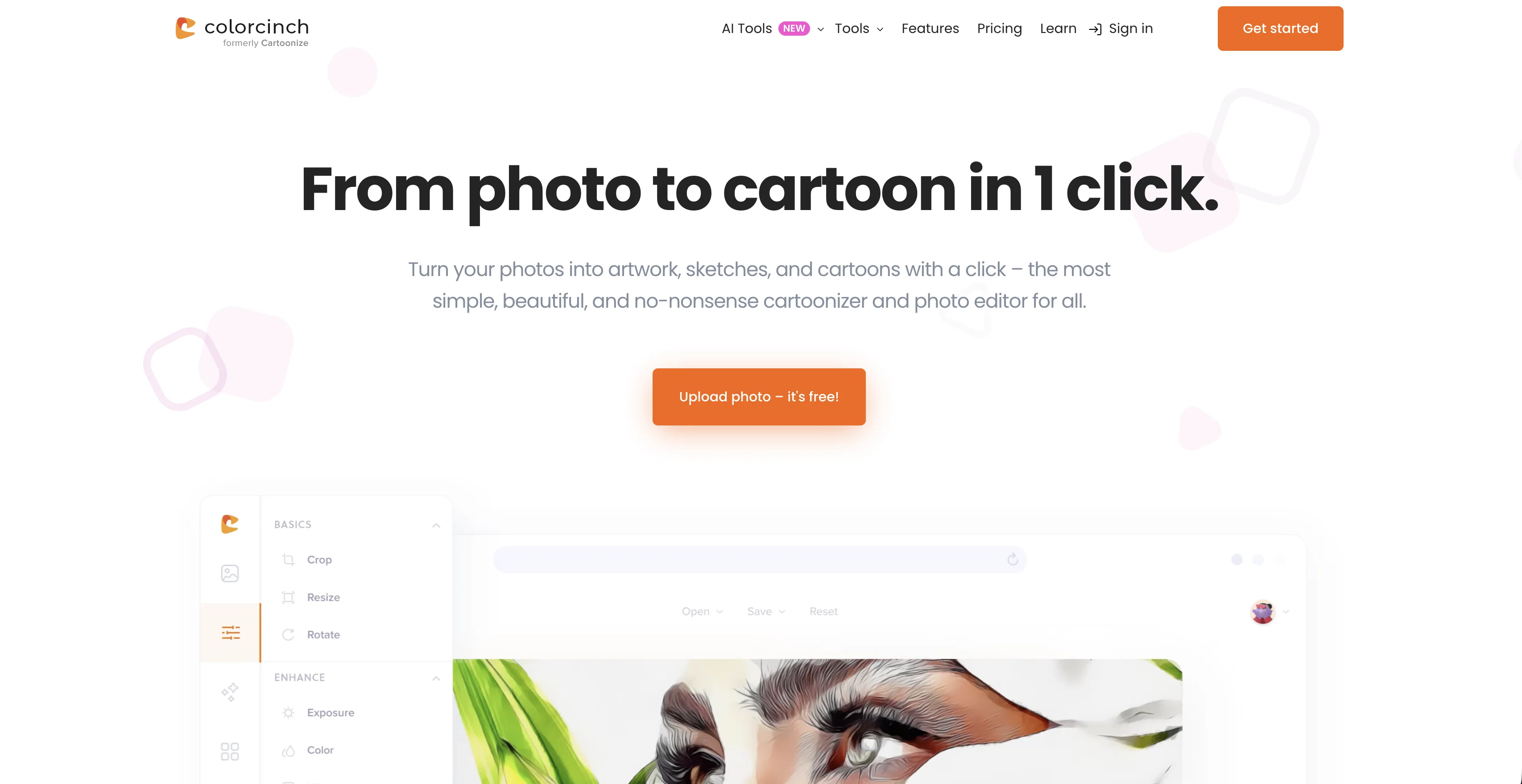
Photo to Cartoon - Cartoonize Yourself - Character Maker is an online tool that allows users to transform their photos into cartoon-like images. Users can achieve cartoon effects by uploading their photos directly on the website and using the easy one-click conversion feature.
The platform does not require any software download or installation, making it accessible and easy to use on any PC or Mac. The application utilizes certain algorithms to manipulate the picture's properties to produce a stylized cartoon version of the original photo.
This tool can be used for a variety of purposes, from creating unique avatars for social media platforms to designing distinctive art pieces. This software offers robust functionality, is user-friendly, and is available to users free of charge.
It is an optimal choice for individuals looking for a simple and effective tool to create stylish cartoon versions of their images, without needing any illustration skills or advanced software.
Best for
Short scenarios where Colorcinch tends to shine.
-
Turning photos into cartoons or sketches
Best for Hobbyists
-
Creating social media graphics and profile pictures
Best for Social media users
-
Designing marketing materials and advertisements
Best for Small business owners
-
Enhancing personal photos with artistic effects
Best for Marketing professionals
-
Removing backgrounds from product photos
Best for Graphic designers
-
Creating photo collages and storyboards
Best for Content creators
Example outputs 1
Sample generations and before/after results for Colorcinch.
Access & connections
Where you can use Colorcinch.
Platforms
Capabilities
What this tool accepts, produces, and is strongest at.
Input
- Image
Output
- Image
Pros & cons
Pros
- Online tool
- No installation required
- One-click conversion feature
- Access on any PC or Mac
- Robust functionality
- User-friendly
- Free of charge
- Creates unique avatars
Show 12 more
- Designs distinct art pieces
- No illustration skills required
- Doesn't require advanced software
- Cartoonizing directly online
- Quick photo conversion
- Platform independency
- No download or installation
- Stylized image production
- Social media ready images
- Image manipulation capabilities
- Direct photo upload
- Available globally
Cons
- No offline functionality
- Potential privacy concerns
- Limited to cartoon effect
- No advanced editing options
- Can't handle large file sizes
- No batch processing
- Lacks customization options
- Dependent on internet speed
Show 1 more
- No photo-to-photo options
Compare alternatives
Similar tools in the catalog — with a clear reason to open each one.
Vizbull ✓
Free TrialTurn any photo into stunning cartoon or artwork with AI in seconds
Why look Stronger for image work
Full comparison
ImageToCartoon ✓
FreemiumTransform photos into cartoons with AI.
Why look Typically cheaper
Full comparison
AICartoonGenerator ✓
PaidTurn text or photos into fun cartoons with AI
Why look Typically cheaper
Full comparison
ToonCrafter ✓
FreemiumBring cartoons to life with AI-powered animation
Free + from $9.99/mo
Full comparison
Neural Frames Cartoon Generator ✓
FreemiumTransform photos into vibrant AI cartoons instantly.
Free + from $13/mo
Full comparison
Cartoon Selfie ✓
PaidTurn photos into cartoon selfies with one click
Why look Typically cheaper
Full comparisonPeople also view
Tools that often show up alongside Colorcinch in collections and comparisons.
Vizbull ✓
Free TrialTurn any photo into stunning cartoon or artwork with AI in seconds
ToonCrafter ✓
FreemiumBring cartoons to life with AI-powered animation
Neural Frames Cartoon Generator ✓
FreemiumTransform photos into vibrant AI cartoons instantly.
ImageToCartoon ✓
FreemiumTransform photos into cartoons with AI.
Cartoon Selfie ✓
PaidTurn photos into cartoon selfies with one click
AICartoonGenerator ✓
PaidTurn text or photos into fun cartoons with AI
Toonly AI ✓
PaidEdit and generate images with AI prompts instantly.

TheCartoonist.Studio ✓
Free TrialTurn your photo into a studio-quality cartoon portrait.
Releases 1
Imported reviews 1
Nothing special. It could be done on any imaging app. The images mostly just look like filters.
FAQ 12
What is Colorcinch Photo to Cartoon - Cartoonize Yourself - Character Maker?
How does Colorcinch Photo to Cartoon work?
What is the process to cartoonize my photo using Colorcinch?
Is any software installation needed to use Colorcinch?
Is Colorcinch compatible with PCs and Macs?
How does Colorcinch manipulate images to create cartoon effects?
Can I use Colorcinch online tool for free?
Can I use Colorcinch to create avatars for social media platforms?
What other purposes can Colorcinch be used for?
Do I need any illustration skills or advanced software to use Colorcinch?
What makes Colorcinch an optimal choice for a photo to cartoon converter?
Does Colorcinch Photo to Cartoon offer any advanced features?
Related tools
Recommended

IllumiChat ✓
FreemiumFrom Ticket Backlog to Instant Answers Powered by AI

Transcript LOL ✓
FreemiumUnlimited transcripts, summaries, 99.8% accuracy, speaker recognition, superfast

B12 AI Website Builder ✓
FreemiumAI-powered website builder

GPTExcel ✓
FreemiumGenerate spreadsheet formulas with AI

Ideamap - Brainstorm and Mindmap AI ✓
FreemiumBoost your creativity with AI-powered brainstorming.

LearningStudioAI ✓
Free TrialAI-powered authoring tool for effortless online course creation.