Verdict

A quick read before you dig into the full page.

Best if
You are educators and need: Training & Education
Skip if
You need enterprise SLAs or a fully managed team plan right away
Pick this when
Freemium · Free + from $24 / mo

Overview

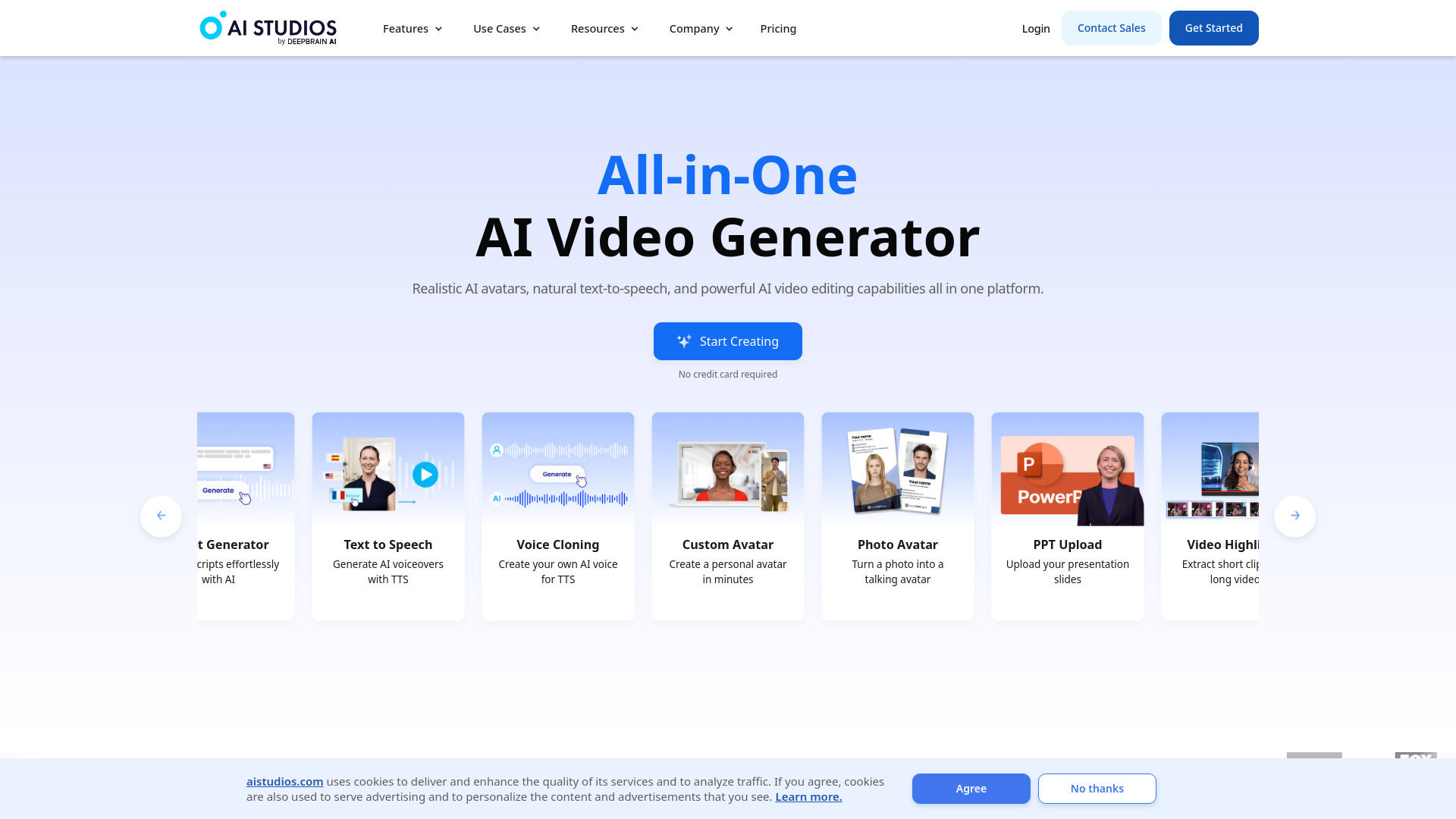
AI STUDIOS by Deepbrain AI is an all-in-one AI video generator that allows users to create videos quickly using simple text prompts. It offers realistic AI avatars, natural text-to-speech capabilities, and powerful AI video editing tools. The platform supports collaboration, video translation, and various templates for different use cases, making video creation accessible to individuals and businesses alike.

AI STUDIOS screenshot

Best for

Short scenarios where AI STUDIOS tends to shine.

  • Training & Education

    Best for Educators

  • E-commerce

    Best for Marketing professionals

  • News Media

    Best for Social media managers

  • Brand Ambassador

    Best for E-commerce businesses

  • Social Media

    Best for News agencies

  • Customer Support

    Best for Financial institutions

  • Sales Enablement

    Best for Customer support teams

  • Academic Lectures

    Best for Training departments

How it works

To use AI STUDIOS, start by generating a script by uploading a URL or document, providing a prompt, or typing it in. Then, customize the video by choosing an avatar and voice, adding text, images, and animations. Collaborate with your team, generate the video, translate it if needed, and share the link or embed it.

Example outputs 1

Sample generations and before/after results for AI STUDIOS.

Access & connections

Where you can use AI STUDIOS.

Platforms

Web

Capabilities

What this tool accepts, produces, and is strongest at.

Highlights

  • AI Avatars (150+ realistic digital avatars)
  • AI Voices (80+ languages)
  • Teams & Workspaces for collaboration
  • Video Translation
  • Video Templates
  • Text to Video
  • Topic to Video
  • URL to Video
Show 8 more
  • Docs to Video
  • Article to Video
  • AI Script Assistant
  • AI Video Translator
  • AI Video Editor
  • Text to Speech
  • Voice Cloning
  • Custom Avatar

People also view

Tools that often show up alongside AI STUDIOS in collections and comparisons.

FAQ 6

What is AI STUDIOS?
AI STUDIOS by Deepbrain AI is an all-in-one AI video generator that allows users to create videos quickly using simple text prompts. It offers realistic AI avatars, natural text-to-speech capabilities, and powerful AI video editing tools. The platform supports collaboration, video translation, and various templates for different use cases, making video creation accessible to individuals and businesses alike.
How to use AI STUDIOS?
To use AI STUDIOS, start by generating a script by uploading a URL or document, providing a prompt, or typing it in. Then, customize the video by choosing an avatar and voice, adding text, images, and animations. Collaborate with your team, generate the video, translate it if needed, and share the link or embed it.
What is the best way to convert text to video?
Using an AI video generator like Deepbrain AI, you can convert text to video by leveraging AI to generate digital content from text instructions, eliminating the need for shooting, editing, and hiring actors. The tool offers diverse and realistic AI avatars, supports multiple languages with natural voices, and has user-friendly interfaces.
What are the benefits of using an AI video generator?
AI video generators offer high-quality, customizable content creation, cost-effectiveness, and hyper-realistic AI avatars with lifelike voices, movements, and appearance. With these AI tools, you don't need cameras, microphones, or actors, allowing you to create professional video content quickly and with little to no experience required.
Do AI video generators support multi-language?
AI video generators like Deepbrain AI support multiple languages and translation services. Deepbrain AI provides text-to-speech capabilities in over 80 languages, with natural accents and voices. It also offers a variety of avatars representing different nationalities, making it easy to create localized videos at scale.
How can AI be used to generate video scripts?
Using ChatGPT, you can generate video scripts, brainstorm ideas, check grammar, and even translate your script. Deepbrain AI integrates ChatGPT into their AI video generator, making it easily accessible during the video creation process. It can also help convert text to video using powerful generative AI capabilities. You can also use any of AI Studios' AI Automation Suite tools to easily create pro-quality first video drafts, complete with script, footage, and AI avatar-led narration.
AI STUDIOS Free + from $24 / mo
