

TextGPT.app ✓
AI-powered text input for smarter browsing.
Verdict
A quick read before you dig into the full page.
- Best if
- AI-powered text input for smarter browsing
- Skip if
- Only for Chrome browser
- Pick this when
- Browser extension
Considering Voila instead? Compare side by side
Overview
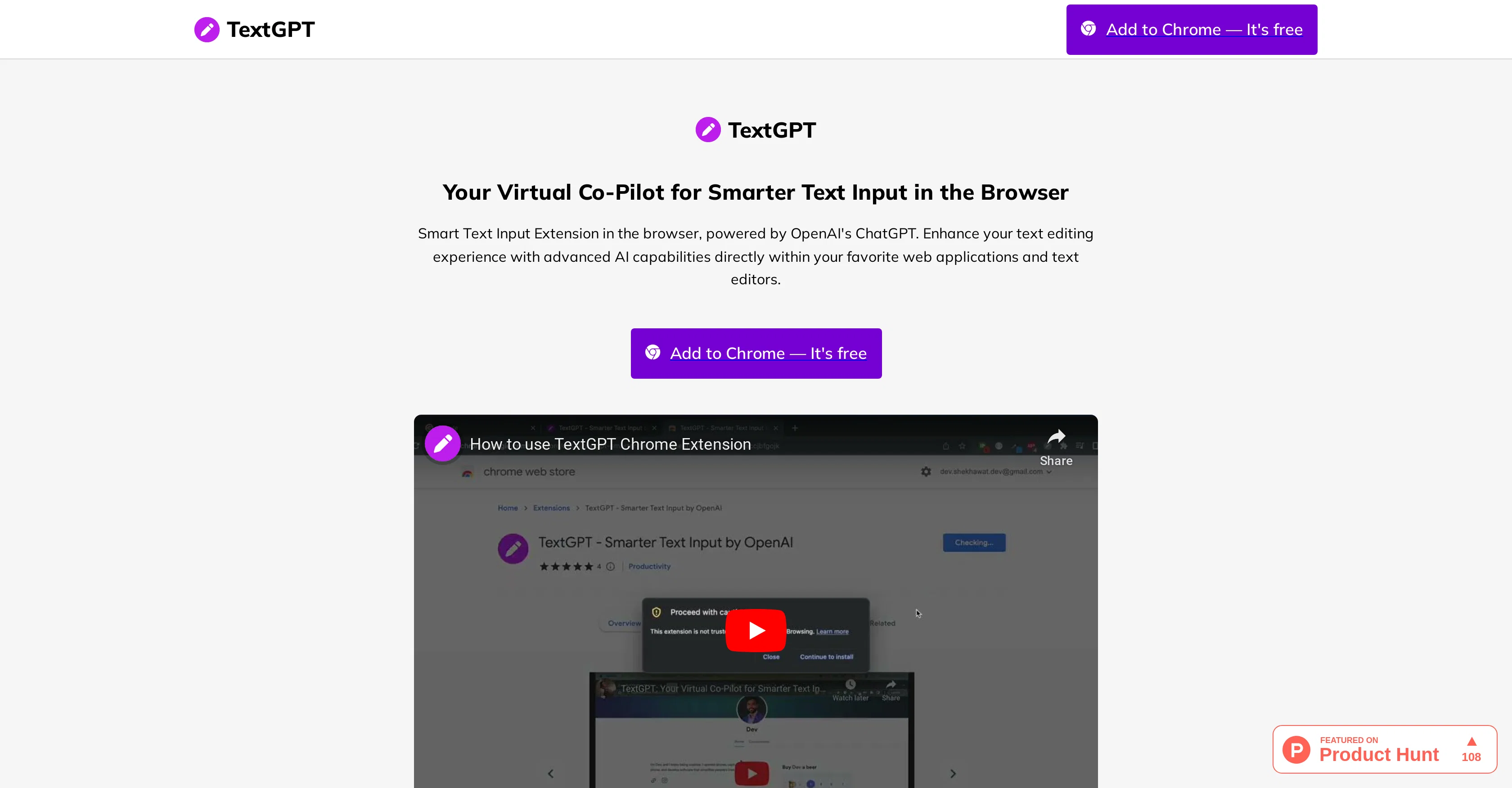
TextGPT, produced by OpenAI, functions as a smart text input browser extension, designed to advance your text editing experience within your preferred web applications and text editors.
This AI tool assists in creating various forms of text content, ranging from job applications and resumes to social media posts on platforms like Twitter and LinkedIn, thus improving your overall digital communication effectiveness.
Installation requires adding the extension from the Chrome Web Store and the generation of an OpenAI API Key, which can be entered within the extension settings.
The extension can be invoked by a customizable keyword that makes it context-aware and capable of generating relevant, helpful text suggestions to enrich your writing.
TextGPT interoperates smoothly with your OpenAI API key to unlock the tool's full potential within the Chrome browser. Its user-friendly settings and options can be customized according to user preference, with options being savable and synchronizable across devices.
Benefits of using TextGPT include enhanced productivity and communication, higher content quality, and potential time savings.
Best for
Short scenarios where TextGPT.app tends to shine.
-
AI-powered text input for smarter browsing.
Example outputs 1
Sample generations and before/after results for TextGPT.app.
Access & connections
Where you can use TextGPT.app, and what it plugs into.
Platforms
Integrations
Capabilities
What this tool accepts, produces, and is strongest at.
Input
- API
- Text
Output
- Text
Pros & cons
Pros
- Browser extension
- Text advancement capabilities
- Improves writing and communication
- Helps craft job applications
- Generates cover letters and resumes
- Assists in social media posts
- Chrome extension
- Intelligent text suggestions
Show 19 more
- Customizable activation
- User-friendly settings
- Automatic key generation
- Saves and syncs settings
- Increases productivity
- Time saving
- Continuous improvement feedback
- User-based triggering
- Supports diverse text formats
- Tailored keyword invocation
- Syncs across multiple devices
- Helps in digital communication
- Enhances content quality
- Customizable user preference
- One-click API key generation
- Aids Twitter growth
- Boosts LinkedIn professionalism
- Hassle-free setup
- Intuitive preferences customization
Cons
- Only for Chrome browser
- Context dependent on keyword
- Not useful for non-English
- No offline functionality
- No demonstration videos available
- No information about privacy
- API key setup necessary
- Extension's behavior customization required
Show 1 more
- Cross-device synchronization issues possible
Compare alternatives
Similar tools in the catalog — with a clear reason to open each one.

Voila ✓
Free TrialSeamless AI assistant to help you create, write, brainstorm, and research.
Free + from $6/mo
Full comparison
Werd - Vibe Write with Multi-agent AI ✓
Free TrialVIBE WRITE With Multi-agent AI
Why look Higher community rating
Full comparison
Sudowrite ✓
Free TrialAI writing partner for faster, more creative storytelling
Free + from $10.00/mo
Full comparison
RewriteBar ✓
Free TrialRewrite. Refine. Accelerate. — AI productivity for every macOS app. 🚀
Why look Higher community rating
Full comparisonPeople also view
Tools that often show up alongside TextGPT.app in collections and comparisons.
Werd - Vibe Write with Multi-agent AI ✓
Free TrialVIBE WRITE With Multi-agent AI
Voila ✓
Free TrialSeamless AI assistant to help you create, write, brainstorm, and research.
Sudowrite ✓
Free TrialAI writing partner for faster, more creative storytelling

Rizz! Keyboard ✓
FreeAI-powered creative responses in your iPhone keyboard.
RewriteBar ✓
Free TrialRewrite. Refine. Accelerate. — AI productivity for every macOS app. 🚀

Skywork ✓
Free Trial10 tasks in 1 hour, not 10 hours

Pismo ✓
PaidNative AI writing assistant for Windows, MacOS and iOS

Merchant Floor | Blog Writer ✓
FreemiumWrite smarter. Publish faster.
Releases 1
FAQ 12
What is TextGPT?
How does TextGPT work?
What are the main features of TextGPT?
How can TextGPT help with job applications?
How can TextGPT enhance my social media presence?
How can I start using TextGPT?
What is the process to install TextGPT?
How does the OpenAI API key integrate with TextGPT?
Can I customize the trigger keyword in TextGPT?
How user-friendly are TextGPT's settings?
Does TextGPT offer a feature to save and sync extension settings?
What are the benefits of using TextGPT?
Related tools
Recommended

What-A-Prompt ✓
FreeSupercharge your ChatGPT prompts for better results.

AIGPT ✓
FreeElderly and time-constrained shopping assistant

MagicWrite ✓
FreeFree AI writing without signup.

VenturusAI ✓
FreemiumBusiness idea analysis and reporting.

Kin - Personal AI Advisors ✓
FreePrivacy-first & designed your for mind, and life at work

Typpo ✓
FreemiumCreate videos as you speak using AI.