

TapAI ✓
Automate iOS tasks with a simple double-tap.
Trial; then from $9/yr
Verdict
A quick read before you dig into the full page.
- Best if
- Automate iOS tasks with a simple double-tap
- Skip if
- Limited model (GPT-4o-mini) for basic users
- Pick this when
- Double-tap activation
Considering SureThing.io - "OpenClaw" for Beginners instead? Compare side by side
Overview
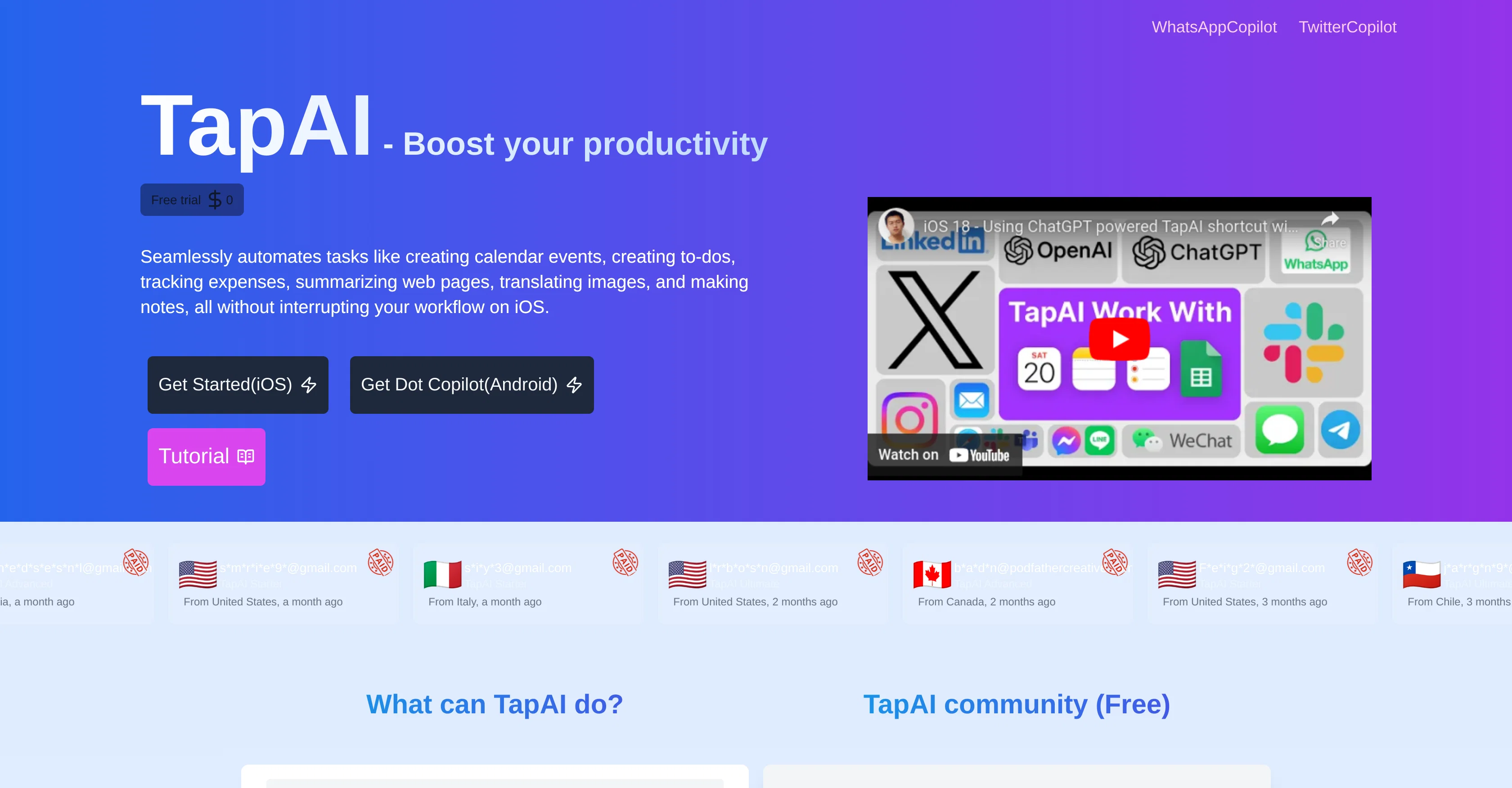
TapAI is an iOS shortcut that uses ChatGPT to process and handle text from a user's screen, based on a double-tap activation on the back of the phone. It can seamlessly automate tasks like creating calendar events or tasks, and tracking expenses, all without interrupting the user's workflow.
Specifically, TapAI extracts schedule data from chats and transfers it to the Apple Calendar app, and it similarly turns chat or screenshot content into to-dos within Apple Reminders.
Receipt or text expense data can be tracked and synced to Google Sheets. Unique features also include summarizing webpage content and translating on-screen text.
The same process can be used to reply to chats on various platforms like WhatsApp, Telegram, Line and more, as well as generating engaging comments for multiple social media channels, including Reddit, LinkedIn, Twitter and Facebook.
The tool is also characterized by its ability to recognize visual content, particularly with the ultimate user model. Notably, TapAI ensures privacy as it guarantees users' data uploaded are directly sent to ChatGPT without being stored or shared.
Access & connections
Where you can use TapAI, and what it plugs into.
Integrations
Capabilities
What this tool accepts, produces, and is strongest at.
Input
- Tabular
- Text
Output
- Tabular
- Text
Supported features
- Automation
Pros & cons
Pros
- Double-tap activation
- iOs shortcut integration
- Seamless task automation
- Text processing
- Extracts schedule data
- Syncs data with Apple Calendar
- Turns texts into to-dos
- Syncs data with Apple Reminders
Show 33 more
- Tracks expenses from texts
- Syncs data with Google Sheets
- Summarizes webpage content
- Translates on-screen text
- Replies to chats on multiple platforms
- Generates social media comments
- Recognizes visual content
- Ensures user data privacy
- Compatible with WhatsApp
- Compatible with Telegram
- Compatible with Line App
- Compatible with LinkedIn
- Compatible with Twitter
- Compatible with Facebook
- Compatible with Reddit
- Creates tasks from screenshots
- Processes screen text automatically
- ChatGPT-powered understanding
- Integration with Apple Notes
- Automatic receipt parsing
- Analyzes chats for replies
- Summarizes web content
- Intelligent text extraction
- GPT-4o model recognition capacity
- Extracts tax details from receipt
- Multiple languages support
- Advanced ChatGPT processing
- High quality GPT-4o model
- 24/7 High priority support
- Automates workflow without program change
- Data does not get shared
- Prioritize upgrades for new versions
- Context-aware responses and evaluations
Cons
- iOS exclusive
- Dependent on ChatGPT
- Limited to double-tap activation
- Lacks customization options
- No Android support
- Linked to specific apps
- Limited usage requests
- No storage for user data
Show 2 more
- Restricted languages support
- Limited model (GPT-4o-mini) for basic users
Compare alternatives
Similar tools in the catalog — with a clear reason to open each one.

SureThing.io - "OpenClaw" for Beginners ✓
FreemiumFirst General AI Agency. Designed for long-horizon tasks.
Why look Offers a public API
Full comparison


Raccoon AI ✓
FreemiumThe AI Coworker for Apps, Research, Docs & Everything Else
Why look Offers a public API
Full comparison
Autopilots by Athena AI ✓
Free TrialAutonomous AI agents that execute tasks for you.
Why look Typically cheaper
Full comparison
Releases 1
FAQ 12
What is TapAI?
How does TapAI integrate with Apple Calendar?
How does TapAI work with Google Sheets for expense tracking?
How does TapAI handle text messages from various platforms?
What does TapAI do with the text on my screen?
How does TapAI use double-tap activation?
What unique features does TapAI have?
How does TapAI manage tasks within Apple Reminders?
How does TapAI ensure my data privacy?
What does TapAI do with my receipt or text expense data?
How does TapAI interface with social media platforms?
How does TapAI recognize visual content?
Related tools
Recommended

ChatGPT ✓
FreemiumAsk anything, create anything, and move from idea to action.

Notis ✓
Free TrialThe first WhatsApp assistant that runs on your ChatGPT and Claude subscriptions

Claude ✓
FreemiumBuilding reliable, interpretable AI systems

Hints ✓
Free TrialEfficient and automated business task assistant.

PixieBrix ✓
FreemiumExtend your apps, accelerate work

OnlyPrompts ✓
Free TrialAutomate 37,000+ tasks with 150,000+ prompts