

TabGPT ✓
Compare AI chatbots with one click
Verdict
A quick read before you dig into the full page.
- Best if
- Compare AI chatbots with one click
- Skip if
- Limited developer identity
- Pick this when
- Queries multiple language models
Considering ChatPlayground AI instead? Compare side by side
Overview
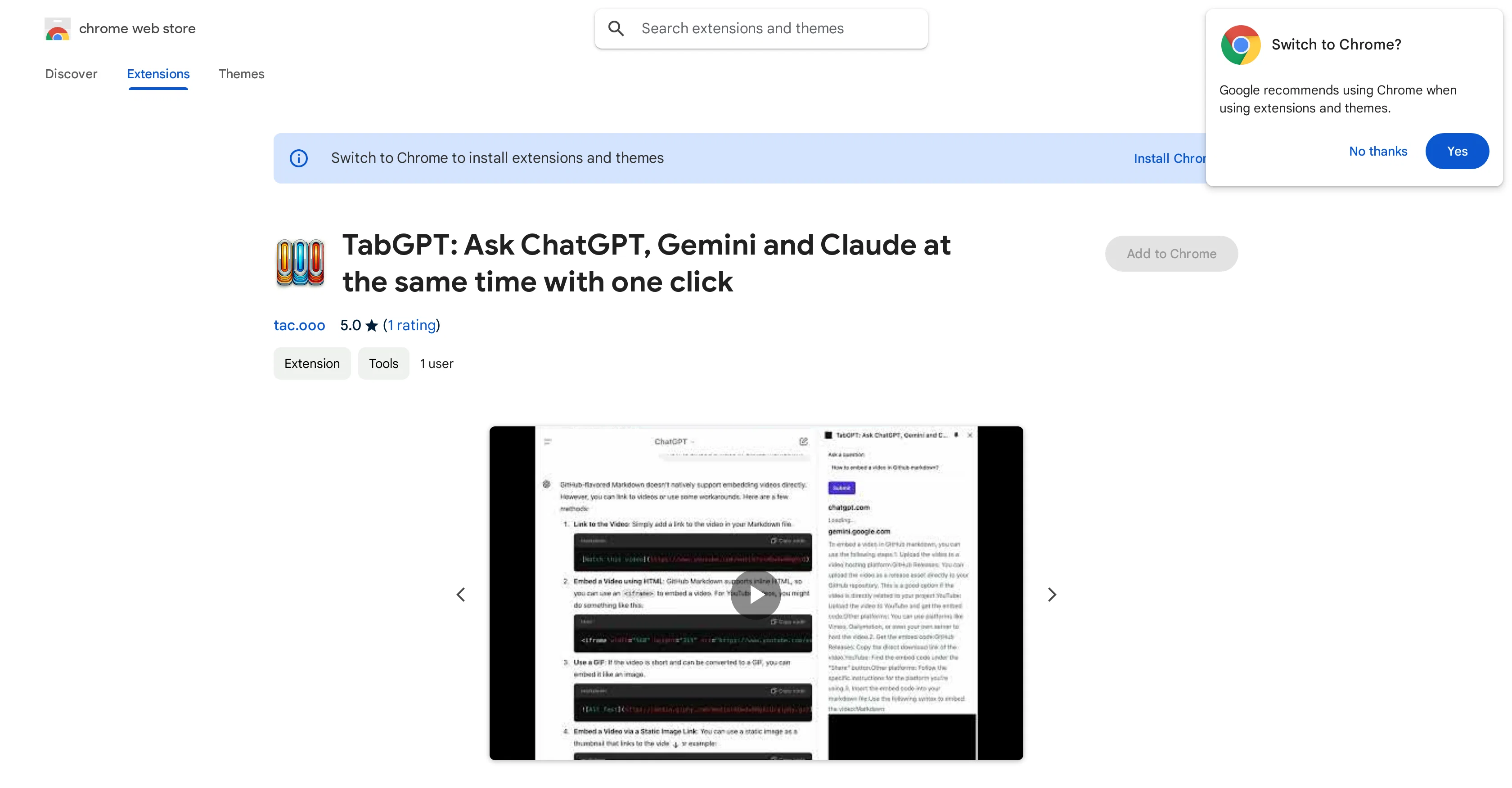
TabGPT is a Chrome extension that aims to streamline interactions with multiple language models, including ChatGPT, Gemini, and Claude. Upon writing a single prompt, the extension simultaneously queries these three language models and compiles their responses into a single tab.
Targeted at a wide user base that ranges from developers and researchers to casual users, its core functionality is centered on optimizing workflows that involve these language models.
The tool positions itself as an instrumental aid for brainstorming sessions, problem-solving efforts, and creative writing practices. Considering user privacy, the developer has disclosed that TabGPT will not collect or use your data.
The tool is designed to seamlessly integrate into the Chrome browser and facilitate a user's interaction with these language models without requiring extra steps or tools, thereby streamlining your user experience and time allocation.
Access & connections
Where you can use TabGPT, and what it plugs into.
Platforms
Pros & cons
Pros
- Queries multiple language models
- Integrates with Chrome
- Streamlines user interactions
- Optimizes multiple workflows
- Useful for brainstorming
- Aids in problem-solving
- Facilitates creative writing
- Doesn't collect user data
Show 6 more
- Targets wide user base
- One-click chatbot comparison
- Saves significant time
- No need for extra tools
- Alignment with user privacy
- Single prompt mechanism
Cons
- Limited to Chrome browser
- Queries only three models
- No data customization
- Lacks API integration
- Doesn't support other languages
- Limited developer identity
- No lending functionality
- Cannot determine creditworthiness
Compare alternatives
Similar tools in the catalog — with a clear reason to open each one.


Creative Arena by Contra ✓
UnknownCompare. Vote. Advance Creative AI.
Why look Higher community rating
Full comparison

TruVerifAI ✓
FreemiumMultiple AIs deliver verified, consensus-driven intelligence.
Why look Offers a public API
Full comparison

Labophase ✓
FreemiumGenerate AI responses from every top model in one place.
Why look Higher community rating
Full comparisonReleases 1
FAQ 12
What is TabGPT?
How does TabGPT streamline interactions with multiple language models?
Who is the targeted user for TabGPT?
Is TabGPT suitable for creative writing exercises?
Does TabGPT collect or use my data?
What browsers does TabGPT support?
How does TabGPT integrate into my browser?
How does TabGPT aid in brainstorming?
Does TabGPT require extra tools to function?
Can TabGPT improve my time management with language models?
How many language models does TabGPT support?
What are the specific language models supported by TabGPT?
Related tools
Recommended

Scisummary ✓
Free TrialCutting-edge scientific articles summarization.

TurboScribe ✓
Freemium🎯 3 free transcripts every day. 🔥 Unlimited transcription starting at $10/mo.

Kin - Personal AI Advisors ✓
FreePrivacy-first & designed your for mind, and life at work

Stratup.ai ✓
FreemiumInnovative idea generation for businesses.

Agentgpt ✓
FreemiumDeploy autonomous AI Agents effortlessly in your browser.

Mindsmith ✓
FreemiumPlatform for building and sharing eLearning content