

Studying 2026 Rank: #393
StudyOrbit ✓
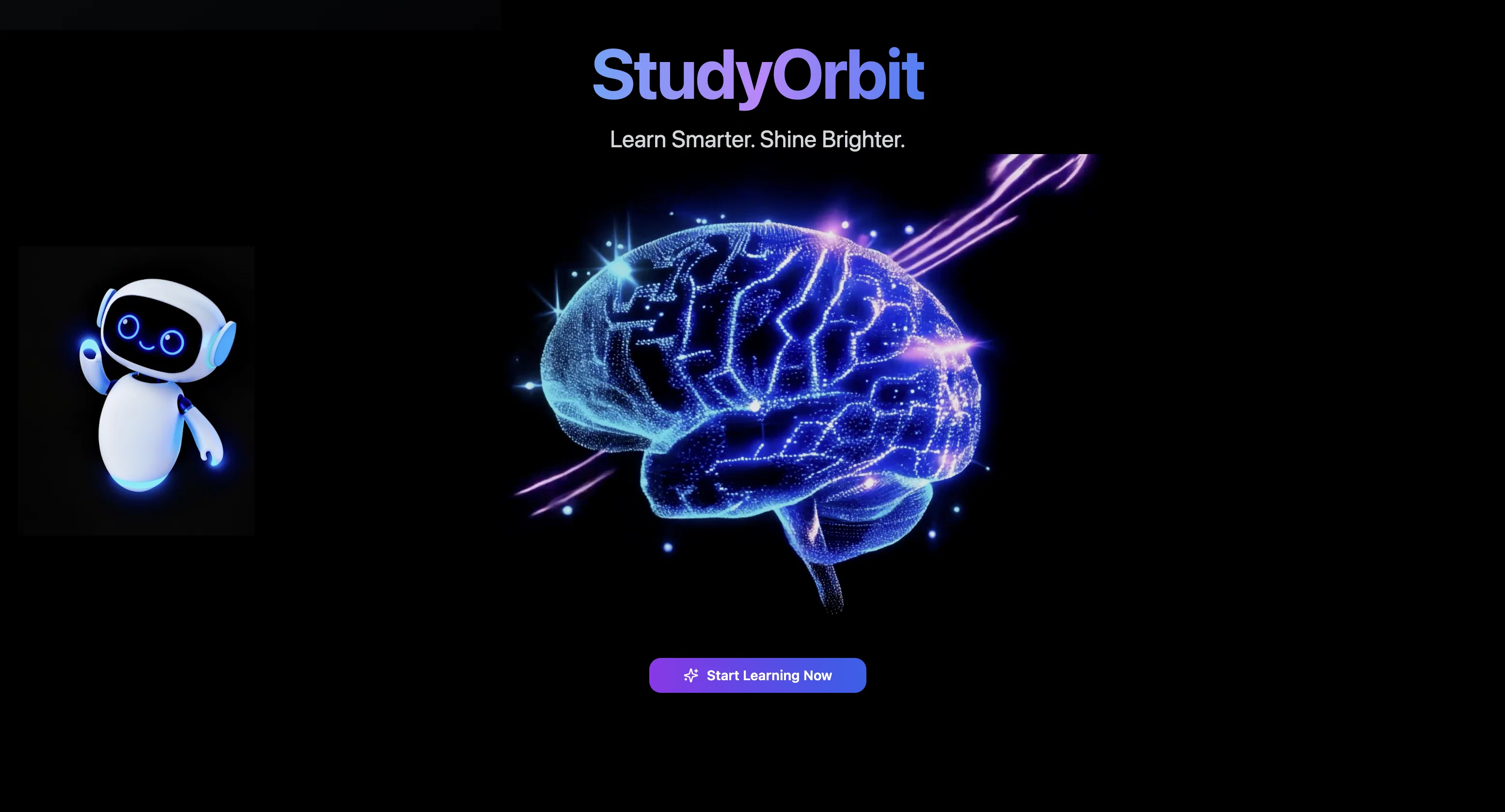
Turn any PDF into a complete AI learning experience.
Verdict
A quick read before you dig into the full page.
- Best if
- Turn any PDF into a complete AI learning experience
- Skip if
- Limited customization for study plans
- Pick this when
- Individualized study paths
Considering Thea instead? Compare side by side
Overview

Upload a lecture script, a research paper, a textbook chapter, or any course material, and StudyOrbit builds everything you need to actually learn it:
-AI avatar explanations that walk you through the content page by page
-audio lessons and podcasts for studying on the move -AI-enhanced slides
-mindmaps
-6 quizzes,-full exam simulations
-analytics that show you exactly what you haven't mastered yet.
Most study tools do one thing — flashcards, or summaries, or a chatbot you ask questions. StudyOrbit does the whole thing.
Instead of reading 200 passive pages, you learn through explanation, audio, visuals, active recall, and realistic exam prep, all generated from your own material.
It works for university students, school students, and anyone who has to learn from dense documents. Upload your PDF and StudyOrbit turns it into a course built around you.
- Ai Avatar Explanations — An Ai Avatar Tutor Walks You Through Your Pdf Page By Page, As Video Or Audio-only
- Ai-enhanced Slides — Your Material Rebuilt As Clear, Visual Slides
- Podcast — Turn Your Pdf Into A Podcast Episode You Can Listen To Anywhere
- Study Games — 6 Interactive Game Modes That Test You On Your Own Material
- Mindmaps — See How Every Concept Connects
- Exam Simulation Mode — Realistic Mock Exams Generated From Your Material
- Page-by-page Q&a — Ask Questions About Any Part Of Your Pdf
- Learning Analytics — Track Your Progress And Spot Knowledge Gaps Before The Exam
- Streaks And Leaderboards — Stay Motivated And Consistent
Best for
Short scenarios where StudyOrbit tends to shine.
-
Turn any PDF into a complete AI learning experience.
Example outputs 1
Sample generations and before/after results for StudyOrbit.
Access & connections
Where you can use StudyOrbit.
Platforms
Capabilities
What this tool accepts, produces, and is strongest at.
Input
- Image
- Text
Output
- Audio
- Video
- Text
- Image
Supported features
- Education
- Podcast
- Teaching Humans
Pros & cons
Pros
- Individualized study paths
- Adapts to learning style
- Adapts to pacing
- Tailors learning process
- Material recommendations
- Focus on challenging areas
- Maximizes study time
- Improves comprehension
Show 17 more
- Enhances retention
- Advanced problem-solving features
- Real-time interactive support
- Suggested study plans
- Versatile subject adaptability
- Cyclical learning approach
- Self-directed learning support
- Personalized learning enhancement
- Performance improvement
- Analyzes studying habits
- Identifies strengths and weaknesses
- Provides academic resources
- Improves thought processes
- Creates engaging study environment
- Increases understanding efficiency
- Lifelong learning support
- Suitable for educational professionals
Cons
- Lacks real-time collaboration features
- No offline functionality
- Missing interactive gaming elements
- Limited customization for study plans
- Lacks parental control features
- No provision for visually impaired users
- Does not integrate with other eLearning platforms
Compare alternatives
Similar tools in the catalog — with a clear reason to open each one.

Thea ✓
FreemiumAI study tools to master material, not just memorize it.
Why look Typically cheaper
Full comparison
NotesXP: AI Study Guide Maker ✓
FreemiumBoost grades by studying smarter with AI
Free + from $5.99/mo
Full comparison
Mindgrasp ✓
Free TrialConvert lectures, notes, and videos into AI-powered study tools.
Free + from $5.99/mo
Full comparisonPeople also view
Tools that often show up alongside StudyOrbit in collections and comparisons.
Thea ✓
FreemiumAI study tools to master material, not just memorize it.

ragobble ✓
Free TrialChat With Your Class
NotesXP: AI Study Guide Maker ✓
FreemiumBoost grades by studying smarter with AI
Mindgrasp ✓
Free TrialConvert lectures, notes, and videos into AI-powered study tools.

Learn Place AI Assistant ✓
FreemiumUnderstand Anything - Fast.

Flashback ✓
FreemiumTurn course material into AI-powered study sessions.

Quizify ✓
FreemiumCreate smart quizzes with zero effort.

Neurako ✓
FreemiumTurn the world into flashcards.
Releases 1
FAQ 12
What is StudyOrbit exactly?
How does StudyOrbit enhance studying techniques?
What are the AI capabilities built into StudyOrbit?
How does StudyOrbit construct individualized study paths?
How does the AI system in StudyOrbit recommend study materials?
What is StudyOrbit's approach to personalized learning?
How does StudyOrbit help me focus on challenging areas?
How does StudyOrbit maximize study time?
Which features does StudyOrbit use for advanced problem-solving?
What type of support does StudyOrbit offer in real-time?
How does StudyOrbit come up with a suggested study plan?
Can StudyOrbit be used across all subjects and disciplines?
Related tools
Recommended

Collate ✓
FreeUnlimited free and private summaries and chat with PDF

MiniMax Agent ✓
Free TrialYour AI supercompanion for enhanced creativity and productivity.

Claude ✓
FreemiumBuilding reliable, interpretable AI systems

DeepSeek ✓
FreeUnravel the mystery of AGI with curiosity

leania.ai ✓
Free TrialMRI scan for Businesses: Find What to Cut, Replace, Automate with AI

Rocket ✓
FreemiumThink It. Type It. Launch It.