OCR

StatementSheet

StatementSheet converts bank statements from PDF to Excel/CSV accurately and securely.

Source rating 5.0 (55) 9.3k views 9.3k/mo traffic 0 saves Paid
More categories (3)

Verdict

A quick read before you dig into the full page.

Best if
You are accountants and need: Converting bank statements for accounting purposes
Skip if
You need a free plan with no credit card
Pick this when
Paid · From $20

Overview

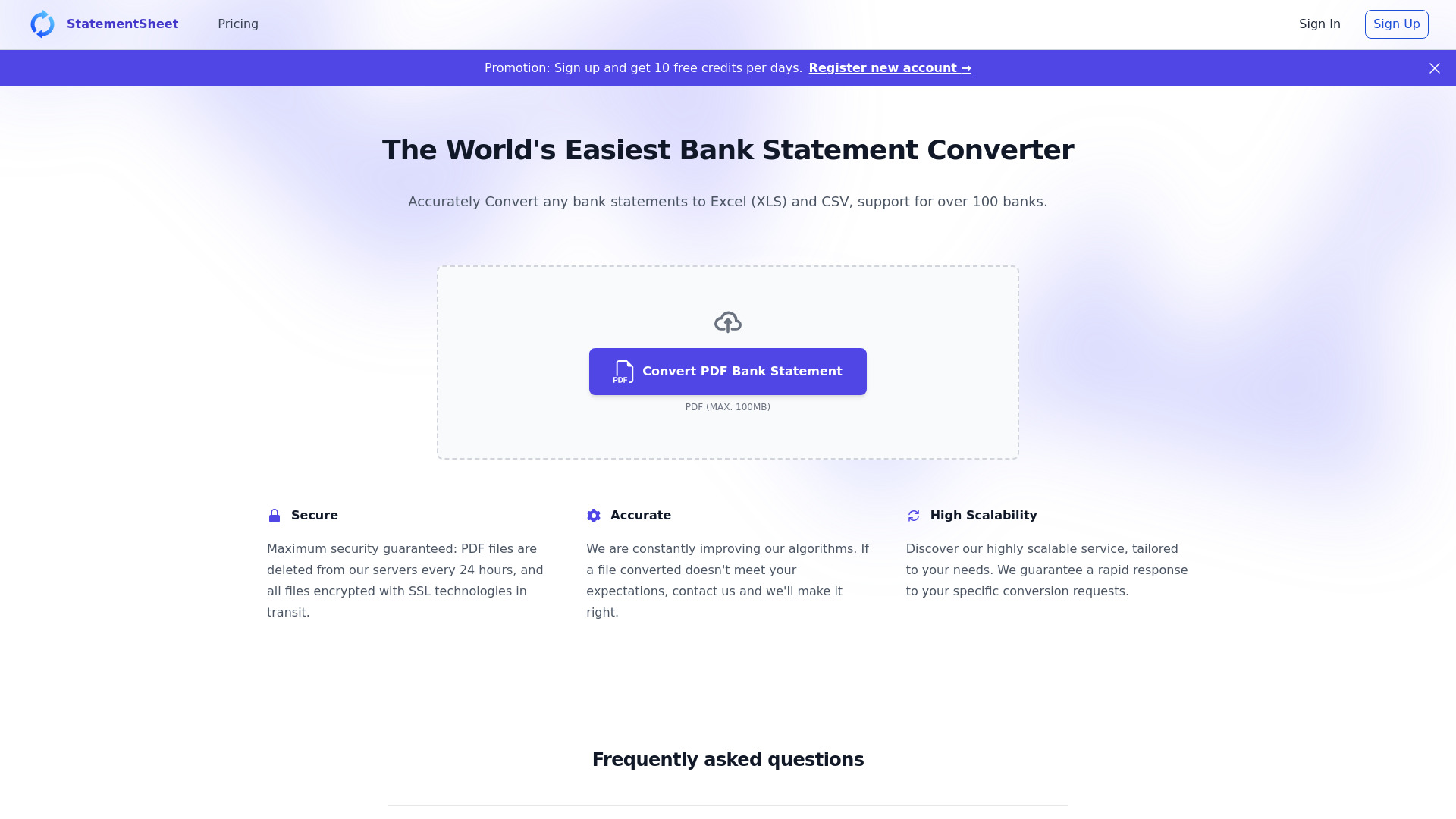
StatementSheet is a powerful bank statement converter that combines simplicity and accuracy. It allows you to fast automatically convert any pdf bank statements to Excel and CSV. It supports over 1000s worldwide banks. The service guarantees maximum security: PDF files are deleted from our servers every 24 hours, and all files are encrypted with SSL technologies in transit.

StatementSheet screenshot

Best for

Short scenarios where StatementSheet tends to shine.

  • Converting bank statements for accounting purposes

    Best for Accountants

  • Integrating financial data into workflows

    Best for Bookkeepers

  • Analyzing financial transactions in Excel or CSV format

    Best for Financial analysts

Example outputs 1

Sample generations and before/after results for StatementSheet.

Access & connections

Where you can use StatementSheet, and what it plugs into.

Platforms

Web

Integrations

Capabilities

What this tool accepts, produces, and is strongest at.

Highlights

  • PDF to Excel/CSV conversion
  • Support for 1000s of banks worldwide
  • Secure data handling (SSL encryption, 24-hour deletion)
  • OCR technology for scanned statements

People also view

Tools that often show up alongside StatementSheet in collections and comparisons.

FAQ 6

What is StatementSheet?
StatementSheet is a powerful bank statement converter that combines simplicity and accuracy. It allows you to fast automatically convert any pdf bank statements to Excel and CSV. It supports over 1000s worldwide banks. The service guarantees maximum security: PDF files are deleted from our servers every 24 hours, and all files are encrypted with SSL technologies in transit.
How to use StatementSheet?
1. Click the pdf bank statement to excel button on homepage or drag and drop your file into the converter area. 2. Select the PDF file you want to convert. 3. Check your converted file and write feedback if needed. 4. Click the "Export" button for Download your converted file in Excel/CSV format.
What is StatementSheet?
StatementSheet is a powerful bank statement converter that combines simplicity and accuracy. It allows you to fast automatically convert pdf bank statements to Excel and CSV format.
How to convert bank statement to Excel/CSV?
1. Click the pdf bank statement to excel button on homepage or drag and drop your file into the converter area. 2. Select the PDF file you want to convert. 3. Check your converted file and write feedback if needed. 4. Click the "Export" button for Download your converted file in Excel/CSV format.
How does bank statement conversion work with StatementSheet?
The converter uses many algorithms with IA technologies and OCR to recognize and extract financial transactions from any PDF bank statement. Your data is then automatically formatted into a new clean Excel/CSV file which can be integrated into your workflows.
Is my financial data secure?
Maximum security guaranteed: PDF files are deleted from our servers every 24 hours, and all files encrypted with SSL technologies in transit.
StatementSheet From $20

