
Stadio
Managed Stable Diffusion Web UI for AI image generation with easy model management.
Source rating 5.0
(60)
0 views
0 saves
Unknown
Verdict
A quick read before you dig into the full page.
- Best if
- Managed Stable Diffusion Web UI for AI image generation with easy model management
- Pick this when
- Managed Stable Diffusion Web UI for AI image generation with easy model management
Overview
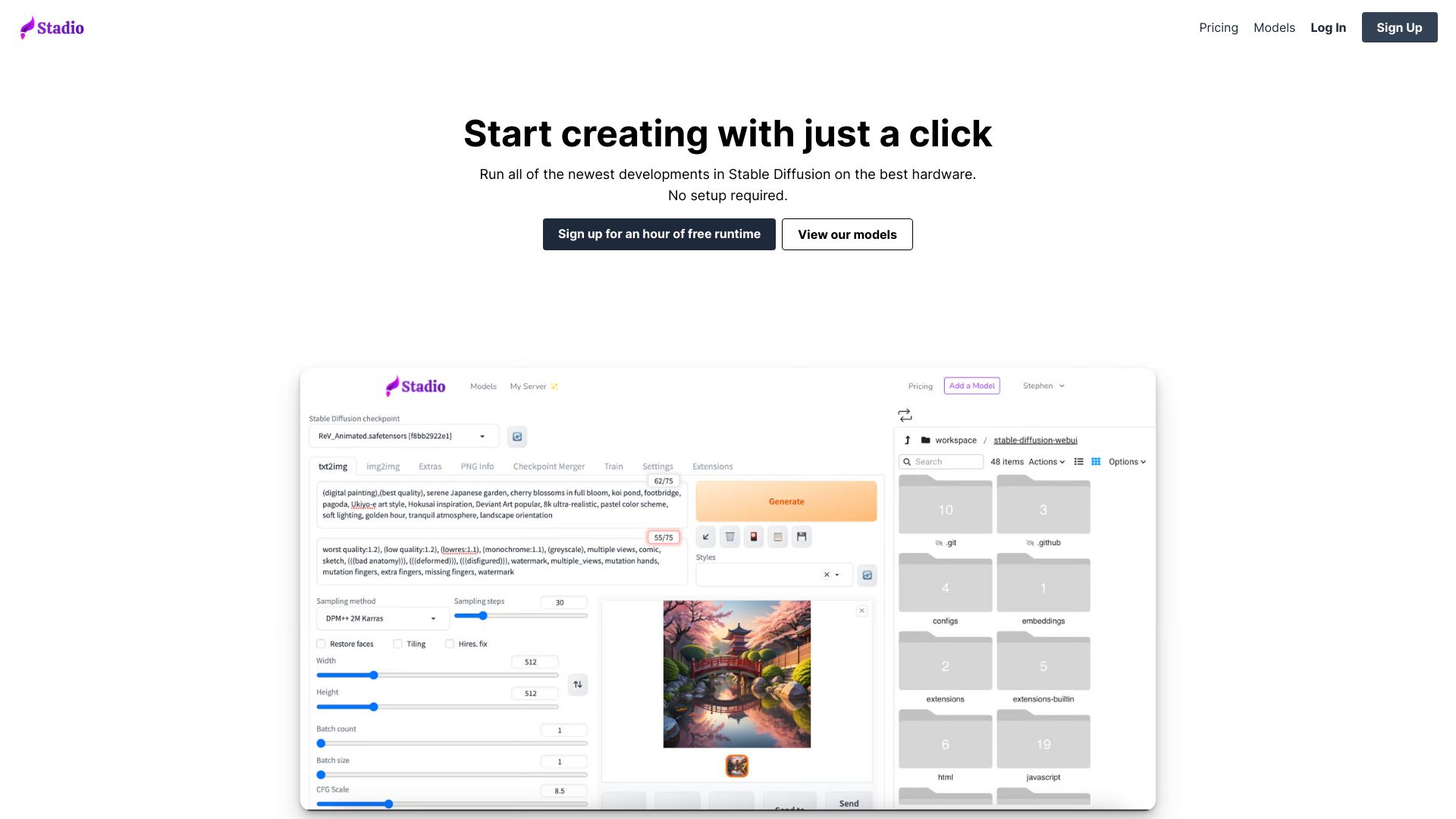
Stadio is a managed Stable Diffusion Web UI platform that allows users to generate AI images. It provides access to hundreds of models and allows users to upload their own. Stadio aims to make running Automatic1111 online easy, offering fast GPUs without the setup hassle.
Access & connections
Where you can use Stadio, and what it plugs into.
Platforms
Integrations
Capabilities
What this tool accepts, produces, and is strongest at.
Highlights
- Managed Stable Diffusion Web UI
- Access to 3000+ models
- Custom model uploading
- Automatic1111 support
- Extension support (pixelization, ControlNet, Deforum, etc.)
- Fast GPUs
FAQ 7
What is Stadio?
Stadio is a managed Stable Diffusion Web UI platform that allows users to generate AI images. It provides access to hundreds of models and allows users to upload their own. Stadio aims to make running Automatic1111 online easy, offering fast GPUs without the setup hassle.
How to use Stadio?
Sign up for an account, choose from available models or upload your own, and start creating AI-generated art by clicking a button. No setup is required.
Can I upload custom models?
Yes, you can easily upload your own private models.
Is my data private?
The website has a privacy policy, refer to it for details.
Can I download extensions?
Yes, you can easily run 100+ extensions.
Can I train my own models on my server?
The information about training models on the server is not provided in the text.
How do I get started?
Sign up for an hour of free runtime.
Related tools
Recommended




Stadio