

SpeechPulse ✓
Voice typing everywhere with Whisper recognition
from $99
Verdict
A quick read before you dig into the full page.
- Best if
- Voice typing everywhere with Whisper recognition
- Skip if
- Audio file formats limited
- Pick this when
- Offline capability
Considering Voicetype AI instead? Compare side by side
Overview


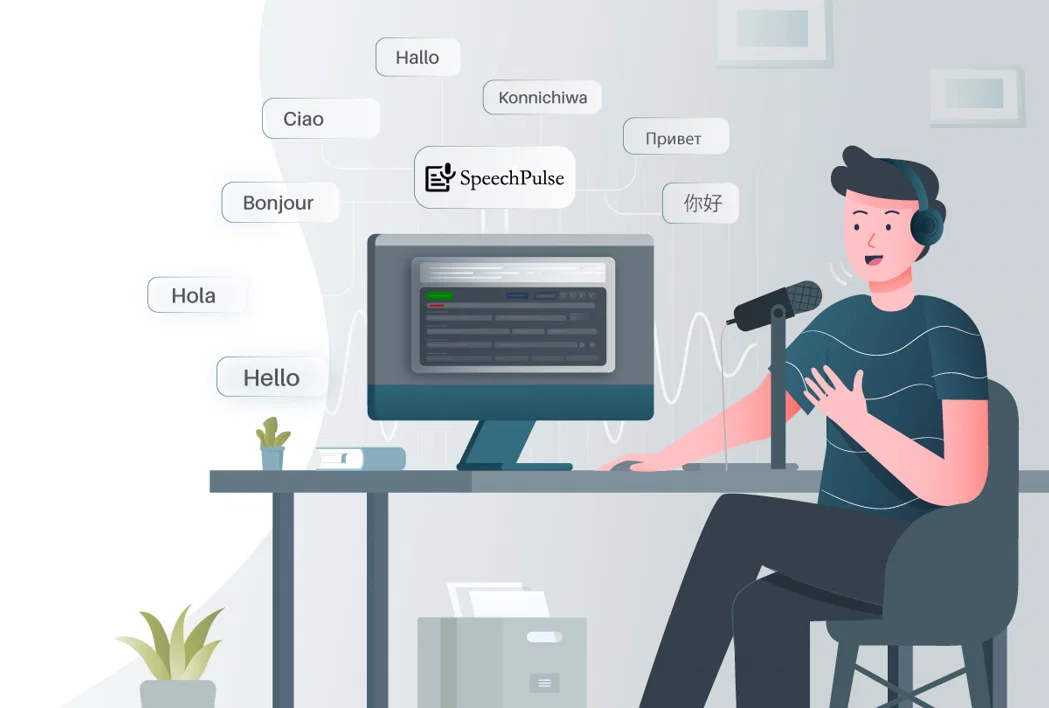
SpeechPulse is a voice recognition tool designed to help users increase their efficiency in typing and translate non-English speech into English in real time.
It utilizes the computer's microphone for real-time speech recognition, allowing it to type into various apps, including text editors, web browsers, and office software.
Interestingly, SpeechPulse operates entirely offline, eliminating the need for internet connectivity. The recognition capability of SpeechPulse is built on OpenAI's Whisper speech-to-text models, offering high accuracy even under noisy conditions.
In addition, it also boasts low latency, converting speech into text without delay. This tool is versatile in language recognition, supporting numerous languages such as English, French, Spanish, Italian, German, Japanese, Chinese, and Russian.
Moreover, SpeechPulse can transcribe or translate audio files, supporting a range of audio file formats. Adding to its functionality, the tool can generate subtitles with accurate timestamps for audio and video files, with support for .srt and .vtt subtitle formats.
SpeechPulse is currently available for Windows 10/11 and Apple Silicon Macs.
- Supports Real-time Speech Recognition. Can Type Into Any Text Input Area, Including Text Editors, Web Browsers, And Office Applications.
- Supports Transcription In 99 Languages, Including English, French, Spanish, Italian, German, Japanese, Chinese, And Russian. Also Supports English Translation.
- Supports Training New Words To Match Your Pronunciation Using Custom-built Word Detection Ai Models.
- File Mode With Automatic Speaker Diarization Can Automatically Recognize The Number Of Speakers In The Audio File And Segment The Transcription For Each One.
- Supports Ai Language Models And Llm Apis For Grammar, Spelling, And Punctuation Correction, As Well As Text Summarization And Formatting For Email And Notes.
- System Audio Mode Supports Real-time Transcription Of Mic And System Audio To An Internal Editor (no Mouse Focus Required).
- Supports Generating Srt And Vtt Subtitles With Customizable Word Counts Per Line.
Access & connections
Where you can use SpeechPulse.
Platforms
Capabilities
What this tool accepts, produces, and is strongest at.
Input
- Audio
Output
- Code
- Text
Supported features
- Transcription
Pros & cons
Pros
- Offline capability
- High accuracy
- Low latency
- Multilingual support
- Text editing integration
- Web browsing integration
- Office software integration
- Real-time translation
Show 11 more
- Multiple audio file formats
- Subtitles generation
- Supports .srt and .vtt
- Available for Windows 10/11
- Available for Apple Silicon Macs
- Noisy environment performance
- Supports mp3, wav, m4a, flac, ogg, webm files
- Voice typing enhancement
- Uses computer's microphone
- Translate non-English speech
- Accurate timestamps in subtitles
Cons
- Doesn't support Linux
- Limited subtitle format support
- Lacks online functionality
- Possible microphone quality limitations
- Audio file formats limited
- No Android or iOS support
- Dependant on device's CPU/GPU
Compare alternatives
Similar tools in the catalog — with a clear reason to open each one.

Voicetype AI ✓
Free TrialWrite 9x Faster with AI Speech to Text on all Apps
Why look Typically cheaper
Full comparison
Transcript LOL ✓
FreemiumUnlimited transcripts, summaries, 99.8% accuracy, speaker recognition, superfast
Why look Freemium alternative
Full comparison
TurboScribe ✓
Freemium🎯 3 free transcripts every day. 🔥 Unlimited transcription starting at $10/mo.
Why look Freemium alternative
Full comparison
RambleFix ✓
Paid⚡ Write by thinking aloud - emails, notes, articles, in your style.
Why look Typically cheaper
Full comparison
Paraspeech ✓
Free TrialPrivate dictation, cloud optional
Why look Typically cheaper
Full comparisonReleases 1
Imported reviews 2
I have been using this app for a month on a laptop with just 4GB of VRAM, and it has been performing exceptionally well. Surprisingly, it's the only available option for local voice recognition that operates without an internet connection. The developer is actively making continuous improvements, enhancing the program's functionalities progressively. I strongly recommend it.
I've been using this app for several weeks now, and I have to say, it's truly a game-changer. In my opinion, it's the most useful app of all time! I highly recommend it to everyone; it's miles ahead of Nuance Dragon.
FAQ 12
What is SpeechPulse?
How does SpeechPulse use a computer's microphone for real-time speech recognition?
Can SpeechPulse type into any app or only specific ones like text editors and web browsers?
Does SpeechPulse require an internet connection to operate?
How does SpeechPulse ensure high accuracy in speech recognition?
Does SpeechPulse work under noisy conditions?
What is the latency for SpeechPulse in converting speech to text?
What languages does SpeechPulse support for speech recognition?
Can SpeechPulse translate non-English speech into English in real time?
Can SpeechPulse transcribe or translate audio files, and which formats does it support?
How does SpeechPulse generate subtitles for audio and video files?
Does SpeechPulse support .srt and .vtt subtitle formats?
Related tools
Recommended

Free Text-To-Speech ✓
FreeText transformed into customizable spoken output.

Kin - Personal AI Advisors ✓
FreePrivacy-first & designed your for mind, and life at work

Audioread.com ✓
PaidListen to any text in your podcast app or browser.

IllumiChat ✓
FreemiumFrom Ticket Backlog to Instant Answers Powered by AI

Ideamap - Brainstorm and Mindmap AI ✓
FreemiumBoost your creativity with AI-powered brainstorming.

The Storyteller ✓
FreePersonalized, Real-Time Narratives at Your Fingertips