

Imagin World ✓
Generate custom icons effortlessly with AI
from $4.54
Verdict
A quick read before you dig into the full page.
- Best if
- Generate custom icons effortlessly with AI
- Skip if
- No multi-language support
- Pick this when
- Effortless custom icon creation
Considering IconifyAI instead? Compare side by side
Overview
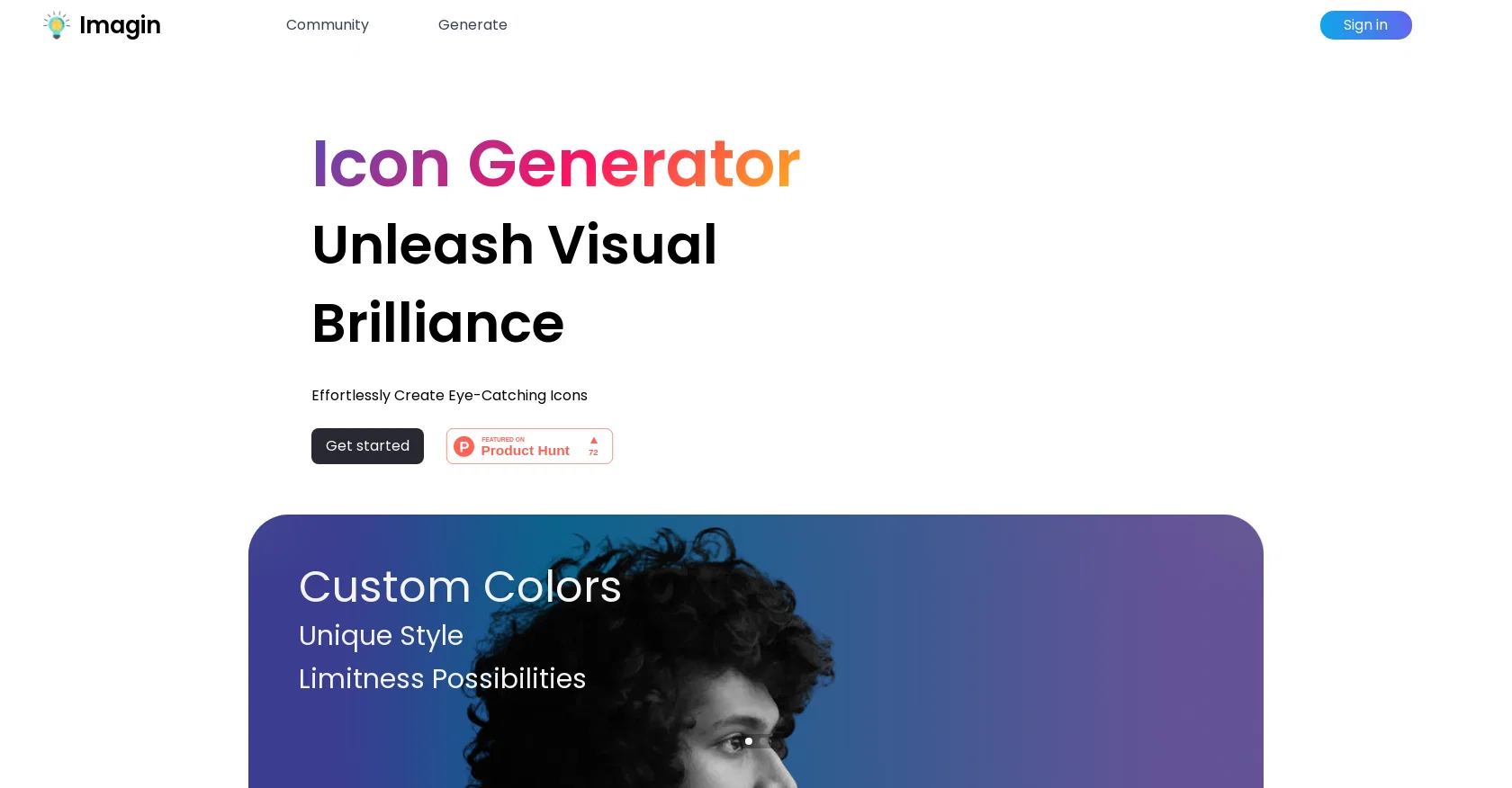
Imagin is an AI-powered icon generation tool that allows users to effortlessly create custom icons. With its advanced algorithms, Imagin saves valuable time by handling the heavy lifting involved in icon design.
Users can customize the generated icons by choosing their own colors and unique styles, offering limitless possibilities for visual creativity.Imagin emphasizes its community aspect, empowering users to join and participate in icon brainstorming and prompt engineering.
This fosters collaboration and inspiration among the users, promoting a sense of community-driven creativity. The tool's landing page showcases its popularity, showcasing 797 creative creations and celebrating an iconic milestone.
Imagin's user interface appears user-friendly, making it accessible for individuals with varying levels of design expertise. The tool aims to streamline the icon creation process, providing a fresh start for users seeking to add visual brilliance to their projects.
Developed with love in Melbourne, Imagin follows a user-centric approach, focusing on simplicity and practicality. The icon generation process is driven by AI technology, enabling users to create eye-catching icons effortlessly.
Imagin's terms of service and privacy policy ensure transparency and security for its users.Overall, Imagin is a valuable tool for designers, developers, and anyone in need of custom icons, offering a convenient and inspiring platform for intuitive icon creation.
Access & connections
Where you can use Imagin World.
Platforms
Capabilities
What this tool accepts, produces, and is strongest at.
Input
- Text
Output
- Image
Pros & cons
Pros
- Effortless custom icon creation
- Advanced algorithms for design
- User personable color choices
- Unique style customizations
- Limitness visual possibilities
- Community brainstorming platform
- Prompt engineering
- User-friendly UI
Show 10 more
- Inclusive for varying expertise levels
- Popular with many creations
- User-centric approach
- Transparency ensured through terms
- Security through privacy policy
- Developed with Melbourne love
- Saves valuable user time
- Promotes community-driven creativity
- Streamlines icon creation process
- Facilitates visual project brilliance
Cons
- No multi-language support
- No collaboration tools
- Lacks in-depth customization options
- User-interface not customizable
- Icons not scalable
- No offline support
- No cross-platform capabilities
- Doesn't offer icon export options
Show 1 more
- Lacks access control features
Compare alternatives
Similar tools in the catalog — with a clear reason to open each one.


SparkIcon AI ✓
Free TrialInstantly generate high-quality icons with AI creativity.
Why look Higher community rating
Full comparison
IconCraft ✓
FreemiumGenerate designer-grade app icons in seconds
Why look Freemium alternative
Full comparison
Icon Generate ✓
PaidCraft unique, professional-quality icons with AI.
Why look Typically cheaper
Full comparison

Releases 1
FAQ 12
How does Imagin utilize AI in its icon generation process?
What unique styles can be applied in Imagin?
How does Imagin facilitate community engagement?
Is Imagin suited for beginners in design?
What does the icon brainstorming feature do in Imagin?
How does the prompt engineering work within Imagin?
Can I customize colors in the icons created using Imagin?
How does Imagin help in saving time during icon creation?
What is the significance of Imagin's emphasis on community involvement?
What is Imagin's approach to user-centric design?
How secure is the user data on Imagin?
How does Imagin celebrate its iconic milestones?
Related tools
Recommended

VenturusAI ✓
FreemiumBusiness idea analysis and reporting.

Photo AI ✓
PaidCreate beautiful AI photos and videos of real people

Stratup.ai ✓
FreemiumInnovative idea generation for businesses.

Agentgpt ✓
FreemiumDeploy autonomous AI Agents effortlessly in your browser.

Eightify
UnknownAI-powered YouTube video summarizer extracting key ideas for quick content assessment.

Stockimg AI ✓
PaidGenerated images and text for design ease.