

SocialRails ✓
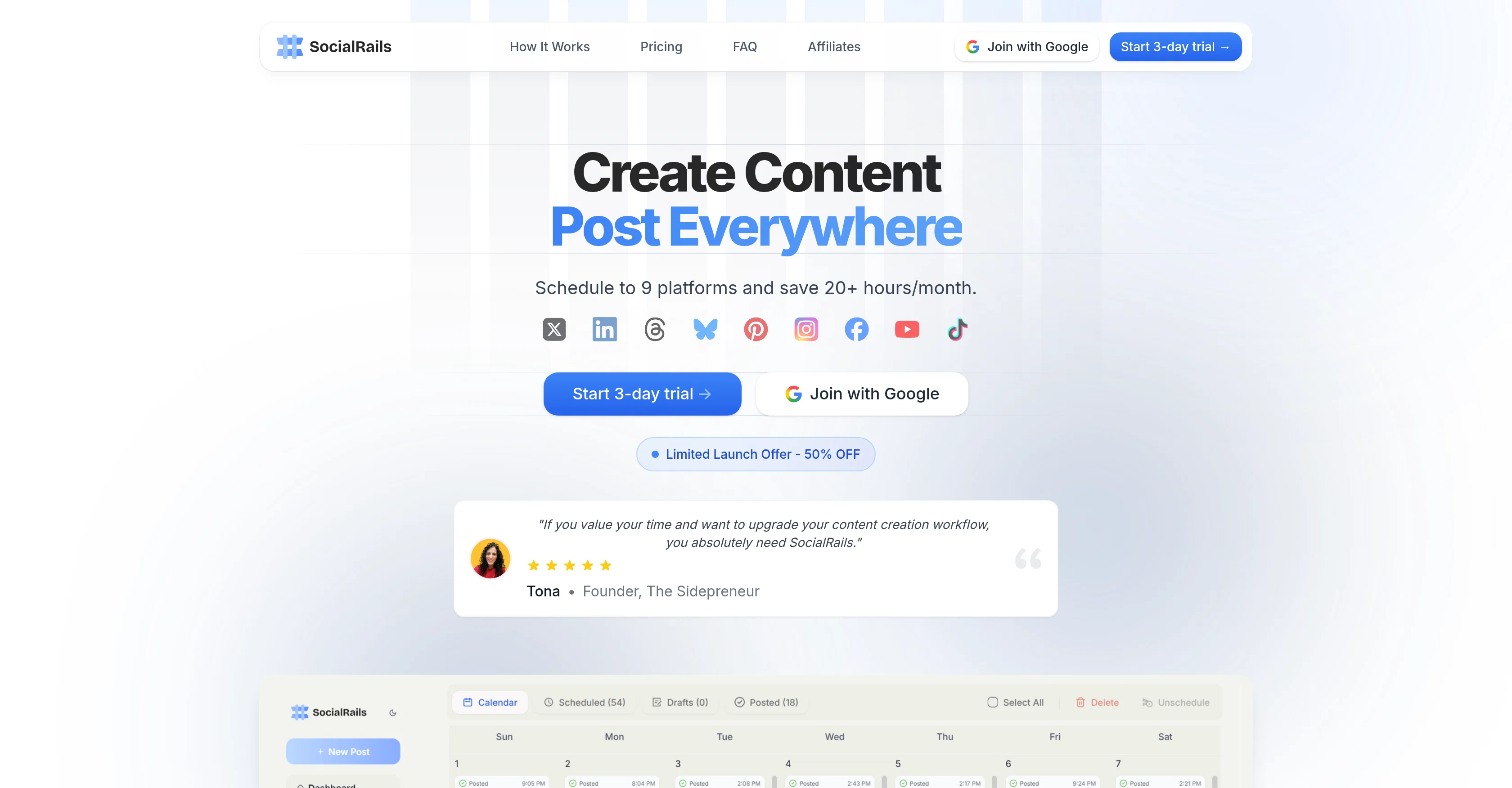
Schedule to 9 platforms and save 20+ hours/month.
Trial; then from $19/mo
Verdict
A quick read before you dig into the full page.
- Best if
- You are individuals and Solopreneurs and need: Businesses and individuals looking to grow their presence on multiple social media platforms efficiently
- Skip if
- Auto-recurring posts capacity limited
- Pick this when
- Schedules posts on 9 platforms
Considering PostPerfect instead? Compare side by side
Overview
SocialRails is an AI-powered tool designed to streamline content strategy on social media. It enables users to schedule posts on nine major platforms: Instagram, Facebook, Twitter, LinkedIn, TikTok, YouTube, Pinterest, Bluesky, and Threads, all from a single dashboard.
This functionality saves significant time compared to manual posting. Additionally, SocialRails offers the ability to manage up to 25 workspaces, accommodating the needs of different teams or projects.
The tool has a built-in content generation feature, further facilitating the process of developing unique posts. This includes the generation of GPT5 images, creating high-quality visuals in a matter of seconds.
SocialRails comes equipped with automation and scheduling tools, including auto-recurring posts and best time to post suggestions, helping users maintain consistent content delivery.
Moreover, an embedded auto-image resizing feature ensures seamless adaptation of visuals to the dimensions required on each platform. SocialRails also provides functionality to post directly to various online communities in niche areas like business, tech, and creative groups.
The tool comes with robust analytics capability, offering in-depth insights into post performance and audience engagement. To meet video content creation needs, SocialRails offers over 350 customizable templates for video-based platforms like TikTok and Reels.
Furthermore, the pricing structure of SocialRails is adaptable according to the size and needs of the brand, from solo entrepreneurs to larger enterprises.
Best for
Short scenarios where SocialRails tends to shine.
-
Businesses and individuals looking to grow their presence on multiple social media platforms efficiently.
Best for Individuals and Solopreneurs
-
Content creators needing to overcome creator's block with instant, customized post ideas.
Best for Marketing Professionals
-
Marketing teams and agencies managing multiple client accounts and requiring team collaboration features.
Best for Social Media Managers
-
Users who want to automate their social media posting with auto-recurring posts and scheduled timeslots.
Best for Content Creators
-
Anyone looking to save time on content creation and scheduling, potentially saving 20+ hours/month.
Best for Small to Medium Businesses
-
Users needing to create short-form video content quickly with templates for TikToks and Reels.
Best for Marketing Agencies
-
Brands aiming to reach niche audiences by posting directly to X Communities.
Best for Enterprises
Example outputs 1
Sample generations and before/after results for SocialRails.
Access & connections
Where you can use SocialRails, and what it plugs into.
Platforms
Integrations
Capabilities
What this tool accepts, produces, and is strongest at.
Input
- Tabular
- Image
- Text
- Video
Output
- Video
- Tabular
- Text
- Image
Supported features
- Social Media
- Automation
- Text Generation
- Image Generation
- Image Edit
- Data Analysis
- Integrations
Pros & cons
Pros
- Schedules posts on 9 platforms
- Manages up to 25 workspaces
- Secure OAuth connections
- Provides instant post ideas
- Week's content scheduling
- Visual timeline for scheduling
- Automated media uploading
- Automatic image resizing
Show 41 more
- Embedded GPT5 image generator
- Auto-recurring posts feature
- Time suggestions for maximum engagement
- Platform-specific caption suggestions
- Post auto-optimization
- Post analytics review
- Customizable TikToks and Reels templates
- Direct posting to specific communities
- Integrated post performances and analytics
- Streamlines content strategy
- Built-in content generation
- Auto-image resizing for platforms
- Scalable pricing structure
- Workspace segmentation for teams
- 350+ customizable video templates
- Solo entrepreneur to enterprise adaptability
- Tracks top performing posts
- Video thumbnail generation
- Auto-optimized posting in user's style
- Integrated GPT5 image creation
- Content drag & drop scheduling
- Post timing optimization
- Authorization for all platforms once
- Overcome creator's block feature
- Mobile-friendly dashboard
- Presets for content creation
- Robust analytics capability
- Integrated video content creation
- Multiple connections per plan
- Suggests best time to post
- Unlimited Auto-Recurring Posts
- Access to communities' member base
- Short-form video posting
- Image & carousel posting
- Simple, transparent pricing
- Flexible cancellation policy
- Starts with 3-day trial
- Supports team collaboration
- Customer support availability
- Content approval workflows
- Shared content calendars
Cons
- Limited to 25 workspaces
- Doesn't support all social platforms
- Limited video creation templates
- No free trial available
- $1 trial fee
- Auto-recurring posts capacity limited
- Image creation capability restricted
- Restricted short-form video posting
Show 1 more
- Team members restriction
Compare alternatives
Similar tools in the catalog — with a clear reason to open each one.

Ocoya ✓
Free TrialYour AI-powered hub for seamless social media scheduling and content creation.
Why look Typically cheaper
Full comparison
Made4Founders ✓
Free TrialAll-in-one founder platform. Post to 7 socials. Replaces 6 SaaS tools.
Free + from $49/mo
Full comparison
AI-Powered Post Generator ✓
FreeSocial post creation made easy from media sources.
Why look Fully free option
Full comparisonPeople also view
Tools that often show up alongside SocialRails in collections and comparisons.

Spira ✓
PaidAI influencers that grow your brand 24/7.

PostPerfect ✓
FreemiumAutomated social media posts.
Ocoya ✓
Free TrialYour AI-powered hub for seamless social media scheduling and content creation.
Made4Founders ✓
Free TrialAll-in-one founder platform. Post to 7 socials. Replaces 6 SaaS tools.

AI Social Post Generator ✓
Free TrialGenerate AI social media posts effortlessly.
AI-Powered Post Generator ✓
FreeSocial post creation made easy from media sources.

Semrush | Social Content AI ✓
FreemiumAI-powered social media creation, scheduling, and optimization in one place

Selzee Ads ✓
Free TrialYour AI content machine for paid social
Releases 1
Imported reviews 1
Solid hub for socials. Schedules to a lot of platforms in one place with ai post ideas and short-form tools, plus a free tier to try things out. I like the planner and analytics, ui feels busy at first but once you learn the flow it moves fast.
FAQ 12
What is SocialRails?
How does SocialRails help in scheduling social media posts?
How many social media platforms does SocialRails support?
Can I post to multiple social media platforms at the same time using SocialRails?
What is the maximum number of workspaces that SocialRails can handle?
What are the automated features in SocialRails?
How does SocialRails ensure secure connections with my social media platforms?
Can SocialRails help me generate instant post ideas?
How can SocialRails help me optimize my social media posts?
How does SocialRails's built-in GPT5 image generator work?
What is auto-recurring posts feature in SocialRails?
Does SocialRails suggest the optimal time for posting on each platform?
Related tools
Recommended

Averi AI ✓
Free TrialThe AI Content Engine for Startups

Notis ✓
Free TrialThe first WhatsApp assistant that runs on your ChatGPT and Claude subscriptions

Jason AI ✓
PaidAI-powered assistant for B2B sales outreach

X-Pilot AI ✓
FreemiumTurn Documents into Accurate Video Course Series

VidFlux - Image to Video AI ✓
PaidTransform any image into stunning videos.

Unscreen Pro ✓
PaidUnscreen Remove video background