

Workflows 2026 Rank: #1667
Shogo AI ✓
Turn prompts into working visual tools instantly.
Trial; then from $8/mo
Verdict
A quick read before you dig into the full page.
- Best if
- Turn prompts into working visual tools instantly
- Skip if
- High learning curve
- Pick this when
- Open-source platform
Considering PixieBrix instead? Compare side by side
Overview

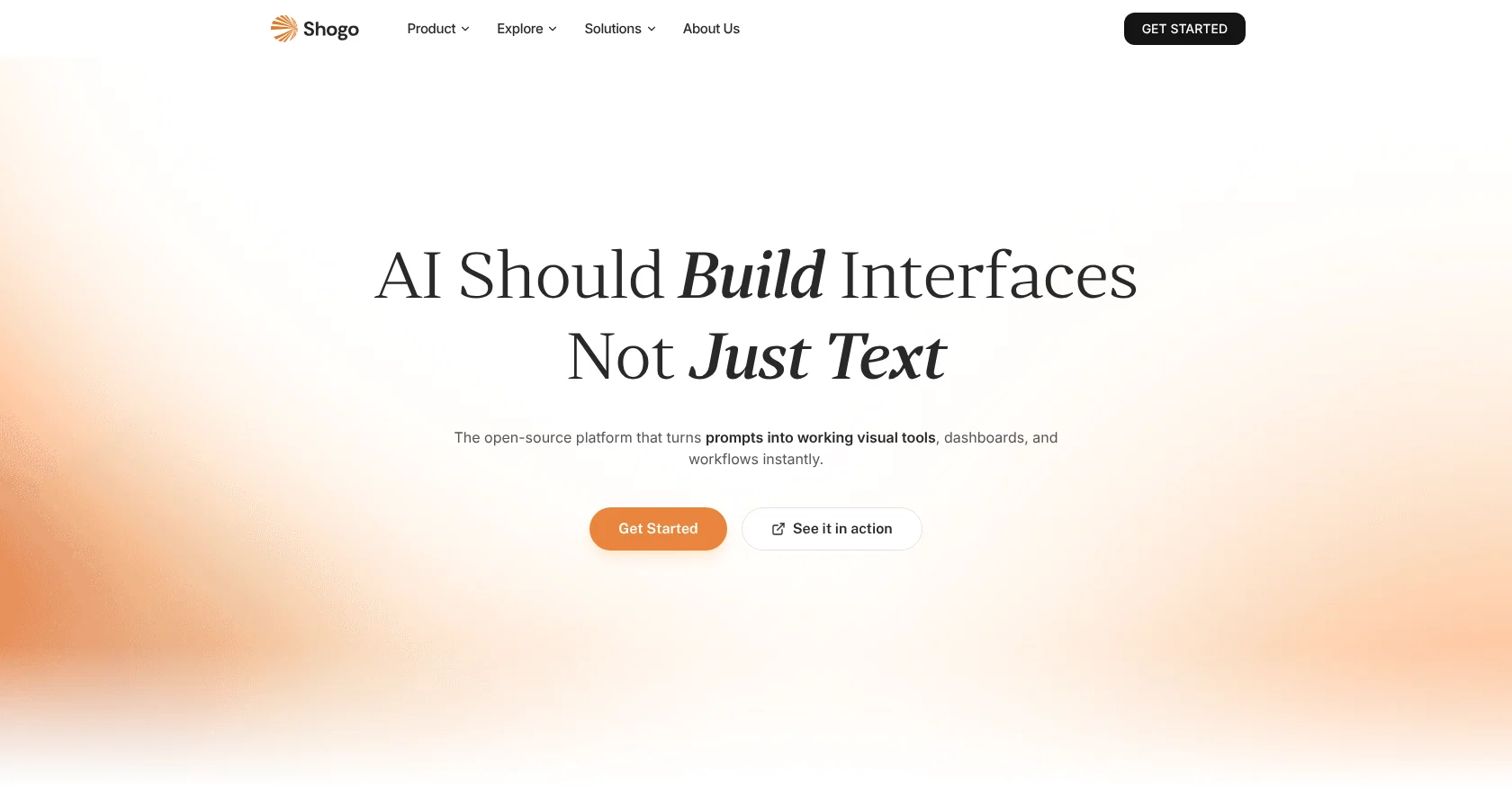
Shogo AI is an open-source platform that emphasizes building interfaces over generating textual responses. This focus enables the tool to promptly construct functional visual tools, dashboards, and workflows upon receiving prompts.
Shogo AI offers direct responses in the structure of interactive visual interfaces rather than standardized text, simplifying tasks like handling dependency setup and managing API keys and credentials.
In addition to a speedy setup process that involves no configuration, Shogo AI includes automatic integration capabilities, sparing users the need to handle technical setup.
Key features include a one-click deployment process, making the adoption and implementation of the tool swift and easy for users. Shogo AI offers multiple application integrations and flexibility across devices, allowing users to trigger workflows through chat on a mobile device before switching to a desktop for dashboard management.
The platform's capabilities extend to developing transformative productivity tools, such as generating meeting prep materials through calendar events and attendee research, building financial dashboards that track revenue metrics and manage invoices, and automating the tracking of candidates through the hiring pipeline.
This AI tool offers templates for various use cases and highlights the changes in real-time to ensure user-friendly experience.
Access & connections
Where you can use Shogo AI, and what it plugs into.
Platforms
Integrations
Capabilities
What this tool accepts, produces, and is strongest at.
Input
- API
- Code
- Image
- Text
- Audio
Output
- Code
- Audio
- Video
- Tabular
- API
- Text
- Image
Highlights
- Agents
- API
- MCP
- Local
- Open Source
Supported features
- Agents
- API
- MCP
- Runs Locally
- Open Source
- IDE
Pros & cons
Pros
- Open-source platform
- Generates visual interfaces
- Instant setup process
- Automatic integrations
- No API key handling
- No configuration required
- Dashboard creation capabilities
- One-click deployment
Show 43 more
- Multi-device flexibility
- Meeting prep automation
- Financial tracking
- Hiring process automation
- Interactive UIs
- Template-based systems
- Real-time changes
- Mobile chat triggers
- Desktop dashboard management
- Workflow automation
- Enterprise-grade agent architecture
- Turns prompts into tools
- User-friendly experience
- Cross-platform functionality
- Immediate visual tool creation
- No manual integrations
- No developer required
- Functional dashboard and workflow construction
- Direct visual interface responses
- Dependency setup handling
- flexibility across devices
- Interactive visual interfaces
- Simplified task management
- Multiple application integrations
- Meeting material generation
- Revenue tracker creation
- Invoice management
- Candidate tracking automation
- On-the-go workflow triggering
- Automatic connection and mapping
- Real-time development updates
- Automated error handling
- Live repository activity
- Productivity tool generation
- Expense tracking and reporting
- 907+ app integrations
- Prompt to visual tool conversion
- Meeting preparation document creation
- Zero configuration setup
- Repository monitoring
- Quick implementation
- API management automation
- Revenue and expense analytics
Cons
- Limited textual responses
- Overreliance on visual interface
- High learning curve
- Requires explicit user prompts
- Limited to English prompts
- No developer access
- No configuration opportunities
- No manual setup option
Show 1 more
- Mobile chat-to-desktop workflow
Compare alternatives
Similar tools in the catalog — with a clear reason to open each one.

PixieBrix ✓
FreemiumExtend your apps, accelerate work
Free + from $10/mo per developer, $5/mo per user
Full comparison




Releases 1
FAQ 12
What is Shogo AI?
How does Shogo AI turn prompts into working visual tools?
What is the technology behind Shogo AI?
What experience does the team behind Shogo AI have?
What are the main features of Shogo AI?
How does Shogo AI perform API management?
Can I use Shogo AI on multiple devices?
In what ways can Shogo AI automate tasks?
What is one-click deployment in Shogo AI?
How is Shogo AI different from other AI tools?
What apps can Shogo AI integrate with?
Does Shogo AI offer templates?
Related tools
Recommended

Cursor ✓
FreemiumAI-powered IDE for faster coding

Recall ✓
FreemiumSummarize Anything, Forget Nothing!

Suno ✓
FreemiumMake music at the speed of your ideas.

remio: Your Personal ChatGPT ✓
FreemiumGet Tailored Answer with Your Personal ChatGPT

Ideogram ✓
FreemiumAI-powered creativity booster

Younet ✓
Free TrialAI Agent Orchestration and Automation. Build your agentic business.