
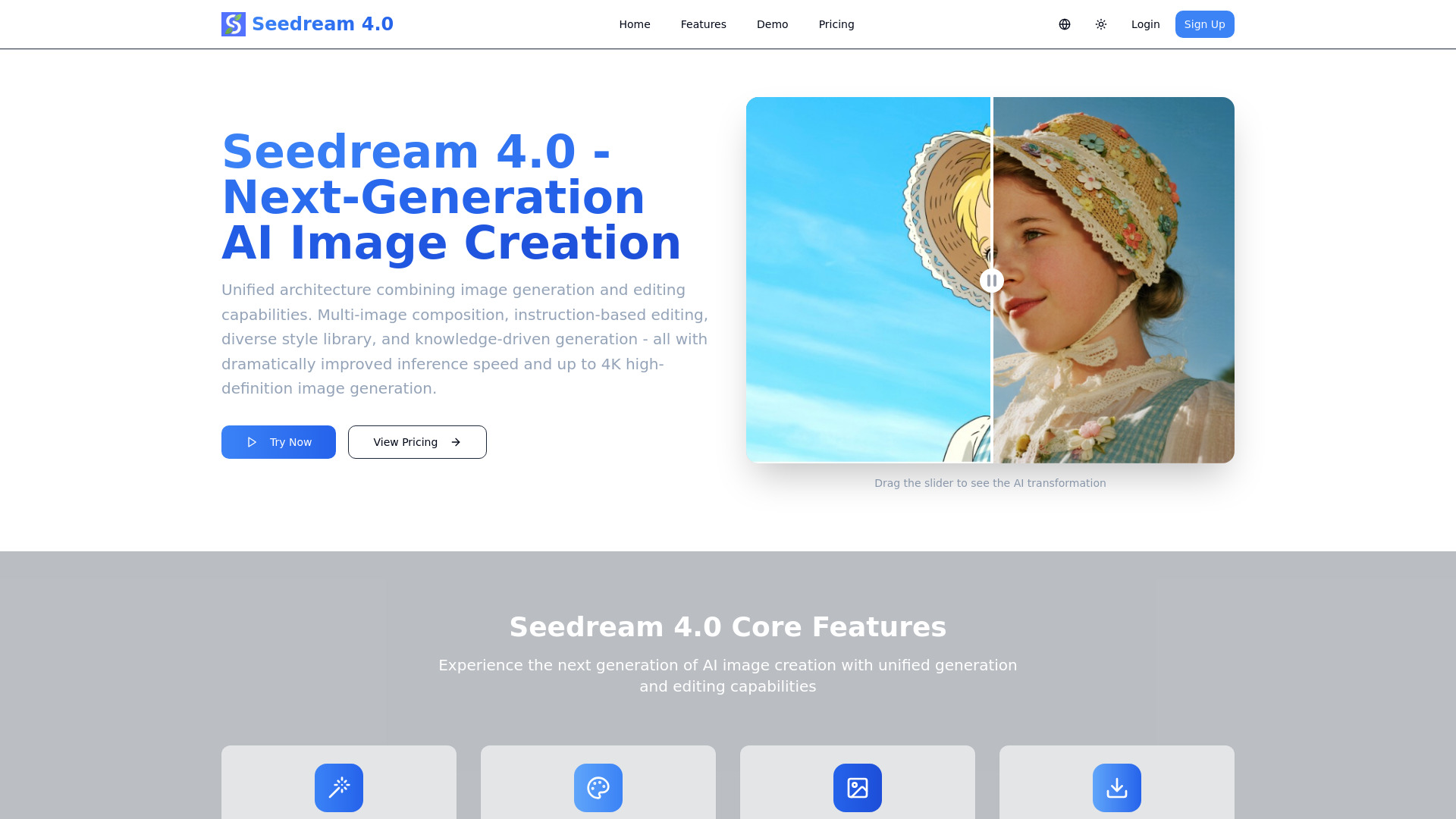
Seedream 4.0 - AI Image Generator
AI image generator and editor with advanced features.
Source rating 5.0
(97)
146 views
146/mo traffic
0 saves
Paid
From $9.99 / month
Verdict
A quick read before you dig into the full page.
- Best if
- AI image generator and editor with advanced features
- Skip if
- You need a free plan with no credit card
- Pick this when
- Paid · From $9.99 / month
Overview
Seedream 4.0 is an AI image generator and editor that offers next-generation AI image creation. It features a unified architecture combining both generation and editing capabilities, allowing users to create and modify images with advanced tools. Key functionalities include multi-image composition, instruction-based editing, a diverse style library, and knowledge-driven generation, all with dramatically improved inference speed and support for up to 4K high-definition image generation.
Access & connections
Where you can use Seedream 4.0 - AI Image Generator.
Platforms
Capabilities
What this tool accepts, produces, and is strongest at.
Highlights
- Unified architecture combining image generation and editing
- Multi-Image Composition with batch output
- Instruction-Based Editing (what you say is what you get)
- Diverse Style Library (from watercolor to cyberpunk)
- Knowledge-Driven Generation for accurate content
- Up to 4K high-definition image generation
- Dramatically improved inference speed
FAQ 7
What is Seedream 4.0?
Seedream 4.0 is an AI image generator and editor that offers next-generation AI image creation. It features a unified architecture combining both generation and editing capabilities, allowing users to create and modify images with advanced tools. Key functionalities include multi-image composition, instruction-based editing, a diverse style library, and knowledge-driven generation, all with dramatically improved inference speed and support for up to 4K high-definition image generation.
How to use Seedream 4.0?
To use Seedream 4.0, users can input multiple images for composition with a single sentence, or generate and edit high-quality images by describing their desired output or transformations with one sentence. For editing, users upload an image, describe the changes they want, and the AI processes it. Login is required to upload images.
Can I try Seedream 4.0 for free?
The website includes a FAQ question 'Can I try it for free?', implying a free option may exist, but specific details or quotas for a free trial are not provided in the content.
How does Seedream 4.0 work?
Seedream 4.0 operates on a unified architecture that combines image generation and editing capabilities. Users can input text instructions or multiple images to generate or edit high-quality images, leveraging features like multi-image composition, diverse style libraries, and knowledge-driven generation.
What makes Seedream 4.0 different?
Seedream 4.0 stands out with its unified generation and editing architecture, multi-image composition, instruction-based editing for precise control, a diverse style library, knowledge-driven generation for accuracy, dramatically improved inference speed, and up to 4K high-definition image output.
What image formats are supported?
The Basic plan supports JPG/PNG format downloads. The Pro plan supports JPG/PNG/WebP format downloads. The Max plan supports all formats, including batch processing.
Can I use the generated images commercially?
The website includes a FAQ question 'Can I use the generated images commercially?', but the answer is not provided in the given content.
Related tools
Recommended




Seedream 4.0 - AI Image Generator
From $9.99 / month