
Website security 2026 Rank: #876
SecureSaaS ✓
Free website vulnerability scanner for web apps.
Free + from $29/mo
Verdict
A quick read before you dig into the full page.
- Best if
- Free website vulnerability scanner for web apps
- Skip if
- Limited team access
- Pick this when
- Detects XSS or injection attacks
Considering Datadome instead? Compare side by side
Overview
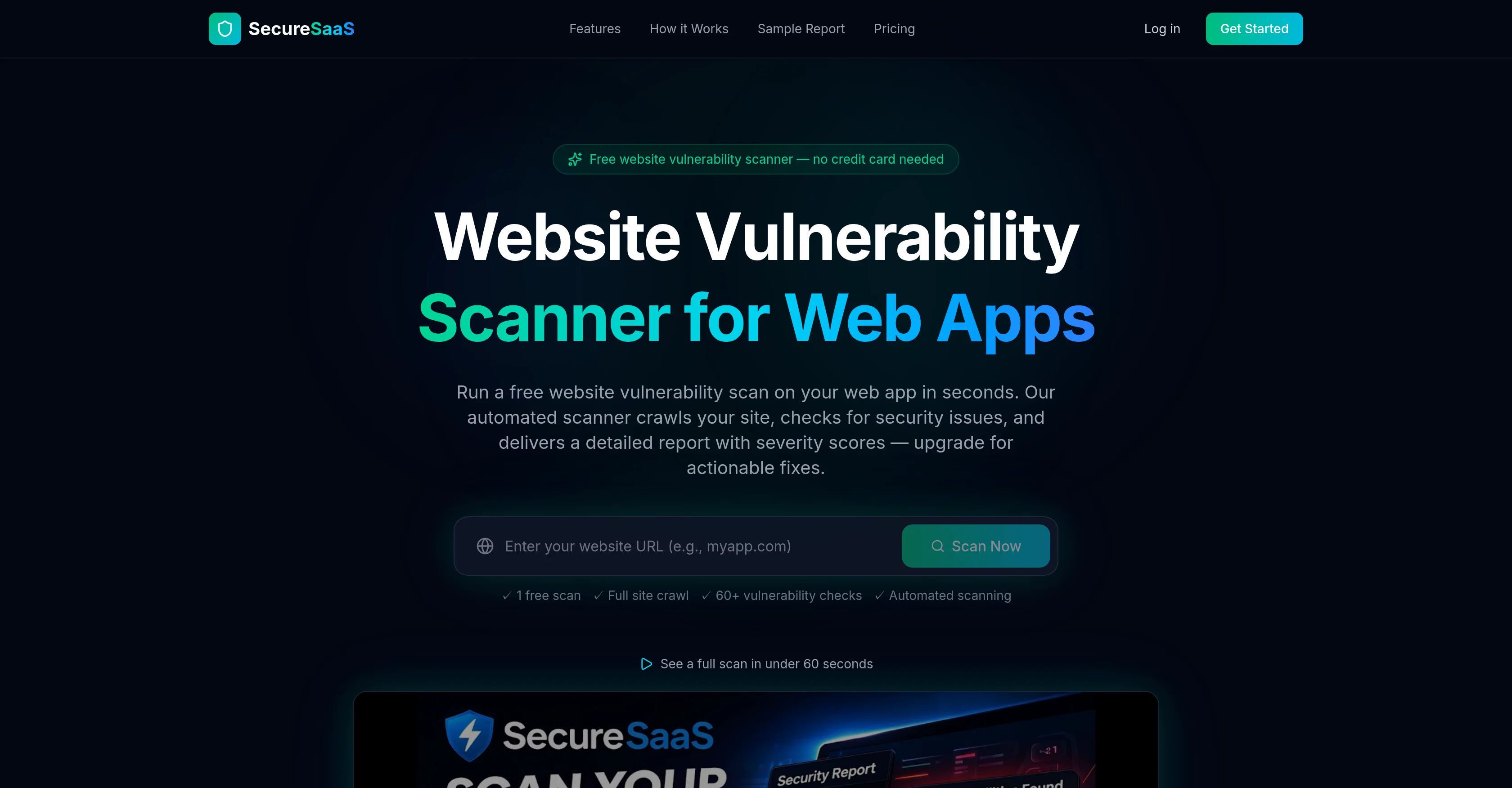
SecureSaaS Website Vulnerability Scanner is a free tool that aims to discover security vulnerabilities and misconfigurations in web applications. By crawling a web app, it systematically examines SSL certificates, headers, open ports, XSS, CSRF, and more, in an effort to identify potential security issues that may expose the app to threats.
The scanner provides a succinct and detailed report following each scan with severity scores for identified vulnerabilities.SecureSaaS features a host of security check types, including SSL/TLS analysis, security headers, XSS and injection detection, and examination of OWASPs top unavoidable security risks.
It also checks access controls and performs a full site crawl in addition to automated vulnerability checks.The tool offers actionable suggestions for patching identified vulnerabilities, complete with developer-friendly explanations and precise code snippets.
Alongside website vulnerabilities, it includes checks for email security, cookie security audit, technology fingerprinting, directory and robots.txt audit, open redirect detection and more.
It is devised for ease of use, requiring just a URL to start scanning. An upgrade to a premium plan provides functionalities such as step-by-step fix suggestions for vulnerabilities, enabling more insightful vulnerability management.
Furthermore, it facilitates collaboration on security by allowing team access for scan management.Though the tool provides useful insights into website vulnerabilities, it is not a preventive measure against all web attacks.
Therefore, it should be used as part of a comprehensive security plan.
Best for
Short scenarios where SecureSaaS tends to shine.
-
Free website vulnerability scanner for web apps.
Example outputs 1
Sample generations and before/after results for SecureSaaS.
Access & connections
Where you can use SecureSaaS.
Platforms
Capabilities
What this tool accepts, produces, and is strongest at.
Input
- Text
Output
- Text
Highlights
- API
Supported features
- Cybersecurity
- Automation
- API
- Integrations
- Team Collaboration
Pros & cons
Pros
- Detects XSS or injection attacks
- Identifies OWASP top 10 risks
- Performs SSL/TLS analysis
- Checks security headers
- Uncovers sensitive exposed files
- Runs CSRF audits
- Automated web application crawl
- Provides vulnerability severity scores
Show 30 more
- Offers fix recommendations
- Starter plan includes PDF report export
- Email and webhook alerts on Pro plan
- API access and scheduled scans on Pro plan
- Performs cookie security audits
- Does email security checks
- Performs directory audits
- Detects CORS misconfigurations
- Performs supply chain integrity checks
- User-friendly interface
- No credit card needed
- Does technology fingerprinting
- Performs robots.txt audits
- Open redirect detection
- Handles scan management
- Allows team access for collaboration
- Offers step-by-step fix suggestions
- Checks and verifies SSL certificates
- Performs access control checks
- Does full site crawl
- Offers actionable solutions for vulnerabilities
- Includes clear developer-friendly explanations
- Specific code snippets for fixes
- Single URL required to start scan
- Tracks security trends
- Offers one-click re-scan
- Performs sensitive file and open ports exposure checks
- Checks for known vulnerabilities in libraries
- Runs 60+ automated vulnerability checks
- Offers CSRF and Access Controls Audits
Cons
- Cost in heavier usage
- Limited pages per scan
- Lacks preventative measures
- No real-time scanning
- No custom scanning options
- Limited team access
- No instant remediation actions
- No native integrations
Show 1 more
- No risk-based prioritization
Compare alternatives
Similar tools in the catalog — with a clear reason to open each one.

Cequence ✓
UnknownIntegrated application and API protection in one platform.
No pricing
Full comparison
Connector | Hostinger ✓
PaidDeploy and manage websites directly from your IDE.
Why look Typically cheaper
Full comparison
AI Builder | Hostinger Horizons ✓
Free TrialBuild web apps and websites without writing any code.
Why look Typically cheaper
Full comparison
Noxel SEO ✓
FreemiumSEO, AEO & GEO visibility powered by AI.
Why look Typically cheaper
Full comparison
Mironik ✓
FreemiumBuild with AI, refine with visual editor.
Why look Typically cheaper
Full comparisonPeople also view
Tools that often show up alongside SecureSaaS in collections and comparisons.

Datadome ✓
PaidAccess denied - suspicious browsing detected.
Cequence ✓
UnknownIntegrated application and API protection in one platform.

Zens AI ✓
FreemiumAI support that fixes your product while it helps customers.

TermOver AI ✓
UnknownAI-powered Terms of Service analyzer - Know what you're agreeing to

SchemaGen ✓
FreemiumDeploy schema without the dev tickets.

Relume ✓
FreemiumBuild a marketing site you'd actually publish.
Noxel SEO ✓
FreemiumSEO, AEO & GEO visibility powered by AI.
Mironik ✓
FreemiumBuild with AI, refine with visual editor.
Releases 1
FAQ 12
What is SecureSaaS?
How does SecureSaaS work?
What kind of vulnerabilities can SecureSaaS identify?
Does SecureSaaS provide recommendations on how to fix identified vulnerabilities?
How does SecureSaaS analyze SSL/TLS?
Can SecureSaaS perform security headers checks?
How does SecureSaaS identify Injection Attacks or XSS?
Does SecureSaaS detect known vulnerabilities in libraries?
What advanced security checks does SecureSaaS perform?
Can SecureSaaS carry out CSRF audits?
Does SecureSaaS require credit card details for use?
Is the SecureSaaS interface user-friendly?
Related tools
Recommended

Claude ✓
FreemiumBuilding reliable, interpretable AI systems

Averi AI ✓
Free TrialThe AI Content Engine for Startups

CraftedCourses.io ✓
PaidCreate and Share High-Quality Online Courses in Minutes

CoreWise.video ✓
FreemiumExtract Wisdom from Any Link -- 6 AI Models, Haiku 4.5 Synthesized

ChatGPT ✓
FreemiumAsk anything, create anything, and move from idea to action.

Automateed ✓
Free TrialCreate eBooks effortlessly with Automateed, the AI-powered writing tool.