

Server management vv2.1.5 2026 Rank: #1569
Connector | Hostinger ✓
Deploy and manage websites directly from your IDE.
Verdict
A quick read before you dig into the full page.
- Best if
- Deploy and manage websites directly from your IDE
- Skip if
- Limited to Hostinger services
- Pick this when
- Integrated within IDE
Considering RemoteX instead? Compare side by side
Overview
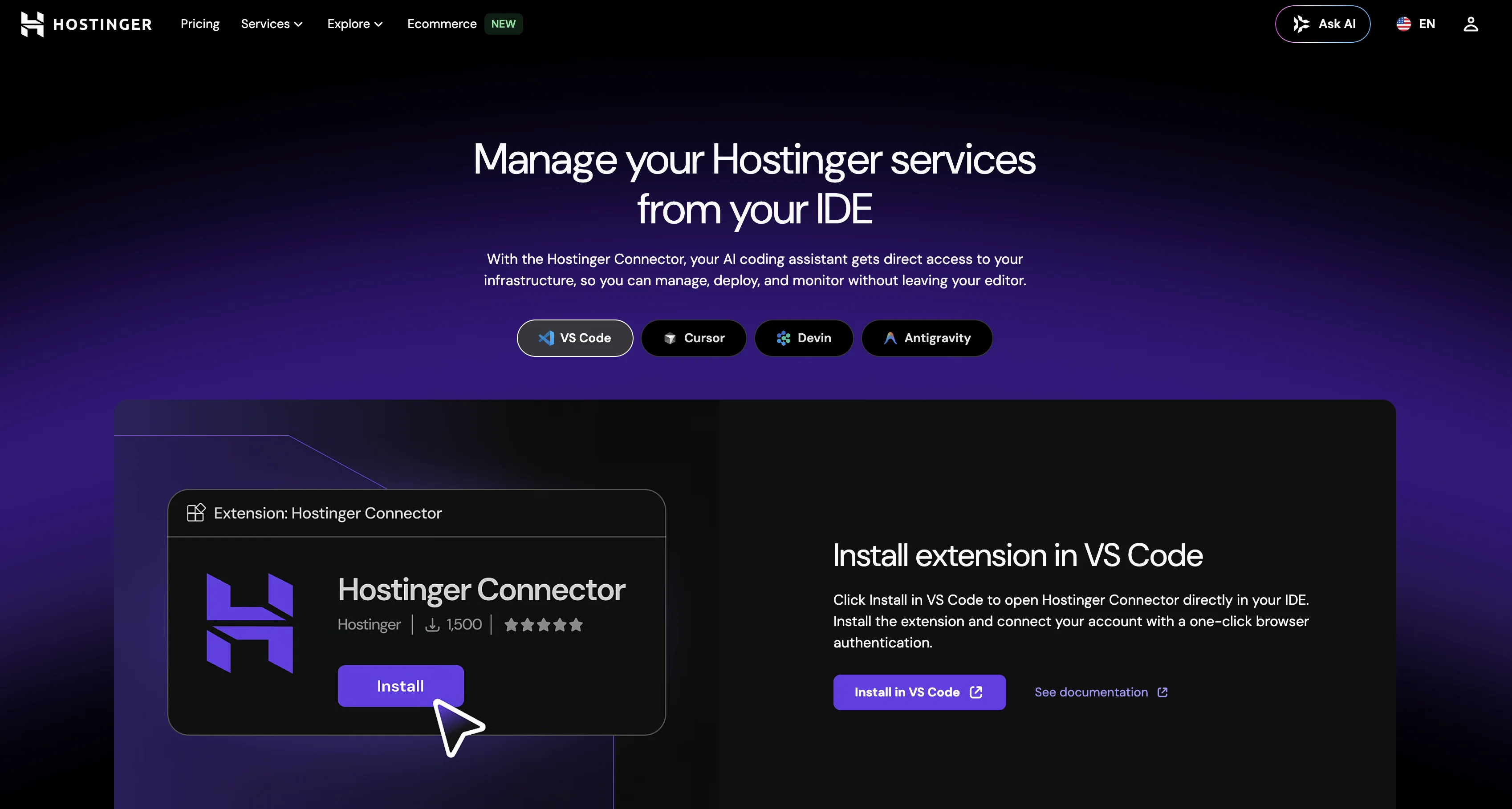
The Hostinger Connector is a multi-functional control panel (MCP) server tool designed to work in collaboration with your AI coding assistant within an Integrated Development Environment (IDE).
This tool fundamentally enhances productivity as it facilitates the hosting, deployment, and real-time monitoring of websites without leaving the IDE.
The tool integrates directly into your coding workflow, significantly reducing context-switching by providing a unified operational environment. It offers seamless access to manage servers, update the Domain Name System (DNS), and to deploy websites directly.
Interestingly, it can also convert a screenshot into a live website, where the AI is capable of recreating the page from a screenshot within the IDE, and then publish it directly to Hostinger.
The Hostinger Connector supports the development of WordPress sites, allowing the creation, deployment and customization of WordPress tools within the AI workflows.
The Connector also comprises AI management for tasks such as database management, DNS configuration, and server settings control. The Connector ensures security with OAuth authentication which requires no manual key management or storing of credentials in config files.
In essence, it gives your AI agent scoped, secure access to your infrastructure.Moreover, it allows real-time monitoring of server metrics such as CPU, memory, and bandwidth usage, along with malware scanning and backup restoration right from the chat.
Other features include the deployment of operating systems and firewalls, as well as domain management capabilities.
Access & connections
Where you can use Connector | Hostinger, and what it plugs into.
Platforms
Capabilities
What this tool accepts, produces, and is strongest at.
Input
- API
- Text
Output
- Code
- API
Pros & cons
Pros
- Integrated within IDE
- Reduces context-switching
- DNS management
- WordPress site development
- Database management
- Server settings control
- Secure OAuth authentication
- Real-time server monitoring
Show 30 more
- Malware scanning
- Backup restoration
- Operating system deployment
- Firewall deployment
- Domain management
- Managed within coding workflow
- Live website creation from screenshot
- Direct website deployment
- WP plugin creation within workflow
- Scalability monitoring
- Multifunctional control panel
- One-click browser authentication
- VPS deployment from chat
- Malware scanning from chat
- Backup restoration from chat
- From-IDE WordPress deployment
- DNS record update
- Domain routing management
- Integrated domain name search
- Integrated domain purchase
- Integrated domain transfer
- Integrated business email creation
- In-built hostinger integration
- Seamlessly integrate with GitHub
- Drag-and-drop website builder
- WooCommerce store management
- Unlimited bandwidth
- Managed MySQL database
- Managed SSL certificates
- Web application firewall
Cons
- Limited to Hostinger services
- MCP usage complexity
- Depends on stable internet
- OAuth barriers
- No support for non-WordPress
- Live site from screenshot limitations
- Might clash with other IDE plugins
- Real-time monitoring limitations
Show 2 more
- No mentioned API sandbox/testing
- Strict API rate limits
Compare alternatives
Similar tools in the catalog — with a clear reason to open each one.


Web Hosting | Hostinger ✓
PaidDescribe it. Horizons builds it.
Why look Typically cheaper
Full comparison
VPS Hosting | Hostinger ✓
PaidAI-managed VPS hosting at up to 70% off.
Why look Higher community rating
Full comparison
Managed Hermes Agent | Hostinger ✓
PaidHermes Agent with zero setup, maintenance, or infrastructure management.
from $6.49/mo
Full comparison
Hermes Agent Helper ✓
PaidDeploy your private AI agent in minutes.
Why look More privacy-focused
Full comparison
Releases 7
Minor bugs fixed and better optimisation, new features coming next week
Minor bugs fixed and better optimisation, new features coming next week
Minor bugs fixed and better optimisation, new features coming next week
Minor bugs fixed and better optimisation, new features coming next week
Minor bugs fixed and better optimisation, new features coming next week
Minor bugs fixed and better optimisation, new features coming next week
FAQ 12
What is the Hostinger Connector?
How does the Hostinger Connector integrate with my IDE?
What are the key features of the Hostinger Connector?
How can Hostinger Connector enhance productivity in my workflow?
Can Hostinger Connector really convert a screenshot into a live website?
What support does Hostinger Connector provide for WordPress development?
What are the security features of Hostinger Connector?
What is OAuth authentication in Hostinger Connector?
Can I monitor server metrics in real time with Hostinger Connector?
Does the Hostinger Connector allow for malware scanning and backup restoration?
What capabilities does Hostinger Connector provide for domain management?
How does Hostinger Connector help in reducing context-switching?
Related tools
Recommended

Email Marketing | Hostinger ✓
FreemiumAI-powered email campaigns, no experience needed.

AI Agents | Hostinger ✓
FreemiumYour AI business team, one subscription.

Whacka ✓
Free TrialTurn ideas into real apps from your phone.

Ecommerce | Hostinger ✓
PaidSell everywhere from one platform.

Agentic Mail | Hostinger ✓
PaidEmail infrastructure built for AI agents.

X-Pilot AI ✓
FreemiumTurn Documents into Accurate Video Course Series
More from this creator

AI Website Builder | Hostinger ✓
FreemiumCreate stunning websites instantly with AI.

AI Builder | Hostinger Horizons ✓
Free TrialBuild web apps and websites without writing any code.

1-Click OpenClaw | Hostinger ✓
PaidYour 24/7 AI assistant with 1-click setup.
Managed Hermes Agent | Hostinger ✓
PaidHermes Agent with zero setup, maintenance, or infrastructure management.
VPS Hosting | Hostinger ✓
PaidAI-managed VPS hosting at up to 70% off.
Web Hosting | Hostinger ✓
PaidDescribe it. Horizons builds it.