

Scribba ✓
Subtitled videos for accessibility and engagement.
Free + from $0.15
Verdict
A quick read before you dig into the full page.
- Best if
- Subtitled videos for accessibility and engagement
- Skip if
- Limited human transcription services
- Pick this when
- 98% transcription accuracy
Considering Voicetype AI instead? Compare side by side
Overview
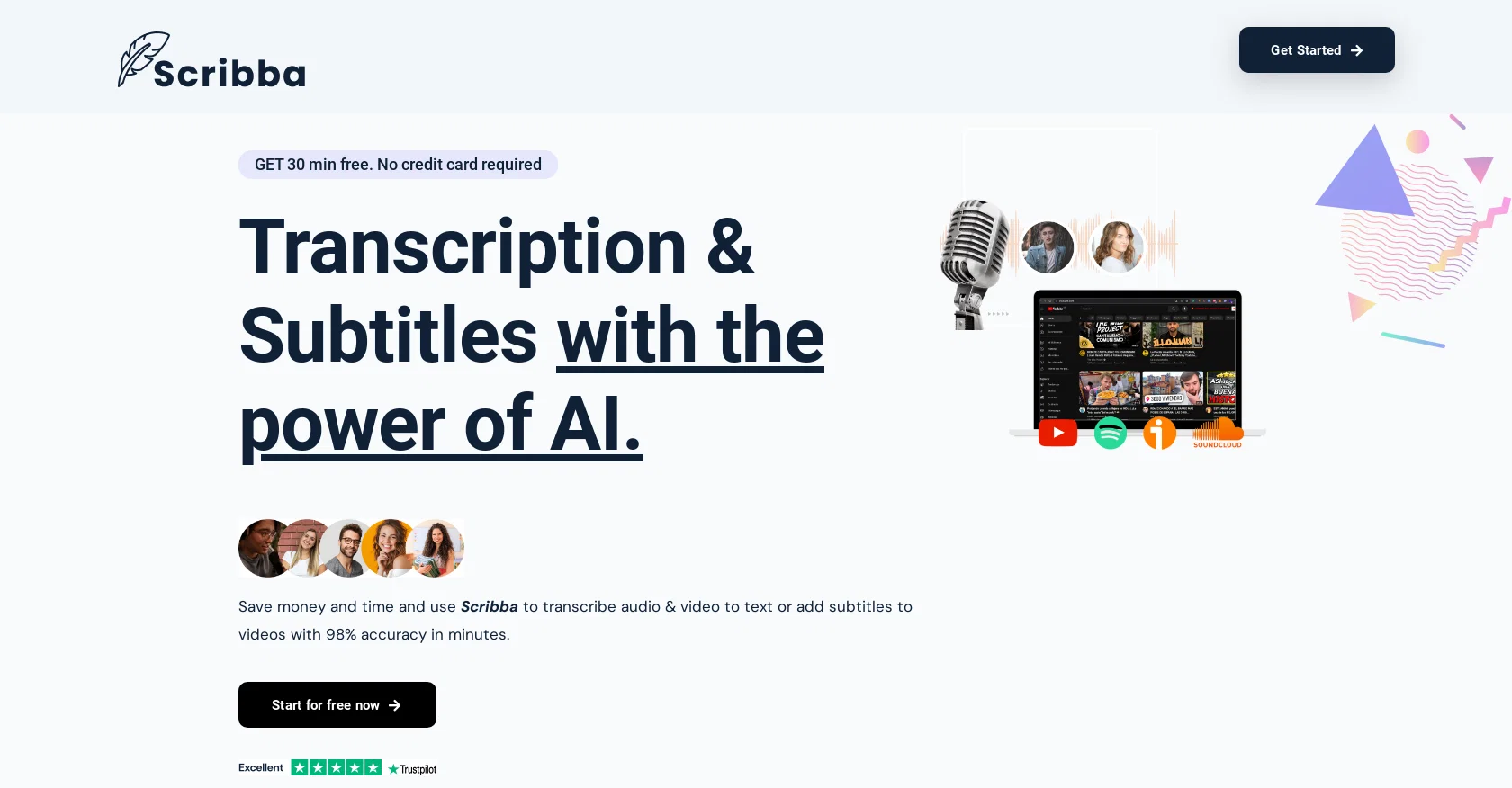
Scribba is a tool that uses the power of AI to transcribe videos and add subtitles. It aims to save users time and money by providing transcription and subtitle services with up to 98% accuracy in just minutes.
With Scribba, users can convert audio or video files to text through AI transcription, human transcription, or translated transcriptions. Additionally, users can add captions to their videos using AI subtitles, human subtitles, or translated subtitles.
Scribba offers support for over 65 languages, making it versatile for a wide range of users. The tool boasts several features, including unlimited uploads, fast results in less than 50% of the audio length, multiple export formats like Srt, pdf, xlsx, txt, and word, sentence timestamps for easy navigation, and secure protection for transcripts.
Users are notified via email when their results are ready. Scribba offers a free plan, providing users with 30 minutes of AI transcription and subtitle services.
Additionally, there is a pay-as-you-go option with pricing starting at $0.15 per minute, offering quicker results, priority support, and volume discounts.
Scribba emphasizes its AI capabilities, achieving high accuracy in transcription results. However, it notes that poor audio quality may affect the accuracy of the transcription.
While Scribba strives to provide satisfactory results, it advises users to review the output in some cases. Payments are accepted via most debit and credit cards, primarily processed through Stripe.
Invoices are sent via email upon completion of payment.
Access & connections
Where you can use Scribba, and what it plugs into.
Platforms
Integrations
Pros & cons
Pros
- 98% transcription accuracy
- Multi-language support (65+)
- Unlimited uploads
- Fast results (less than 50% audio length)
- Multiple export formats (Srt, pdf, xlsx, txt, Word)
- Sentence timestamps
- Secure transcript protection
- Email notifications for results
Show 11 more
- Free plan available (30 minutes)
- Pay-as-you-go option
- Pricing starting from $0.15/minute
- No credit card required for free plan
- Priority support for paid plans
- Volume discounts for bulk use
- Payment accepted via debit/credit cards
- Processed payments through Stripe
- Invoices sent via email
- Poor audio quality troubleshooting
- User advice for reviewing results
Cons
- Poor audio affects accuracy
- Requires review in some cases
- No refund policy
- Time of transcription varies
- Additional charges for faster results
- Limited free plan
- Pricing varies by country
- Dependent on Stripe for payments
Show 2 more
- Notification only via email
- Limited human transcription services
Compare alternatives
Similar tools in the catalog — with a clear reason to open each one.

Voicetype AI ✓
Free TrialWrite 9x Faster with AI Speech to Text on all Apps
Why look Better for writing
Full comparison
Transcript LOL ✓
FreemiumUnlimited transcripts, summaries, 99.8% accuracy, speaker recognition, superfast
Why look Offers a public API
Full comparison
TurboScribe ✓
Freemium🎯 3 free transcripts every day. 🔥 Unlimited transcription starting at $10/mo.
Free + from $10/mo
Full comparison
RambleFix ✓
Paid⚡ Write by thinking aloud - emails, notes, articles, in your style.
Why look Better for writing
Full comparison
Paraspeech ✓
Free TrialPrivate dictation, cloud optional
Why look More privacy-focused
Full comparisonReleases 1
FAQ 12
What is Scribba?
What services does Scribba provide?
How accurate is Scribba's AI transcription?
How quickly can Scribba transcribe my audio or video?
Which languages does Scribba support?
Is there a limit on the number of uploads for Scribba?
What export formats does Scribba offer?
How does Scribba handle user data security?
How does Scribba notify users when their results are ready?
What is the pricing structure for Scribba?
What is included in Scribba's free plan?
How does the pay-as-you-go option work in Scribba?
Related tools
Recommended
AudioTranscription ✓
PaidFast, secure & accurate AI transcription for audio and video.

Scisummary ✓
Free TrialCutting-edge scientific articles summarization.

Photo AI ✓
PaidCreate beautiful AI photos and videos of real people

B12 AI Website Builder ✓
FreemiumAI-powered website builder

Stunning ✓
PaidBuild AI-powered websites in seconds

D-ID ✓
FreemiumCreate AI-generated videos with ease