Screen-based automation

screenpipe ✓

remember everything you see, say, and hear

694 views 10 saves Paid
More categories (4)

Verdict

A quick read before you dig into the full page.

Best if
remember everything you see, say, and hear
Skip if
Limited to web tasks
Pick this when
Operational transparency

Considering ScreenHelp instead? Compare side by side

Overview

screenpipe records your screen and audio 24/7. search anything you've seen or heard — instantly.
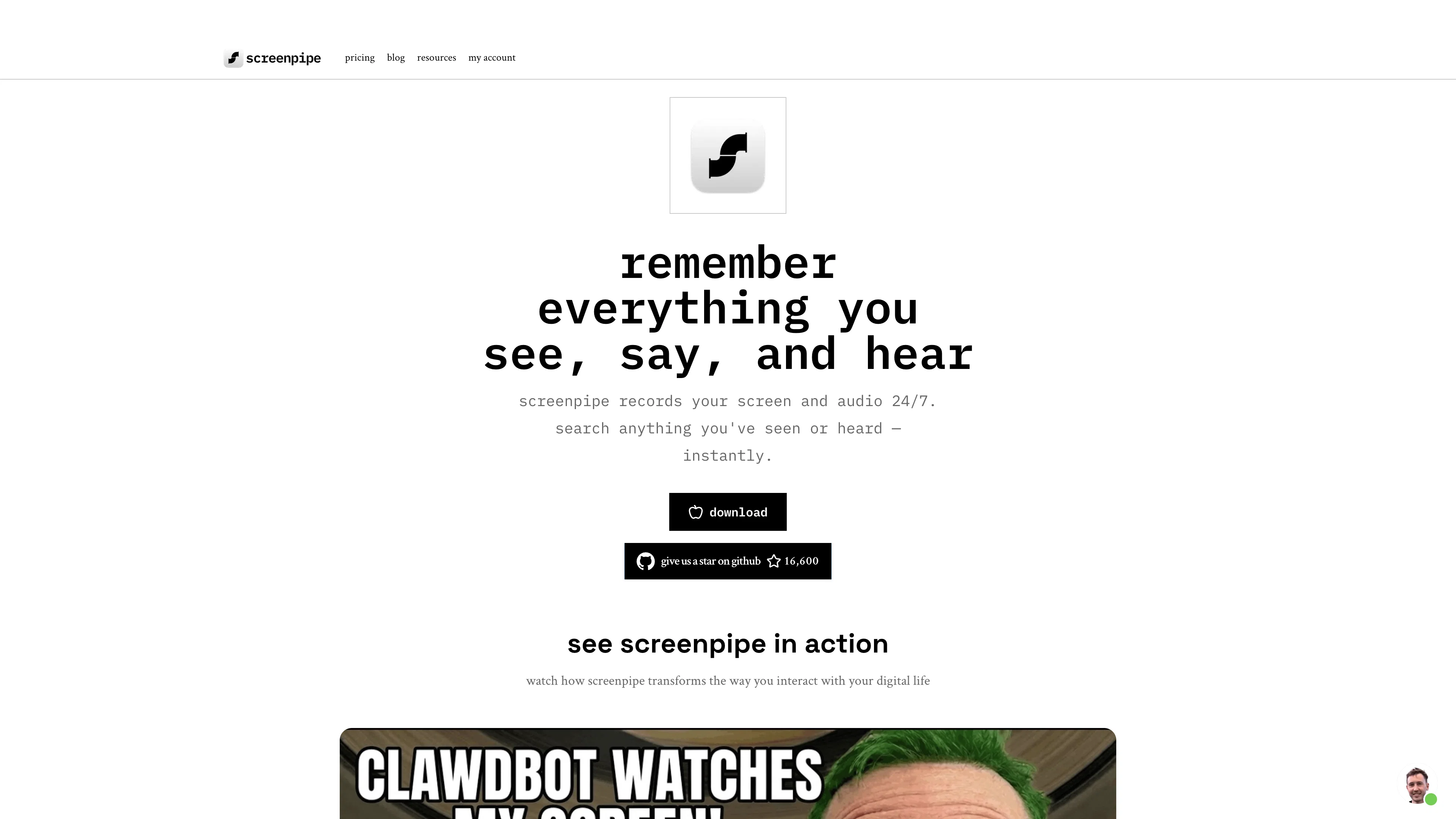
screenpipe website

Access & connections

Where you can use screenpipe, and what it plugs into.

Platforms

Integrations

MCP

API

Public API available

Browse other tools with an API

Capabilities

What this tool accepts, produces, and is strongest at.

Input

  • Image
  • Text
  • Video
  • Audio

Output

  • Audio
  • Text

Highlights

  • Agents
  • API
  • MCP
  • Local
  • Open Source
  • No Signup

Supported features

  • Agents
  • API
  • MCP
  • Runs Locally
  • Open Source
  • No Signup
  • Instant file search

Pros & cons

Pros

  • Open-source
  • Operational transparency
  • Collaboration support
  • Strict privacy compliance
  • User customization
  • Screen monitoring
  • Task automation
  • Turns screens into tasks
Show 5 more
  • Transforms visual data
  • Web action capability
  • Developer tools provided
  • Alters functionality
  • Generates custom web actions

Cons

  • Potential privacy issues
  • Requires constant screen access
  • Open-source, potential for misuse
  • User customization complicated
  • Limited to web tasks

Compare alternatives

Similar tools in the catalog — with a clear reason to open each one.

Releases 1

Initial release June 20, 2024 Current
Initial release of screenpipe.

FAQ 12

What is ScreenPipe Screen?
ScreenPipe Screen is an artificial intelligence tool designed to convert the visual information displayed on your screen into actionable tasks. It makes use of AI technology to turn your screen content into custom actions on the web, as per your specific instructions. With a transparency and collaboration approach, it operates as an open-source tool. It strictly adheres to privacy compliance and terms of usage while allowing users the flexibility to transform their visual screen data into meaningful actions on the web.
How does ScreenPipe Screen convert visual data into actions?
ScreenPipe Screen uses artificial intelligence to interpret visual content displayed on your screen and transform it into custom actions on the web. It operates based on specific instructions provided by the user, tailoring the AI response to the user's needs.
Can I customize the actions performed by ScreenPipe Screen based on my screen's content?
Yes, you can customize the actions performed by ScreenPipe Screen. The AI tool works according to your specific instructions, enabling you to define the process of transforming your screen's visual data into pertinent and custom actions on the web.
What makes ScreenPipe Screen transparent and collaborative?
ScreenPipe Screen is operationally transparent and collaborative because it is an open-source tool. This means that its source code is freely accessible to all. Developers, enthusiasts, or anyone interested can contribute to or manipulate its functionality as they wish, promoting transparency and collaborative work.
Is ScreenPipe Screen open-source?
Yes, ScreenPipe Screen is an open-source tool. This means its source code is available publicly, allowing anyone to view, use, modify, or distribute the project's source code.
Where can I find the source code for ScreenPipe Screen?
The source code for ScreenPipe Screen can be found on an open-source platform, GitHub. The specific URL is 'https://github.com/louis030195/screen-pipe'.
Can I contribute to or alter the functionality of ScreenPipe Screen?
Yes, you can contribute to or alter the functionality of ScreenPipe Screen. Being an open-source tool, it provides its source code freely, allowing developers and enthusiasts to contribute to its development or modify its functionality as per their requirements.
How does ScreenPipe Screen ensure privacy compliance?
ScreenPipe Screen ensures privacy compliance by strictly adhering to its terms of usage, which include specific provisions regarding user privacy. Given its linkage with your screen act, it maintains the highest standards of privacy compliance.
What are the terms of usage for ScreenPipe Screen?
The terms of usage for ScreenPipe Screen are defined in a separate 'Terms' section on their website. These terms govern the usage of the tool and the relationship between the user and the service provider.
How does ScreenPipe Screen handle task automation?
ScreenPipe Screen handles task automation by leveraging AI technology to transform visual screen data into meaningful tasks or actions on the web. This screen-based automation enables you to automate tasks according to specific instructions given by you.
What are the visual recognition capabilities of ScreenPipe Screen?
The visual recognition capabilities of ScreenPipe Screen lie in its ability to interpret and transform the visual information displayed on your screen into actionable tasks on the web. The AI tool can recognize screen content and accordingly perform custom actions on the web.
Is ScreenPipe Screen considered a developer tool?
Yes, ScreenPipe Screen is considered a developer tool. As an open-source application, developers can access and modify its source code. This allows them to contribute to ScreenPipe Screen's evolution, adapt its functionality, or even repurpose it according to their needs.
screenpipe from $400