

ScreenPal AI ✓
Make engaging, accessible videos quickly with AI.
Free + from $10/mo
Verdict
A quick read before you dig into the full page.
- Best if
- Make engaging, accessible videos quickly with AI
- Skip if
- Limited stock library
- Pick this when
- Online and desktop access
Considering freebeat AI instead? Compare side by side
Overview
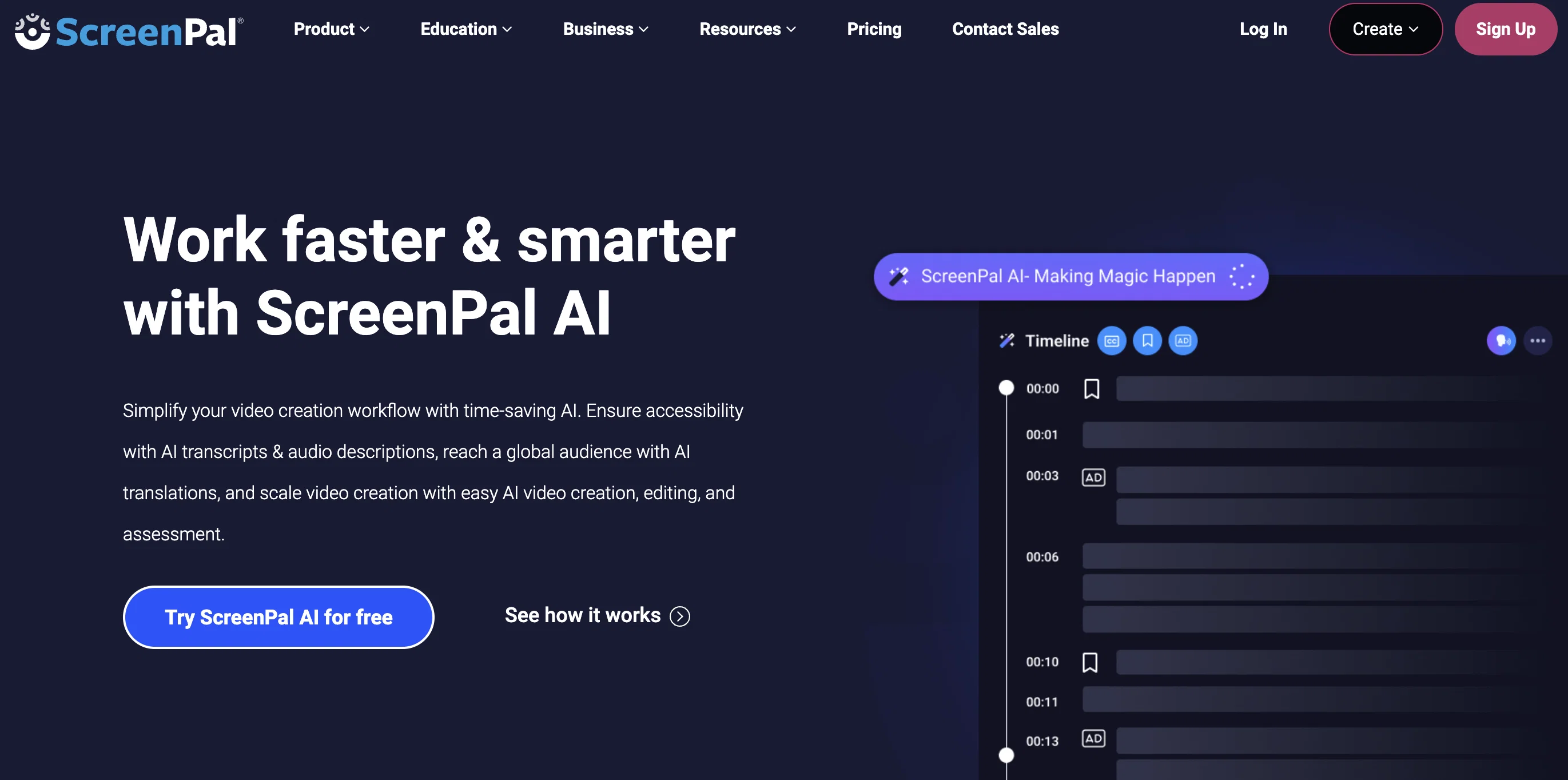
ScreenPal is a versatile AI-enhanced tool designed to simplify video creation, adding another dimension to screen captures, video and image editing, and video hosting.
Its comprehensive suite of features enables users to record their screens swiftly and provides an intuitive Video Editor, both of which are accessible on online and desktop versions for user convenience.
Users can also edit images and screenshots, enriching content and clarity within minutes.ScreenPal's unique feature is its AI-assisted creation, which includes adding video titles, summaries, transcriptions, and chapters to videos effortlessly, thereby making video content more engaging and accessible.
In addition, the tool offers a quiz creation feature, allowing users to engage with their audience through interactive quizzes, ratings, and polls, designed to increase viewer engagement and feedback.Integration with everyday tools, advanced analytics, and storyboard-driven video creation are also part of ScreenPal's offerings, increasing productivity and understanding of audience use patterns.
Its Image Hosting service provides a platform to share and protect content, while the extensive Stock Library can be used to explore a range of videos, images and music resources.
This tool is designed with both education and business users in mind, offering an array of solutions to create, collaborate and share visually engaging content.
For schools, it provides a means to bring interactive learning to life through videos and images and allows resources sharing with teaching staff. For businesses, it covers multiple domains from training, sales, marketing, to customer support, facilitating the seamless integration of visual content into their workflow.
Access & connections
Where you can use ScreenPal AI, and what it plugs into.
Platforms
Integrations
Capabilities
What this tool accepts, produces, and is strongest at.
Input
- Text
- Video
Output
- Video
- Text
Pros & cons
Pros
- Online and desktop access
- Intuitive video editor
- Screen recording capability
- Image editing feature
- Interactive quizzes creation
- Integration with everyday tools
- Advanced analytics feature
- Storyboard-driven video creation
Show 26 more
- Image Hosting service
- Extensive Stock Library
- Interactive learning facilitation
- Educational and business tool
- Polls and ratings engagement
- Video transcription service
- Content security features
- Versatile resource sharing
- Automatic video summarizing
- One-click transcription creation
- Automatic translation into 140+ languages
- Text-to-speech feature
- Time-stamped, linkable video chapters
- Option for businesses
- Option for schools
- Text-based video editing
- Instant screen captures
- Accurate audio descriptions
- Seamless integration with workflow
- Content engagement features
- Professional voiceover choices in library
- Automatically removal of filler words
- Interactive content creation
- Automatic video chapter creation
- Videos can be created from text
- Feedback gathering feature
Cons
- Limited language support
- Limited editing formats
- No offline version
- Limited integration options
- Limited customer support
- Possible subscription fees
- Unclear data privacy
- Limited stock library
Show 1 more
- No multi-user collaboration
Compare alternatives
Similar tools in the catalog — with a clear reason to open each one.

freebeat AI ✓
FreemiumTurn Music & Ideas into Viral Videos In One Click
Why look Typically cheaper
Full comparison
MagicLight ✓
FreemiumTransform text into captivating videos instantly.
Why look Typically cheaper
Full comparison



Seedance ✓
FreemiumMulti-shot video generation from text and image.
Why look Stronger for image work
Full comparisonReleases 1
FAQ 12
What does ScreenPal AI do?
What features does ScreenPal offer to simplify video creation?
Can videos be enhanced with AI while using ScreenPal?
How can quizzes and polls be created using ScreenPal?
What kind of image editing capabilities does ScreenPal AI have?
Can I use ScreenPal AI for screen recording?
What are the AI-assisted creation features offered by ScreenPal?
How does ScreenPal increase viewer engagement and feedback?
How can ScreenPal's AI tool be integrated with my daily tools?
What kind of advanced analytics does ScreenPal provide?
What is ScreenPal's storyboard-driven video creation?
How can I use ScreenPal's stock library?
Related tools
Recommended

LearningStudioAI ✓
Free TrialAI-powered authoring tool for effortless online course creation.

VenturusAI ✓
FreemiumBusiness idea analysis and reporting.

TutorAI ✓
FreemiumInstant knowledge on any topic

PostPerfect ✓
FreemiumAutomated social media posts.

Business Idea Generator AI ✓
FreeGenerate innovative business ideas with AI

Stunning ✓
PaidBuild AI-powered websites in seconds