
Scraib.app ✓
AI writing partner in every Mac app.
Trial; then from $3.99/mo
Verdict
A quick read before you dig into the full page.
- Best if
- AI writing partner in every Mac app
- Skip if
- Subscription can be expensive
- Pick this when
- Mac integrated
Considering Undetectable AI instead? Compare side by side
Overview

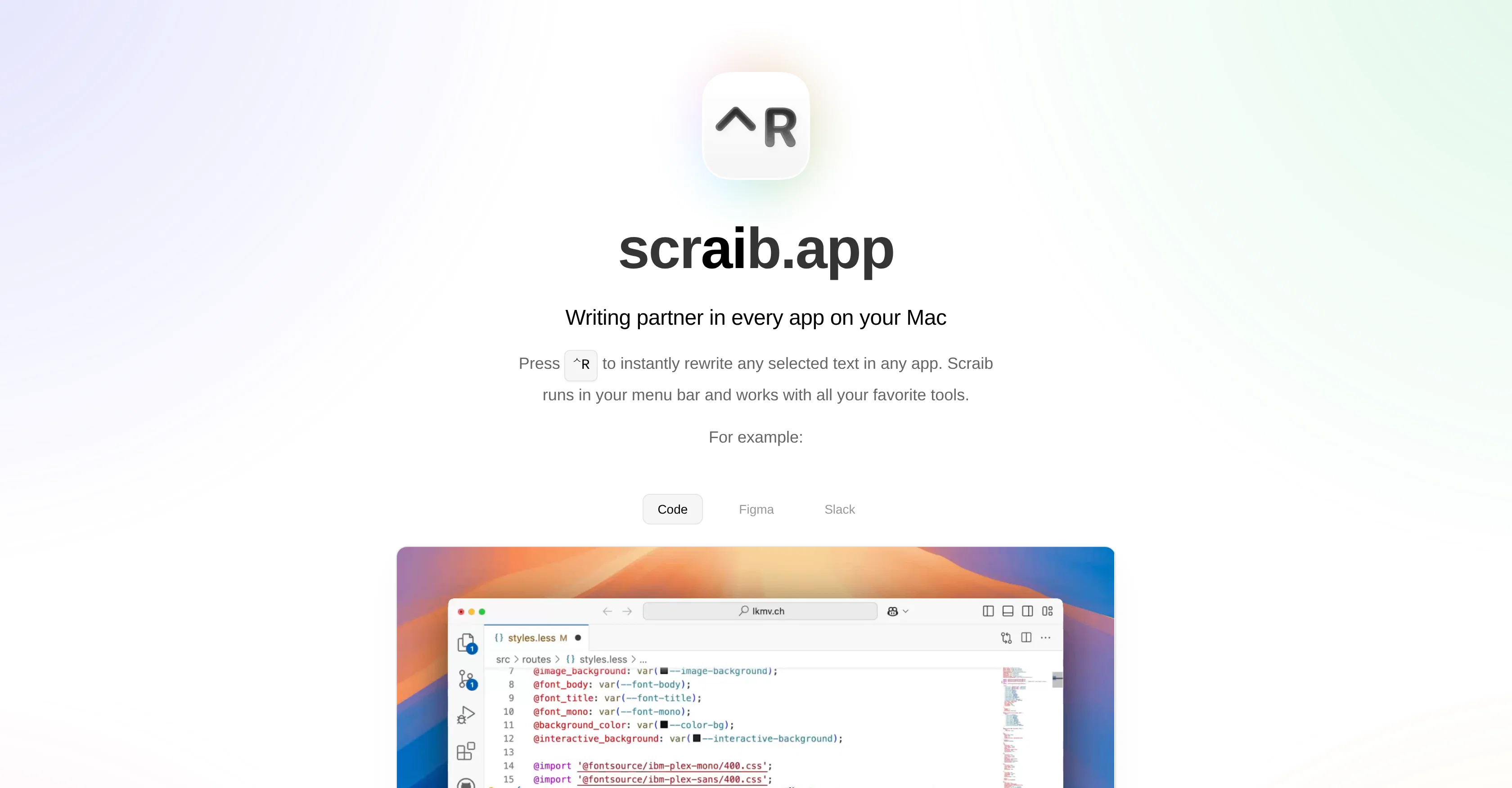
Select any text and hit Control+R to instantly rewrite and improve it. It's especially helpful if you're writing in a second language or just want your writing to sound better.
You can subscribe or purchase it once to connect your own API key. Once you unlock the API feature, you can connect it to ChatGPT, Claude, Gemini, Ollama, LiteLLM, and OpenRouter. Additionally, you can set custom rules so it writes in your style.
Access & connections
Where you can use Scraib.app.
Platforms
Capabilities
What this tool accepts, produces, and is strongest at.
Input
- Text
Output
- Text
Highlights
- Local
Supported features
- Runs Locally
- Crawling & Scrapping
Pros & cons
Pros
- Mac integrated
- Seamless app-wide functionality
- Real-time text rewrite
- Custom rules capability
- Subscription or One-Time Purchase
- Optional API key usage
- Tailored for non-native English speakers
- User feedback driven development
Show 10 more
- Free trial available
- Shortcut-based functionality (Control+R)
- Incorporates user's writing style
- Streamlining text rewriting & corrections
- Developer's active engagement
- Convenient menu bar location
- Rewrites in all applications
- Use your own API keys
- Integration with ChatGPT, Claude, Gemini
- Integration with Ollama, LiteLLM, OpenRouter
Cons
- Only for Mac users
- Subscription can be expensive
- Possible inaccurate rewrites
- May not fit all writing styles
- Limited customer support system
Compare alternatives
Similar tools in the catalog — with a clear reason to open each one.

Undetectable AI ✓
FreemiumDetect and humanize AI content effortlessly
Why look Better for writing
Full comparison
StealthWriter ✓
FreemiumTransform AI text into undetectable human content.
Why look Better for writing
Full comparison

Read Easy.ai ✓
FreemiumMake text easy to read for low-literacy users.
Why look Typically cheaper
Full comparison
Franz AI ✓
FreeEnhanced content creation with contextual suggestions.
Why look Fully free option
Full comparison
Rewriteit ✓
FreemiumRewrite content with AI, enhance your writing style.
Why look Better for writing
Full comparisonReleases 1
FAQ 12
What is Scraib?
How does Scraib work?
How do I use Scraib on my Mac?
What is the core feature of Scraib?
Can Scraib rewrite any selected text within any application?
Will Scraib interrupt my workflow while using other apps?
What apps can Scraib work with?
Does Scraib support custom writing style rules?
How is Scraib priced?
Is there a subscription model for Scraib?
Can I make a one-time purchase for Scraib?
What AI providers does Scraib support?
Related tools
Recommended

Recall ✓
FreemiumSummarize Anything, Forget Nothing!

remio: Your Personal ChatGPT ✓
FreemiumGet Tailored Answer with Your Personal ChatGPT

Younet ✓
Free TrialAI Agent Orchestration and Automation. Build your agentic business.

OnSpace.AI - No Code App Builder ✓
FreemiumBuild Apps with AI, No Code

FlowPost ✓
Free TrialAI autopilot for social media posting

socra ✓
FreemiumStop firefighting. Solve problems once, build momentum that lasts.