

Interior design 2026 Rank: #699
RoomLab.app ✓
Redesign, Render, and Stage in Seconds.
Verdict
A quick read before you dig into the full page.
- Best if
- You are architects and need: Architects transforming 3D viewports into photorealistic visuals, customizing lighting and weather
- Skip if
- Storage limit on rendered images
- Pick this when
- Virtual rendering and redesigning
Considering Getfloorplan instead? Compare side by side
Overview
RoomLab is an AI tool catered towards professionals who work with spaces, such as real estate agents, interior designers and architects, as well as furniture shoppers and renovators.
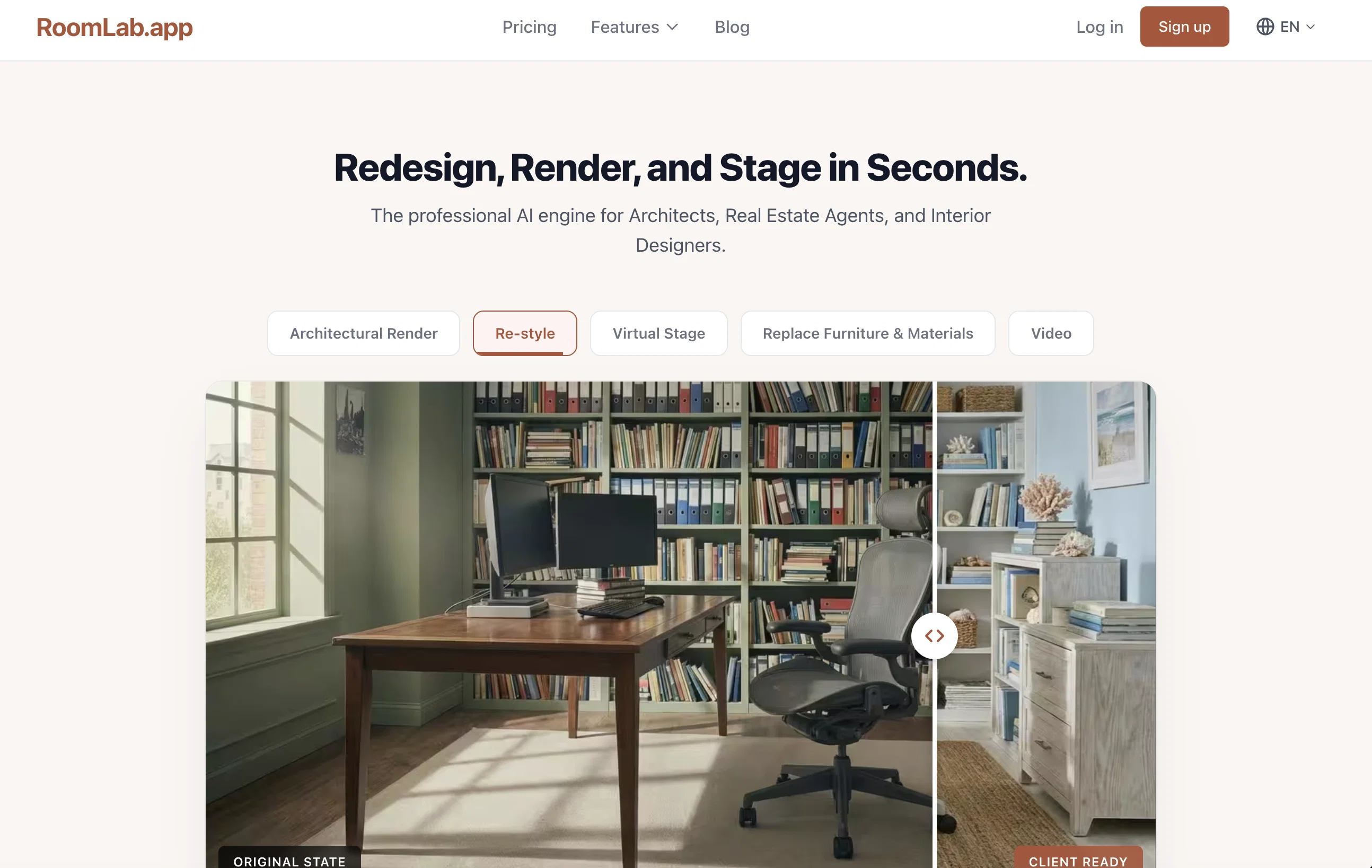
The tool allows users to transform any room by replacing furniture, swapping materials, decluttering spaces and virtually staging properties. Furthermore, RoomLab also accommodates the transformation of 3D models into photorealistic renders.
The tools robust and intuitive interface allows for convenient upload of photos or 3D models, the selection of transformation modes, and the generation of final output for download and sharing.
RoomLab offers different transformation modes including 'render', 'redesign', 'replace' and 'video'. In addition, the tool supports creation of cinematic walkthrough videos from a single photo and incorporates a variety of additional tools to enhance the users workflow including room decluttering, virtual de-staging, virtual staging, custom AI prompts and wall color visualization.
Additional advantages of RoomLab include its utility in transforming property photos in seconds, providing an edge to interior designers by offering the ability to change materials instantly and making client visualizations available instantly for architects.
- Virtual Staging — Stage Empty Or Outdated Spaces With Realistic Furniture And Decor For Listings, Presentations, And Marketing Visuals.
- 3d Blockout To High-quality Render
- Image To Video
Best for
Short scenarios where RoomLab.app tends to shine.
-
Architects transforming 3D viewports into photorealistic visuals, customizing lighting and weather.
Best for Architects
-
Real Estate Agents decluttering photos or virtually staging vacant homes to boost listing appeal.
Best for Real Estate Agents
-
Interior Designers swapping specific furniture or tiles without altering room geometry.
Best for Interior Designers
-
General users generating creative designs using custom text prompts.
Best for Agencies
Example outputs 1
Sample generations and before/after results for RoomLab.app.
Access & connections
Where you can use RoomLab.app.
Platforms
Capabilities
What this tool accepts, produces, and is strongest at.
Input
- 3D
- Image
- Text
Output
- Video
- Image
Highlights
- Use code TAAFT
- 10% OFF
Supported features
- Image Edit
- 3D Generation
- Video Generation
- Styling
- Realism
- Arhitecture & Interior design
Pros & cons
Pros
- Virtual rendering and redesigning
- Photorealistic results
- Transforms SketchUp or 3D models
- Replaces furniture and materials
- Generates cinematic walkthrough videos
- Offers decluttering functionalities
- Virtual staging properties
- Wall color visualizer
Show 42 more
- 4K upscaling
- Instant transformations of property photos
- Instant material swapping
- Instant client visualizations
- Supports room decluttering
- Virtual de-staging
- Robust and intuitive interface
- Supports creating walkthrough videos
- 3D models to photorealistic renders
- Use by furniture shoppers
- Suitable for renovators
- Preview renovations
- Supports style exploration
- Transforms 3D models
- Offers different transformation modes
- Utility for interior designers
- Instant lighting control
- Weather & season options
- High-quality output in seconds
- Multi-language support
- Flexible subscription plans
- Supports JPG, PNG, WebP
- Client-ready visuals
- Created for professionals
- SketchUp & Revit support
- Can place virtual furniture
- Real Estate Marketing tool
- Upload & transform process
- Space optimization
- Choose transformation modes
- Fast generation of images
- On-demand video generation
- Transform exteriors
- Redesign entire rooms
- Transform interiors
- Clean rooms feature
- Advanced image to 4K
- Replace textures
- Prompt customer support
- Credit based usage
- Unused credit rollover
- Secure photo storage
Cons
- Limited style options
- Lack of multi-language support
- High cost for credits
- Limited support for 3D formats
- Storage limit on rendered images
- No refunds offered
- Render time varies with quality
- Dependent on photo quality
Show 2 more
- Slower 4K rendering
- Monthly credit refills necessary
Compare alternatives
Similar tools in the catalog — with a clear reason to open each one.

Getfloorplan ✓
PaidAI tool for 3D floor plans, renders, and virtual to
Why look Offers a public API
Full comparison
Paintit.ai ✓
FreemiumPro Workflow: AI Visualization for Designers and Real Estate Teams
Why look Freemium alternative
Full comparison
REimagineHome ✓
PaidAI-powered interior design reimagined
Why look Typically cheaper
Full comparison
RoomGPT ✓
FreemiumGenerate your dream room in seconds.
Why look Freemium alternative
Full comparisonPeople also view
Tools that often show up alongside RoomLab.app in collections and comparisons.
RoomGPT ✓
FreemiumGenerate your dream room in seconds.
REimagineHome ✓
PaidAI-powered interior design reimagined
Paintit.ai ✓
FreemiumPro Workflow: AI Visualization for Designers and Real Estate Teams

Interior AI ✓
PaidRedesign your interior in seconds using AI

HomeDesignsAI ✓
PaidRedesign homes with AI in seconds.
Getfloorplan ✓
PaidAI tool for 3D floor plans, renders, and virtual to

Roomagine ✓
FreemiumRedesign any room from a single photo.

InteriorAID ✓
Free TrialFrom rough sketch to photorealistic interior in seconds.
Releases 1
Imported reviews 1
Great tool with lots of modes
FAQ 12
What is RoomLab?
How does RoomLab work?
What functionalities does RoomLab offer?
Who can use RoomLab?
How does RoomLab declutter spaces?
What is virtual staging in RoomLab?
Can RoomLab replace furniture in images?
Can RoomLab convert 3D models into realistic images?
How does the wall color visualizer work in RoomLab?
What is 4K upscaling in RoomLab?
Can I use RoomLab to view different furniture pieces in my room?
How does RoomLab assist in virtual renovation?
Related tools
Recommended

Framehouse Design ✓
Free TrialAI interior design for any room.

Floor Plan Maker ✓
FreeTurn ideas into clean floor plans in just a few clicks.

remio: Your Personal ChatGPT ✓
FreemiumGet Tailored Answer with Your Personal ChatGPT

Jobbyo ✓
PaidAI-powered job applications

SellShots ✓
Free TrialTurn one photo into high-converting product images

Izbaviz ✓
Free TrialTransform your room's look in one click