
Ricebowl AI
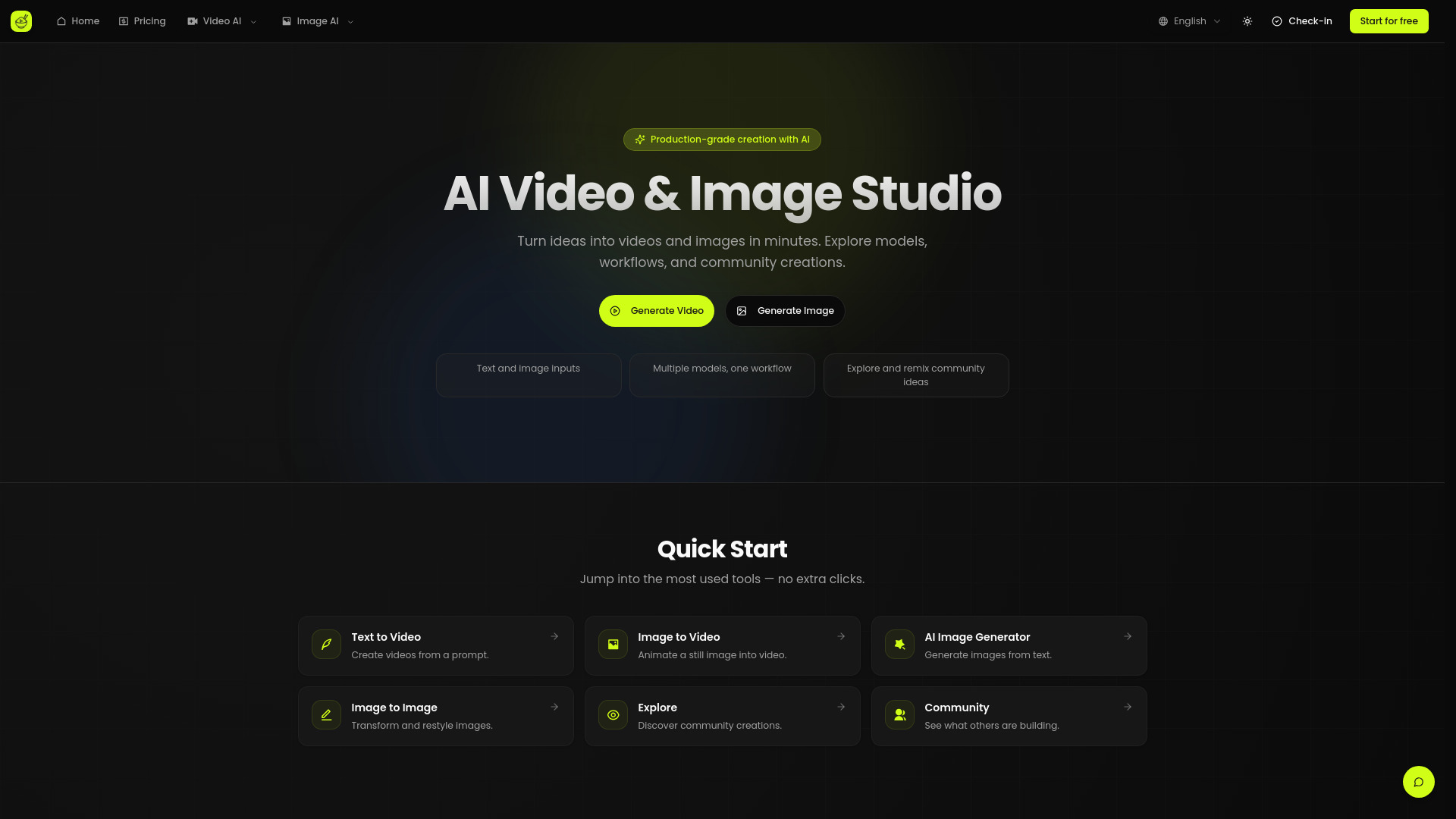
This is the most practical commercial-grade AI video + image platform I’ve used: Sora 2 for video, Nano Banana for images, plus pro tools (enhancement, face swap, ad creatives) to ship marketing-ready assets fast.
Free + from includes 300 credits/month (up to 30 videos + 300 images), 2 concurrent generations, multi-model support, 100+ AI tools + templates.
Verdict
A quick read before you dig into the full page.
- Best if
- This is the most practical commercial-grade AI video + image platform I’ve used: Sora 2 for video, Nano Banana for images, plus pro tools (enhancement, face…
- Skip if
- You need enterprise SLAs or a fully managed team plan right away
- Pick this when
- Freemium · Free + from includes 300 credits/month (up to 30 videos + 300 images), 2 concurrent generations, multi-model support, 100+ AI tools + templates.
Overview
If you’re doing real commercial content work (ads, product visuals, social creatives), Ricebowl AI is the one I keep coming back to. It’s an all-in-one workflow that covers generate → enhance → deliver, so I don’t have to bounce between multiple tools. I use Sora 2 / Sora 2 Pro / Grok Video for high-quality, consistent video (with watermark-free export options where available), and Nano Banana 2 / Flux 2 Pro for clean, brand-ready images like posters, product shots, and banners. What makes it feel truly “commercial-grade” is the built-in toolkit—video enhancement (upscaling/detail recovery), face swap, and an integrated ad-creative workflow for posters/banners with logo placement and smarter text layout—so the outputs are much closer to ready-to-ship deliverables.
Access & connections
Where you can use Ricebowl AI.
Platforms
Capabilities
What this tool accepts, produces, and is strongest at.
Highlights
- Commercial-grade AI video generation (high quality, consistent output)
- Top video models: Sora 2, Sora 2 Pro, Grok Video
- Watermark-free export options for Sora 2 (plan/settings dependent)
- Commercial-grade AI image generation for ads/posters/brand visuals
- Top image models: Nano Banana 2, Flux 2 Pro
- Video enhancement (upscaling/detail recovery, quality improvement)
- Pro tools: face swap, style transfer, plus other editing utilities
- All-in-one ad toolkit: poster generation, banner generation, logo integration, smarter typography/layout
FAQ 6
What is Ricebowl AI?
How to use Ricebowl AI?
Pick a model:
Video: Sora 2 / Sora 2 Pro / Grok Video
Image: Nano Banana 2 / Flux 2 Pro
Write your prompt (style, camera, composition, copy, brand vibe) and generate
Refine with built-in tools (video enhancement, face swap, export options)
When you need marketing assets, use the poster/banner generators to package creatives quickly

