

RGX Tools ✓
AI-powered regex generator: Text to regex made easy.
Verdict
A quick read before you dig into the full page.
- Best if
- AI-powered regex generator: Text to regex made easy
- Skip if
- Cannot handle complex patterns
- Pick this when
- Produces efficient regexes
Considering AutoRegex instead? Compare side by side
Overview
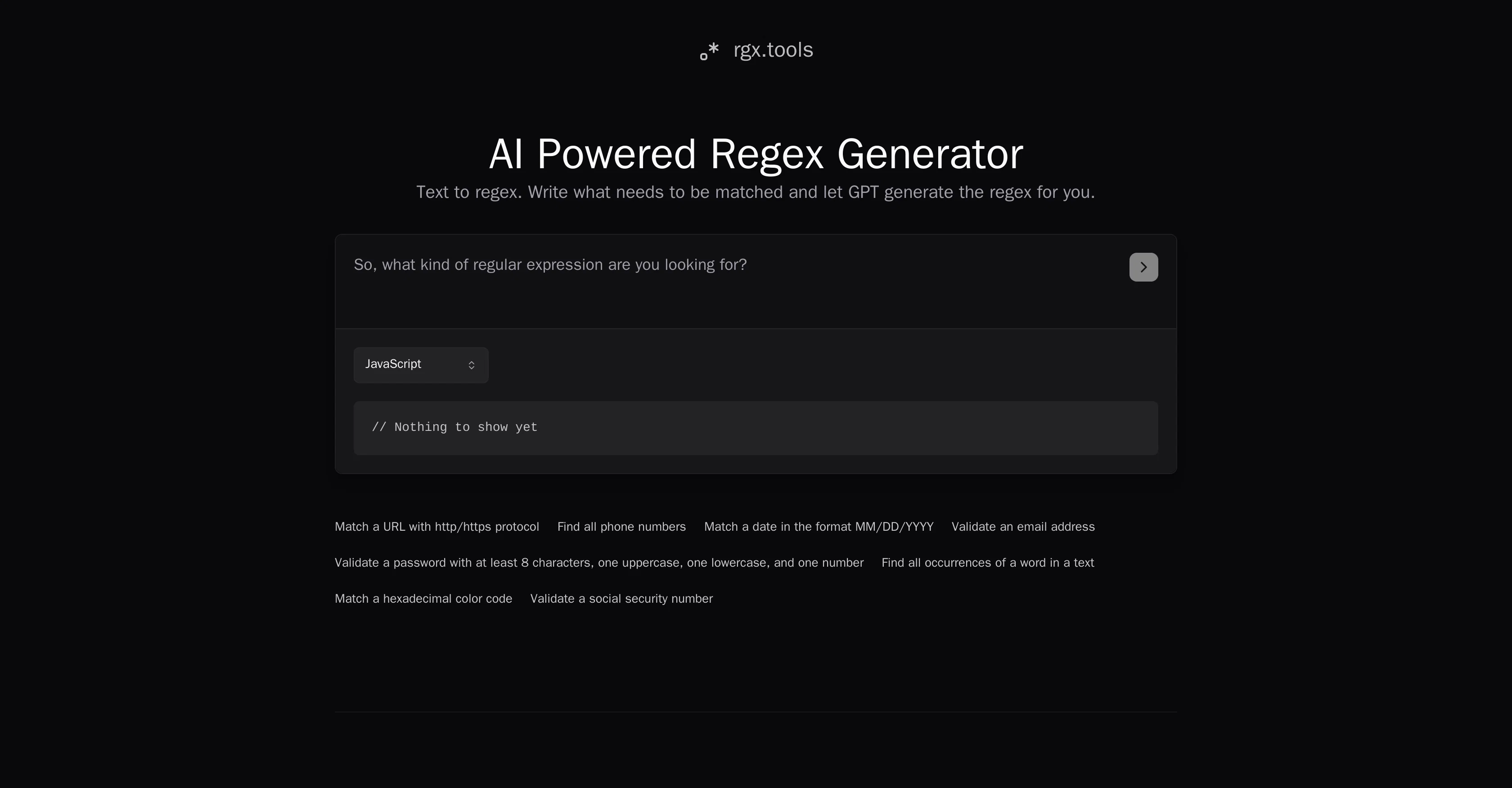
AI Powered Text to Regex, known as rgx.tools, is an AI-assisted regular expressions (regex) generator and editor. The tool leverages the capabilities of OpenAI's gpt-3.5-chat to produce efficient and readable regexes.
User-friendly in its interface, it enables users to indicate the specific pattern they aim to find, and the tool generates the corresponding regex. The generated expression can be used in various instances including matching URLs with HTTP/HTTPS protocols, finding all instances of phone numbers in a text, matching a date in a specific format, validating an email address, a password or a social security number, and finding all instances of a given word in a text.
In contrast to manual creation of regex, which can be notoriously complex, hard to read and maintain, rgx.tools offers a more streamlined, understandable, and less error-prone method.
Additionally, the tool provides users with a code example to further assist in understanding and utilizing the output regex. It is freely available for use and is developed by Amir Mendelson.
Access & connections
Where you can use RGX Tools.
Platforms
Capabilities
What this tool accepts, produces, and is strongest at.
Input
- Text
Output
- Text
Pros & cons
Pros
- Produces efficient regexes
- Generates readable regexes
- User-friendly interface
- Users specify matching pattern
- Matches URL protocols
- Finds phone numbers
- Matches specific date format
- Validates email addresses
Show 11 more
- Password validation
- Find word instances
- Less error-prone
- Provides code example
- Freely available
- Matches social security numbers
- Validates complex pattern
- Automated regex writing
- Simplifies regex creation
- Helps to maintain regex
- Matches hexadecimal color code
Cons
- No custom regex controls
- No advanced user settings
- No regex annotation feature
- Code examples not customizable
- Single developer (maintainability concerns)
- Cannot handle complex patterns
- Lacks multi-language support
- Doesn't show regex evaluation metrics
Show 1 more
- Not open source
Compare alternatives
Similar tools in the catalog — with a clear reason to open each one.

AutoRegex ✓
FreemiumConvert English to RegEx instantly with AI
Free + from $3.49/mo
Full comparison


RegexMy ✓
FreemiumAI-powered tools for search, file ops, and code tasks.
Why look Better fit for coding
Full comparisonReleases 1
FAQ 12
What is rgx.tools?
Who developed rgx.tools?
How does rgx.tools leverage AI to generate regex?
What is the technology behind rgx.tools?
Is rgx.tools free to use?
What types of data patterns can rgx.tools help me find?
Can rgx.tools generate regex for matching URLs?
Can I validate email addresses with rgx.tools?
Can rgx.tools help in finding all instances of a word in a text?
Can I match a date in a specific format using rgx.tools?
How does rgx.tools simplify regex creation?
Does rgx.tools provide code examples along with the generated regex?
Related tools
Recommended

Product Description Generator by AIDirectories ✓
FreemiumProduct descriptions

PrometAI ✓
FreemiumTurn ideas into viable reality with AI business plan generator.

Thunderbit ✓
FreemiumScrape leads & other data in just 2-clicks.

Transcript LOL ✓
FreemiumUnlimited transcripts, summaries, 99.8% accuracy, speaker recognition, superfast

Midjourney ✓
PaidExpand human imagination through AI-powered visuals.

IllumiChat ✓
FreemiumFrom Ticket Backlog to Instant Answers Powered by AI