

Programmatic videos 2026 Rank: #3049
Remotion ✓
Make videos programmatically.
Free + from $10/mo
Verdict
A quick read before you dig into the full page.
- Best if
- Make videos programmatically
- Skip if
- Limited enterprise solutions
- Pick this when
- Makes videos programmatically
Considering Music Video Generator instead? Compare side by side
Overview
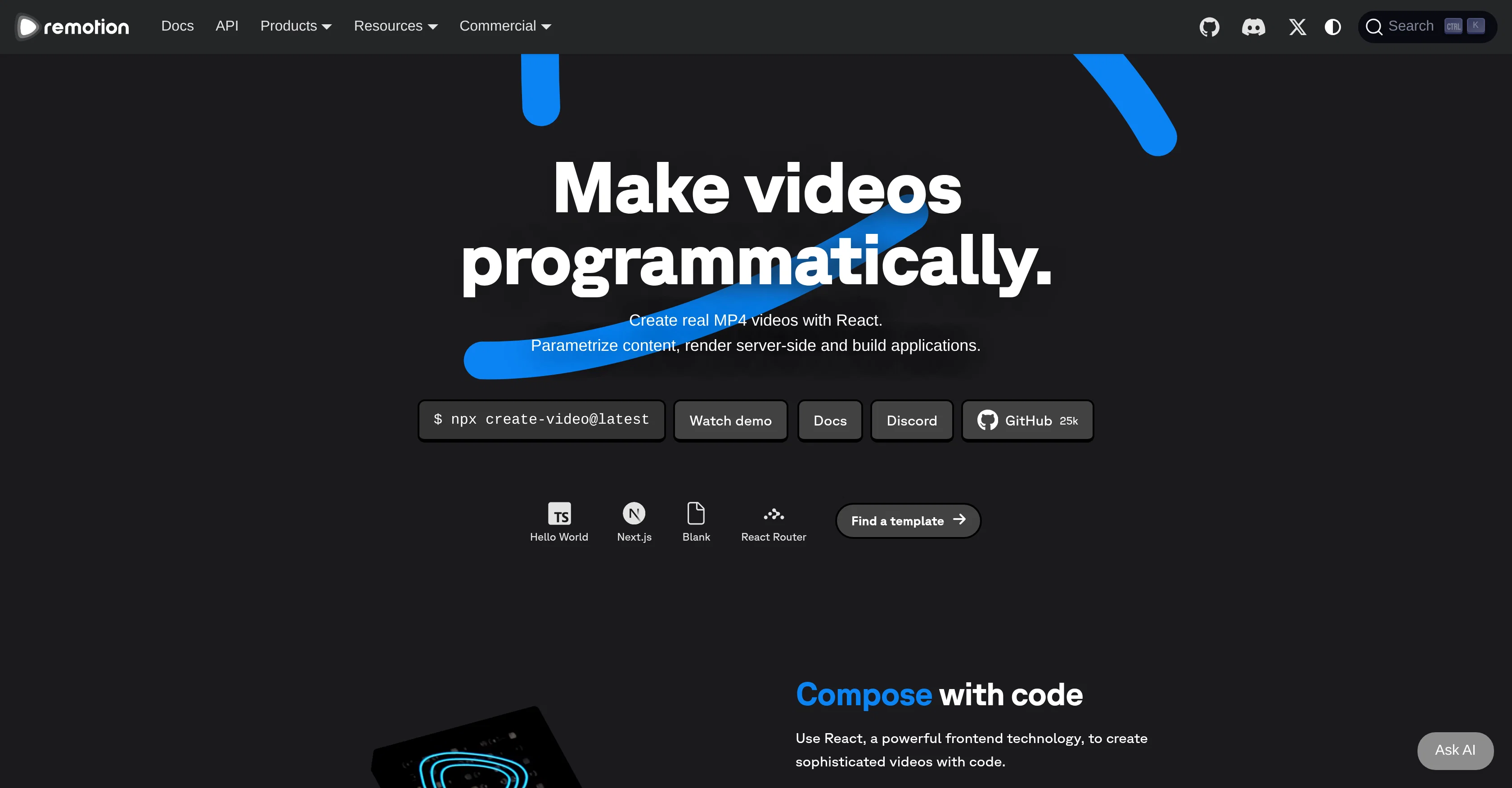
Remotion is an innovative tool that enables users to make videos programmatically with React, a much-utilized frontend technology. The product lets creators parametrize content, render it server-side, and build applications accordingly.
It features several components such as the Remotion Player, Remotion Editor and Remotion Lambda. The Player and Editor offer an interactive GUI for video creation and editing, while the Remotion Lambda allows for scalable rendering of videos in various formats.
Other noteworthy parts of Remotion include its Starter and Timeline Recorder tools, which aid in kicking off projects and capturing progress over time.
Remotion is also able to embed into an existing app and build an interface around it, making it a versatile tool for projects of diverse nature. The solution is designed for both individual users and teams, providing a range of licenses.
Self-hosting and commercial usage are permitted with every license, with additional options such as prioritized support, Mux credits, and private communication channels available for larger teams or enterprise clients.
The tool has successfully catered to varying use cases, from music visualization and screencasts to year-in-review videos. In sum, Remotion is a strong choice for anyone seeking to harness the power of React for advanced, programmatically created videos.
Access & connections
Where you can use Remotion, and what it plugs into.
Platforms
Integrations
Capabilities
What this tool accepts, produces, and is strongest at.
Input
- API
- Code
Output
- Video
- API
Highlights
- API
- No Signup
Supported features
- Video Generation
- Video Edit
- App Builder
- API
- Automation
- No Signup
Pros & cons
Pros
- Makes videos programmatically
- Uses React frontend technology
- Parametrizes content
- Performs server-side rendering
- Builds applications
- Interactive Remotion Player
- Interactive Remotion Editor
- Scalable Remotion Lambda
Show 39 more
- Embeddable in apps
- Versatile use cases
- Supports individual users
- Supports team collaboration
- Range of license options
- Permits self-hosting
- Permits commercial usage
- Offers prioritized support
- Provides Mux credits
- Private communication channels
- Successful diverse use cases
- Starter tool for projects
- Timeline Recorder captures progress
- Use for music visualization
- Use for screencasts
- Use for year-in-review videos
- Interface-building capability
- Produces real MP4 videos
- Video editing with GUI
- Scalable video rendering
- Can create dynamic parameters
- Developers can work with Remotion
- Includes Remotion Studio
- Cloud rendering allowed
- Allows for parameterized videos
- Supports dark mode
- Video reorder feature
- Package comes with Editor Starter
- Community of 400k installs
- 700 pages of docs
- 35 templates & examples
- 25k GitHub stars
- 5000 Discord members
- 270 contributors in community
- Enterprise License option
- Company License option
- Free License option
- Custom billing for enterprises
- Successful use in music apps
Cons
- Requires knowledge of React
- Limited format support
- Potential scalability issues
- License based restrictions
- Limited pre-made templates
- May need cloud-based rendering
- Lack of intuitive GUI
- Potential compatibility issues
Show 2 more
- Limited enterprise solutions
- Dependent on external server
Compare alternatives
Similar tools in the catalog — with a clear reason to open each one.

Music Video Generator ✓
PaidTurn your song into a cinematic, lyrics-driven music video
Why look Typically cheaper
Full comparison
Cinematic Slideshow Studio ✓
FreemiumDrop in photos, get a cinematic film in minutes.
Free + from $14/mo
Full comparison
PIQAPART ✓
Free TrialFrom video or photos to a manual in seconds.
Free + from $317/mo
Full comparison
Releases 1
FAQ 12
What is Remotion?
How does Remotion utilize React for video creation?
What is the Remotion Player and what are its functionalities?
What is the purpose of the Remotion Editor?
Can you explain the use of Remotion Lambda?
What are the capabilities of the Starter and Timeline Recorder tools in Remotion?
How can Remotion be embedded into an existing app?
Who is Remotion designed for?
Can Remotion be used for commercial purposes?
Is there a self-hosting option for Remotion?
How can Remotion be used for music visualization?
How does Remotion cater to screencasts?
Related tools
Recommended

YT Chats ✓
FreeTurn YouTube videos into searchable notes.

YouTube Summarizer by Gistilo ✓
FreemiumTurn any YouTube link into clear summary.

InfoCaptor ✓
FreemiumTurn YouTube videos into visual knowledge graphs.

YTShortsdl ✓
FreemiumDownload HD Shorts and transform videos into viral scripts.

Yoodli AI ✓
FreemiumAI coaching that keeps skills sharp beyond training.